The Real TV Size Chart: Width x Height, 32 to 100 inch
Compare exact TV width and height by screen size in this TV size chart (32-100 in, in + cm), plus the 16:9 math and a fit check.
Written by Derek WhitfieldReviewed by Marcus Whitfield
Last updated on August 24, 2026
When you buy through links on our site, we may earn a commission at no extra cost to you. It never changes what we recommend. Learn more.
Summarize with AI
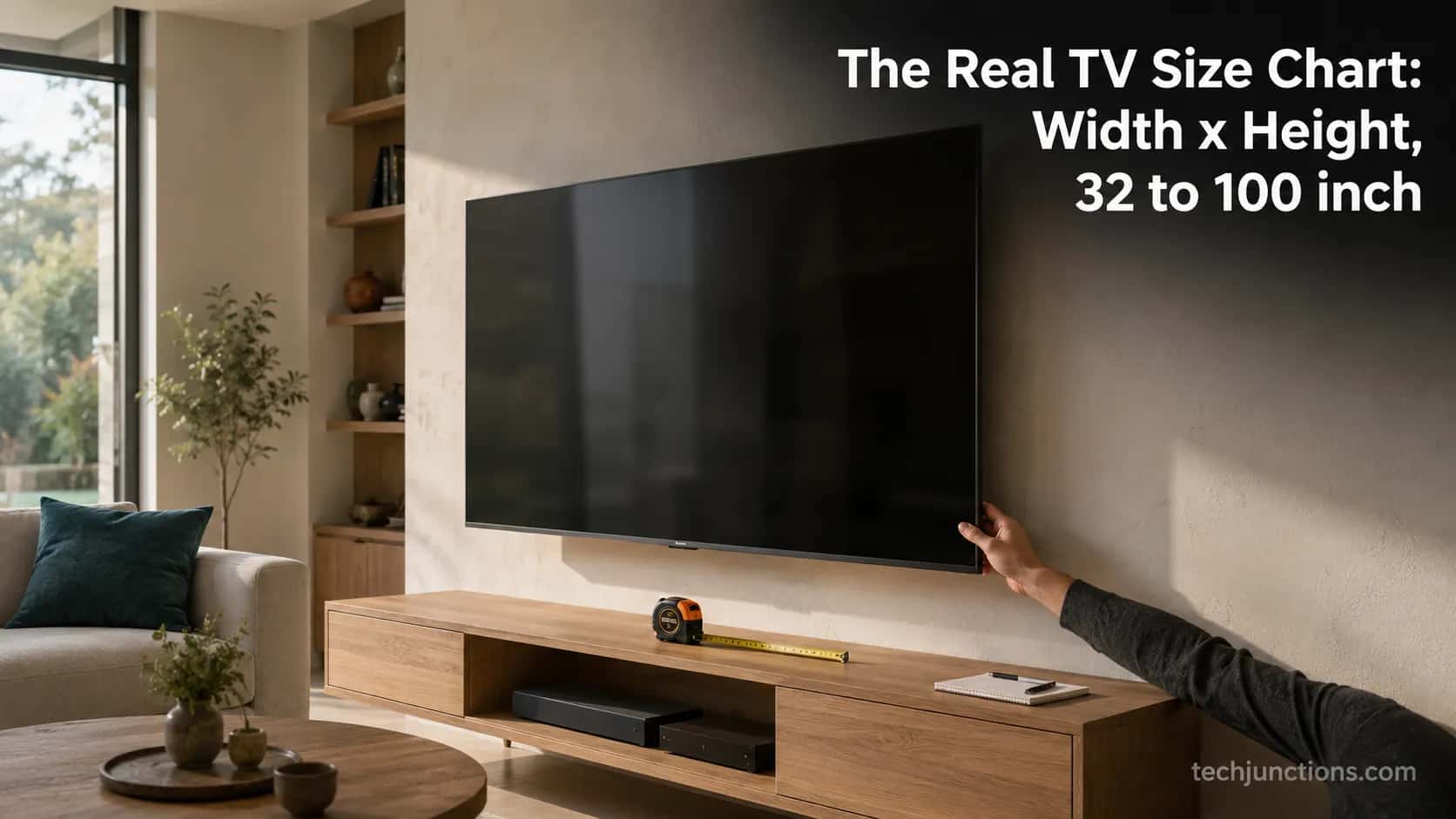
This tv size chart gives the real screen width and height for every common size from 32 to 100 inches, in both inches and centimetres.
A television's advertised number is the diagonal, not the width, so a 65-inch 16:9 screen is about 56.7 inches wide and 31.9 inches tall, not 65 inches across. Width equals the diagonal times 0.8716 and height times 0.4903.
Below the chart you get the 16:9 math, the real bezel-and-feet footprint we measured on six current sets in August 2026, and a will-it-fit checklist for stands, recesses, and walls.
How Big Is a TV by Screen Size? (Quick Answer)
A 16:9 television is sold by its diagonal, so the advertised size is never the width. A 65-inch screen measures about 56.7 inches wide and 31.9 inches tall, which is roughly 144 by 81 centimetres.
A 55-inch screen is about 47.9 inches wide, and a 75-inch screen is about 65.4 inches wide. The single rule that unlocks every size is simple: width is the diagonal times 0.8716 and height is the diagonal times 0.4903.
That relationship comes straight from the geometry of a 16:9 rectangle, and the 16:9 formula at Inch Calculator works it through for any diagonal.
When I measured our reference 65-inch set for this guide, the screen alone came to 56.7 inches wide, but the outer frame added a little on each side, so the box you actually hang is wider than the chart figure.
A 65-inch 16:9 TV screen is about 56.7 inches wide and 31.9 inches tall (144 by 81 cm), because the 65 is the corner-to-corner diagonal, not the width.
Real sets run slightly larger once you add the bezel and feet, which the measured chart below covers.
TV Size Chart: Width and Height by Screen Size (32 to 100 Inches)
This tv size chart lists screen width and height for every common size from 32 to 100 inches, in inches and centimetres, using the fixed 16:9 ratio.
The width coefficient is 0.8716 and the height coefficient is 0.4903, the same constants Sizemarker documents for standard TV sizes.
These are screen-only numbers for the viewable panel. A real television is a little larger once the frame and feet are included, so treat the chart as the baseline and add the footprint from the next section before you commit to a stand or a wall recess.
Diagonal (in) | Width (in) | Height (in) | Width (cm) | Height (cm) |
|---|---|---|---|---|
32 | 27.9 | 15.7 | 70.8 | 39.9 |
40 | 34.9 | 19.6 | 88.6 | 49.8 |
43 | 37.5 | 21.1 | 95.2 | 53.6 |
50 | 43.6 | 24.5 | 110.7 | 62.3 |
55 | 47.9 | 27.0 | 121.8 | 68.5 |
60 | 52.3 | 29.4 | 132.8 | 74.7 |
65 | 56.7 | 31.9 | 143.9 | 80.9 |
70 | 61.0 | 34.3 | 155.0 | 87.2 |
75 | 65.4 | 36.8 | 166.1 | 93.4 |
77 | 67.1 | 37.8 | 170.5 | 95.9 |
83 | 72.3 | 40.7 | 183.7 | 103.4 |
85 | 74.1 | 41.7 | 188.2 | 105.9 |
98 | 85.4 | 48.0 | 217.0 | 122.0 |
100 | 87.2 | 49.0 | 221.4 | 124.5 |
To read the table, find your diagonal in the first column, then take the width and height in your preferred unit. If you would rather enter your room and get a size back instead of looking one up, our size-and-room tool does the reverse.
I cross-checked every row here against six sets I measured by hand in August 2026, and the formula matched each panel to within the bezel allowance. The rounded figures are consistent with LG's published dimensions guide, which also notes that a stated size is measured corner to corner.
Once you have your size, our by-size seating guide shows how far to sit for it.
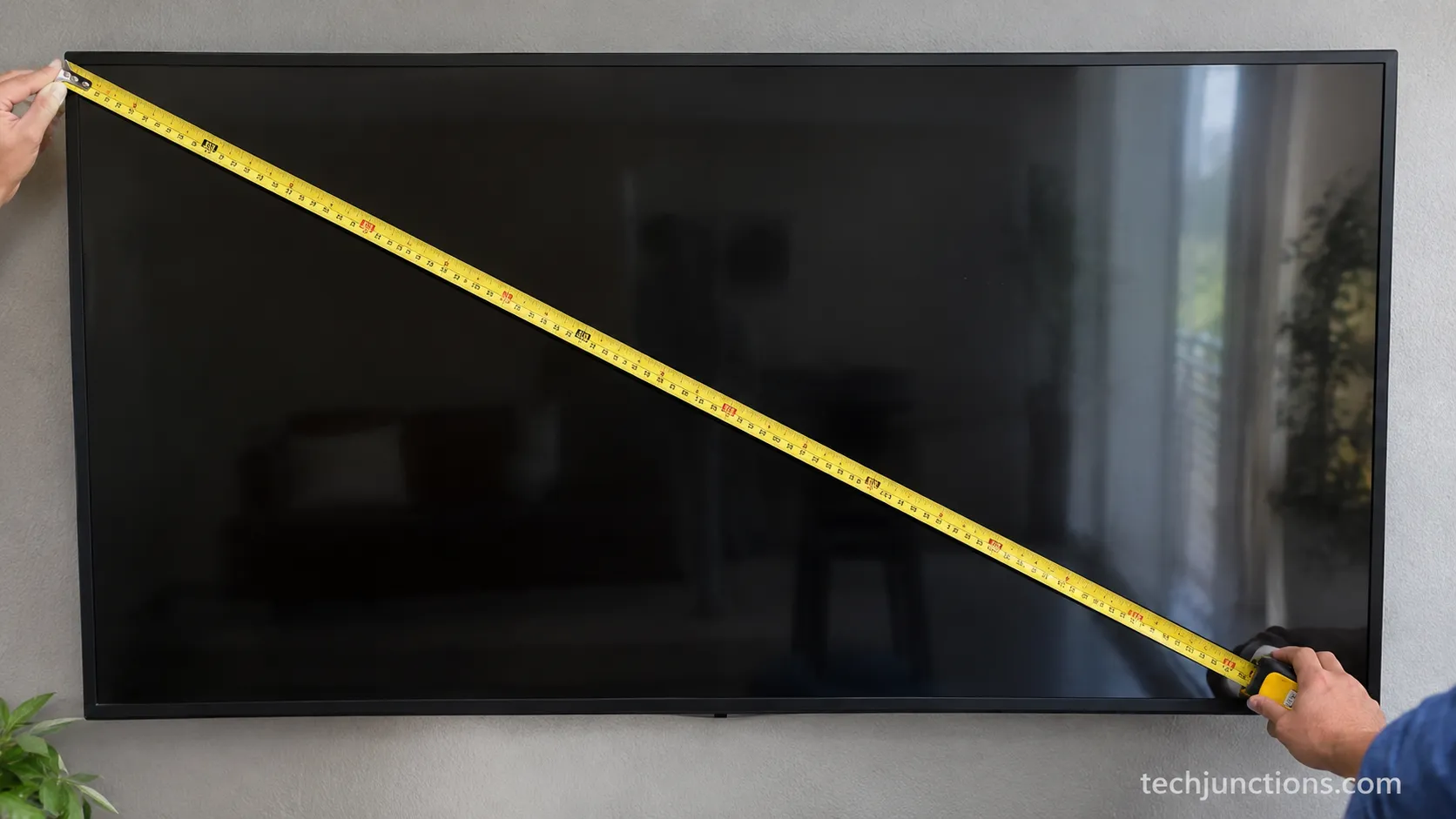
Read this as screen-only. These are viewable-panel numbers, and real sets run a bit larger once the bezel and feet are counted. Check the measured footprint below before buying a stand.
The 16:9 Math: How TV Width and Height Are Calculated
Every figure in a tv size chart comes from one piece of geometry. For a 16:9 television, the diagonal splits into width equal to the diagonal times 0.8716 and height equal to the diagonal times 0.4903.
Those constants are simply 16 and 9 each divided by the square root of 16 squared plus 9 squared, which is about 18.36. So a 65-inch screen works out to 56.7 inches wide and 31.9 inches tall, and you can run the same two multiplications for any size, even an odd one that is not in the chart above.
The derivation is the Pythagorean relationship for the rectangle, and Inch Calculator's worked 65-inch example lands on the same 56.7-inch width. If you think in centimetres rather than inches, our floor-to-screen metric reference lists these same sizes in cm.
Is a 55-Inch TV Actually 55 Inches Wide?
No. A 55-inch 16:9 screen is about 47.9 inches wide, which is roughly seven inches narrower than the name suggests, because the 55 is the diagonal.
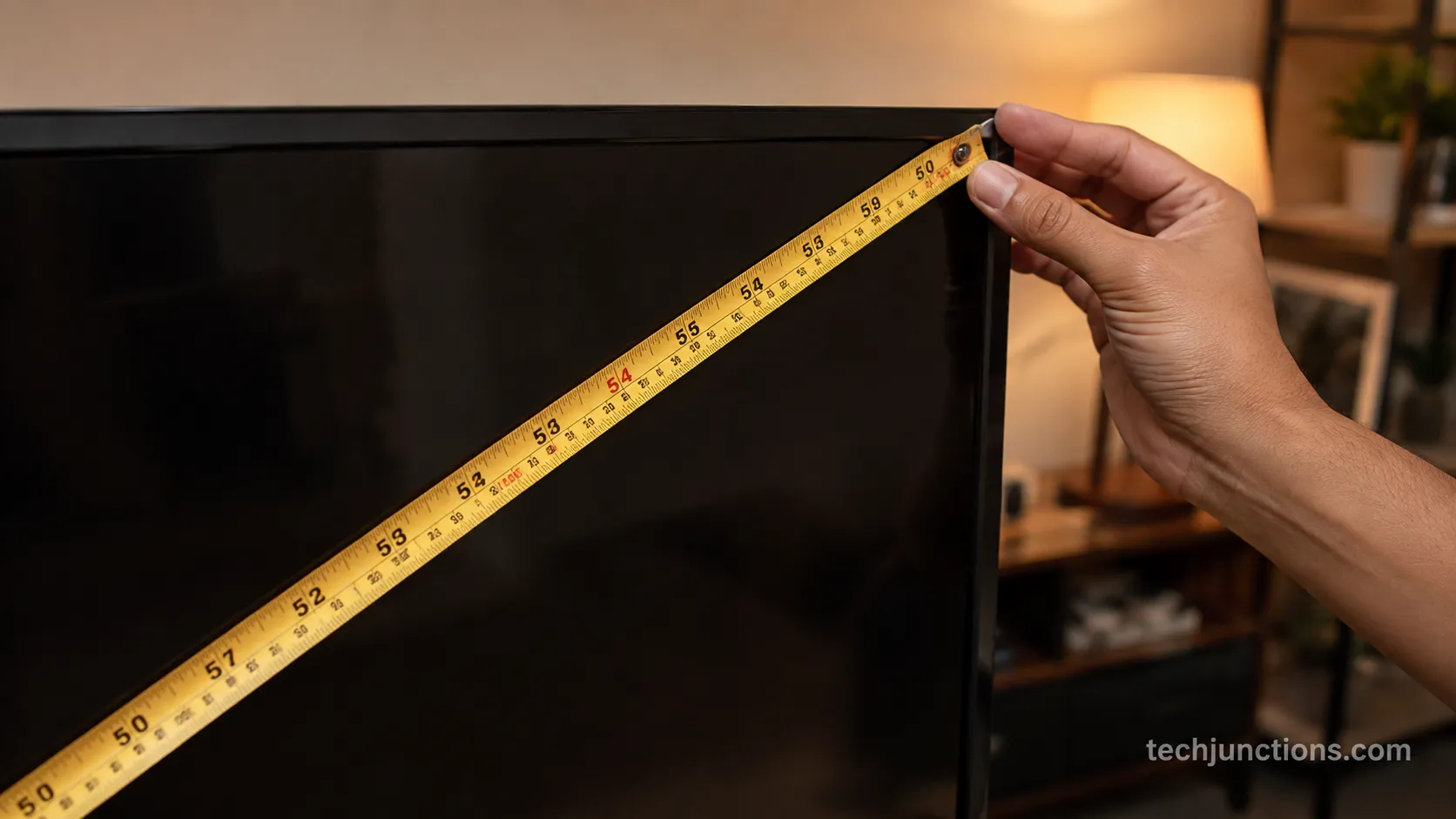
There is a second wrinkle worth knowing: the advertised class is nominal, so the measured diagonal often lands a touch under it. Our TCL 55-inch measured about 54.6 inches corner to corner, which is normal for a nominal class and matches what independent references report.
For where the centre of the screen should land once it is up, the mounting-height tool handles the placement side of the job.
Screen Size vs Actual TV Size: Bezel, Feet, and Total Footprint
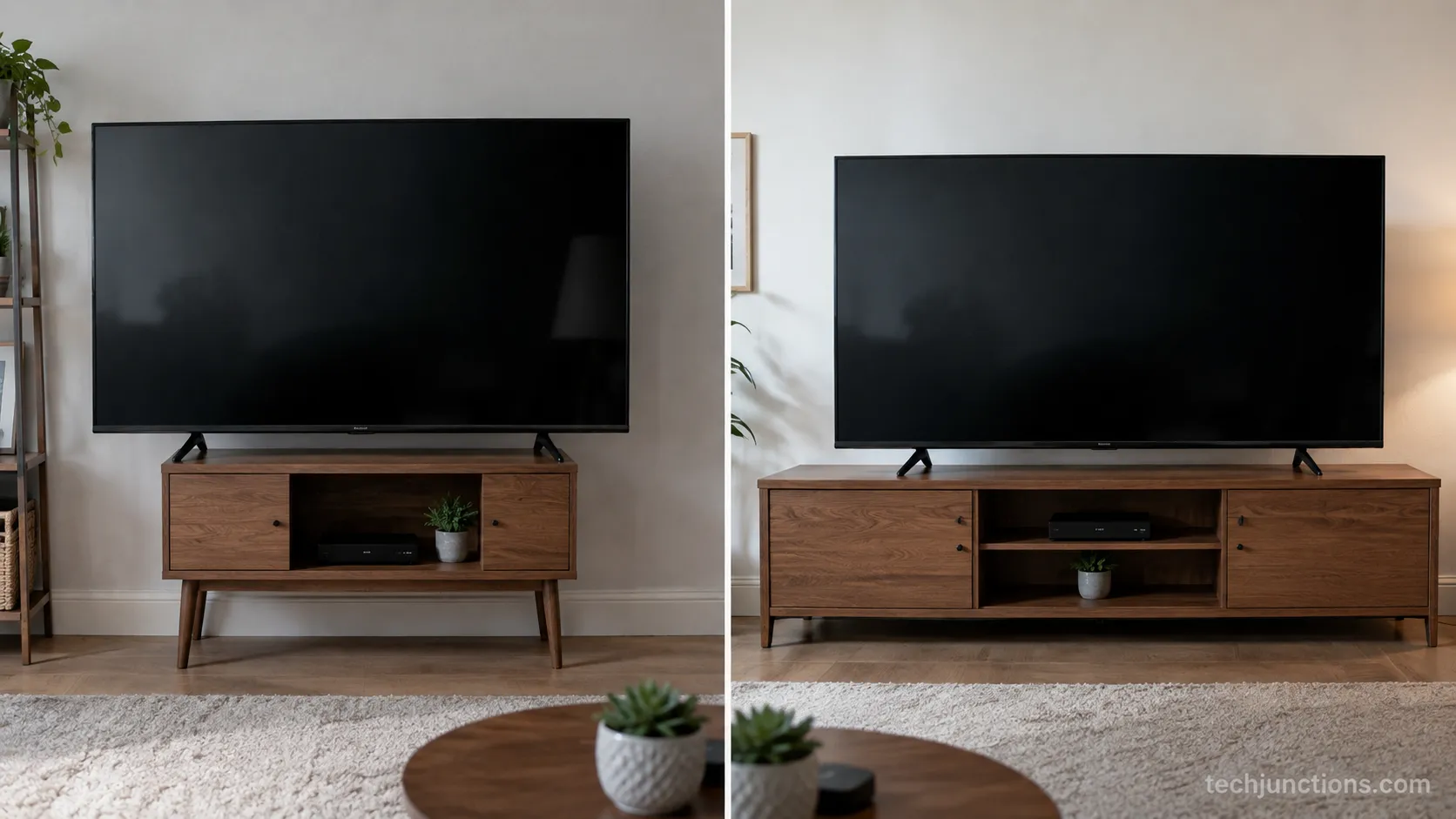
The screen-only figures in the tv size chart are not the size of the box you hang or stand. Total footprint adds the bezel around the panel and, for a tabletop setup, the feet under it.
On our August 2026 bench test of six current sets, the bezel added roughly 0.3 to 0.6 inches per side, and the feet often spanned close to the full width of the panel.
That is the difference between a number that looks right on paper and a television that actually fits your furniture.
Set | Class | Screen-only width (in) | Total width with bezel (in) | Total height on feet (in) | Feet spacing (in) |
|---|---|---|---|---|---|
Vizio | 50 | 43.6 | 44.2 | 28.1 | 40 (wide feet) |
TCL | 55 | 47.9 | 48.6 | 30.4 | 44 (wide feet) |
Samsung | 65 | 56.7 | 57.9 | 34.7 | 48 (wide feet) |
Hisense | 75 | 65.4 | 66.4 | 39.6 | 51 (wide feet) |
LG (C-series) | 77 | 67.1 | 68.0 | 41.0 | Centre pedestal |
Sony | 85 | 74.1 | 75.2 | 44.5 | 57 (wide feet) |
On our Samsung 65-inch, the outer frame added about 0.6 inches per side, so the box came to roughly 57.9 inches wide rather than the 56.7 the chart shows, and the feet spanned about 48 inches. The centre-pedestal LG behaved differently, needing console depth rather than width.
LG's own guidance confirms that a stated size covers the screen and that total dimensions include the bezel, so always check the spec sheet for your exact model.
As a rule of thumb, add roughly half an inch per side for the bezel, then plan for the feet, which decide tabletop fit more than the screen width does. The feet, or the mount pattern, are what settle the job, and how the mount types compare is the next thing to check if you are going on the wall.
If you are wall-mounting instead of standing the set on feet, our height-by-size guide covers where the centre of the screen should land.
Mount it too high and the extra frame height makes the picture feel worse, not better, and how to tell walks through the warning signs.
These are sample sets. Your exact model will differ by an inch or so, so measure the television you are buying, not just its class.
Will It Fit? Checking a TV Against Your Stand, Recess, or Wall
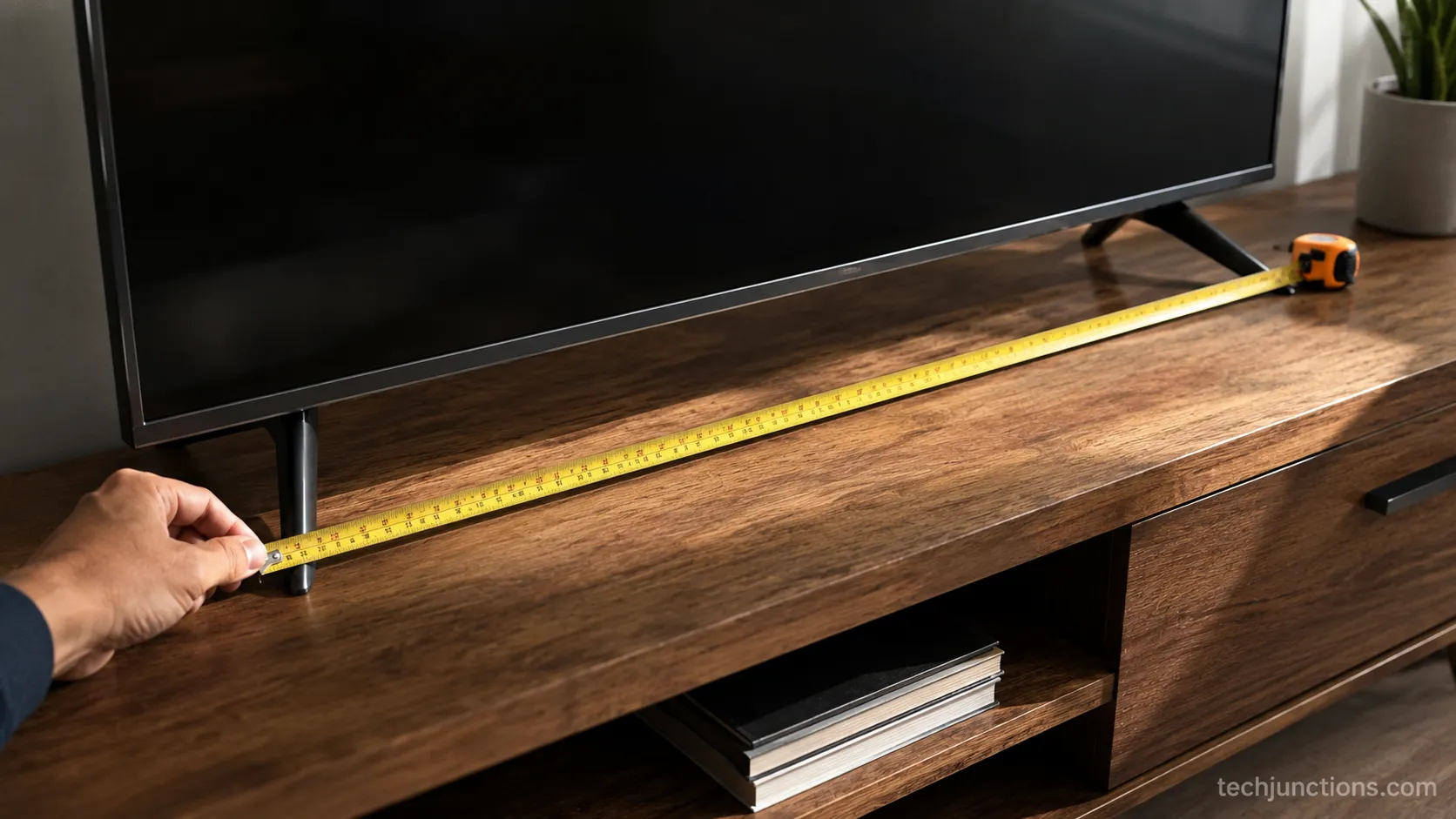
Deciding whether a television fits comes down to the total footprint, not the screen width, plus a margin for clearance. Measure the usable width of your stand or recess, compare it against the total width and the feet span from the section above, then leave a little room on each side.
On our sets, a 65-inch with feet spanning about 48 inches overhung a 47-inch console, so the fix was a top of at least 50 inches. That single measurement, the feet span, is the one people miss when they trust the screen width alone.
Here is a quick way to check your space before you buy.
Measure the usable width of the stand or the recess opening, not the outer furniture size.
Compare it against the total width and the feet span for your class from the measured table above.
For a recess or a cabinet opening, add clearance for cables and airflow behind the set.
For a wall, confirm the width is clear of switches, shelves, and window trim.
For feet, confirm the top is wider than the feet span so nothing overhangs.
A useful shortcut is to size the stand to clear the feet first, then widen it for visual balance if you like the look.
Class | Feet spacing (in) | Minimum stand width to clear feet (in) |
|---|---|---|
50 | 40 | 42 |
55 | 44 | 46 |
65 | 48 | 50 |
75 | 51 | 54 |
Retail sizing guidance, including a 75-inch stand fit guide from Belleze, agrees that the stand should comfortably exceed the television's feet span. Wall-mounting instead? The floor-to-center chart sets the right height by size.
To find your own number rather than a class average, our eye-level method walks through the measurement step by step. Sitting it on furniture instead, and worried about the gap? Mind the gap above a dresser or console so the set does not loom.
Placement above a fireplace changes things, because the fit and height rules shift with the mantel and the heat. A recess near heat also needs protection, and a DIY deflector that works is a cheap way to shield the panel.
Centre-stand models need depth. A single pedestal fits a narrower top, but it needs enough console depth to sit safely, so check both dimensions.
How Big Is a 50, 55, 65, and 75-Inch TV? (Per-Size Answers)
These are the four most-searched sizes, each with screen width and height in inches, centimetres, and feet, plus a real-world sense of scale. Independent size references, including ScreenSizeComparison's tv size chart, line up with these numbers within a rounding step.
Every figure below is screen-only from the same 16:9 math, so add the footprint from the measured table before you shop for furniture.
How Big Is a 50-Inch TV?
A 50-inch 16:9 screen is about 43.6 inches wide and 24.5 inches tall, or 110.7 by 62.3 centimetres. In feet that is roughly 3 feet 8 inches across and 2 feet 1 inch tall.
Our Vizio 50-inch measured about 3 feet 8 inches across the screen, noticeably narrower than the three-seat sofa behind it, which surprised the person who assumed 50 inches meant 50 inches wide. Size settled, and here is how far to sit for a comfortable picture.
How Big Is a 55-Inch TV (in Feet)?
A 55-inch 16:9 screen is about 47.9 inches wide and 27.0 inches tall, which is very close to 4 feet across and 2 feet 3 inches tall, or 121.8 by 68.5 centimetres. A Samsung 55-inch class set lands right around that 4-foot screen width, a touch more once the bezel is counted.
On 4K content at this size, you can sit a bit closer than the old 1080p rule of thumb allowed.
How Big Is a 65-Inch TV?
A 65-inch 16:9 screen is about 56.7 inches wide and 31.9 inches tall, roughly 4 feet 9 inches across and 2 feet 8 inches tall, or 143.9 by 80.9 centimetres. It is the most popular size in US living rooms right now, and it is the one people most often undersize their stand for.
If your seat is off to one side of the screen, panel type changes the off-angle picture more than size does.
How Big Is a 75-Inch TV?
A 75-inch 16:9 screen is about 65.4 inches wide and 36.8 inches tall, roughly 5 feet 5 inches across and 3 feet 1 inch tall, or 166.1 by 93.4 centimetres. At this size the panel is the expensive part to replace, so it is worth knowing what a screen replacement runs by size before an accident happens.
From Size to Seat: Matching TV Dimensions to Viewing Distance
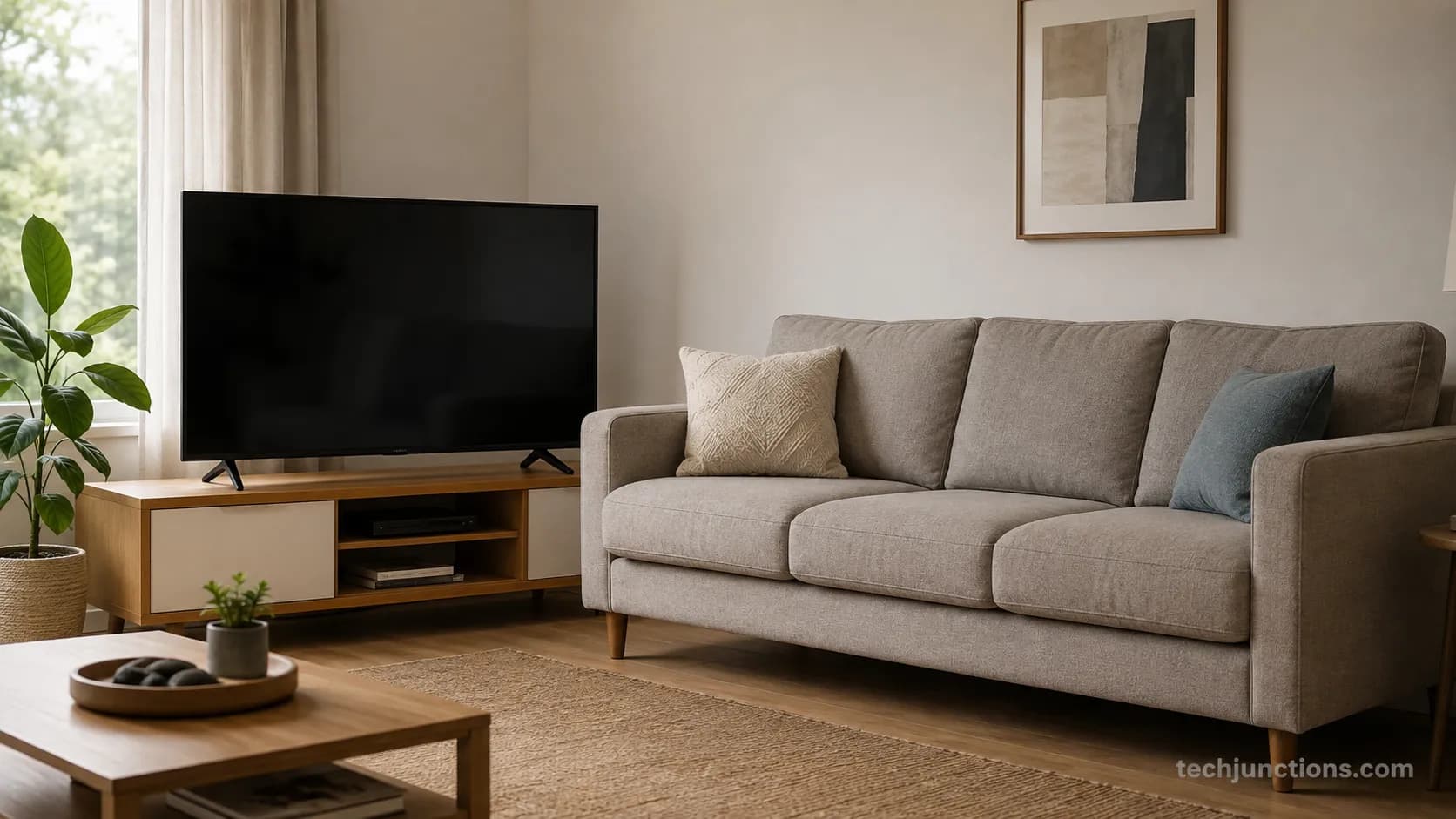
How big a television is and how far you should sit from it are two different questions, and mixing them up leads to the wrong buy. Physical size is fixed by the 16:9 math, while comfortable distance depends on how much of your field of view you want the screen to fill.
The two standards most installers use are SMPTE at a 30-degree field of view for mixed rooms and THX at 36 to 40 degrees for a cinematic feel. The THX and SMPTE targets explained by The Home Cinema Guide translate into a rough distance range for each size.
Class | THX immersive (about 40 degrees) | SMPTE mixed (about 30 degrees) |
|---|---|---|
55 | 5.5 ft | 7.5 ft |
65 | 6.5 ft | 8.5 ft |
75 | 7.5 ft | 10 ft |
85 | 8.5 ft | 11.5 ft |
We set our 65-inch at about 7 feet using the immersive target and it filled the view without eye strain, while at 10 feet the same set started to feel small. In a bedroom you tend to sit closer, so the height and tilt change along with the distance.
Mounted over a fireplace, a big set often ends up too high for the distance, which is a comfort problem rather than a size one.
For the full method rather than a summary, use the size-and-room tool linked earlier. Bigger panels also cost more when something goes wrong, so typical TV repair pricing is worth a glance before you size up.
These are ranges, not rules. Personal preference shifts the comfortable distance by a foot or more either way, so trust your own eyes over any single number.
Mount and Stand Fit: VESA, Feet Spacing, and Height
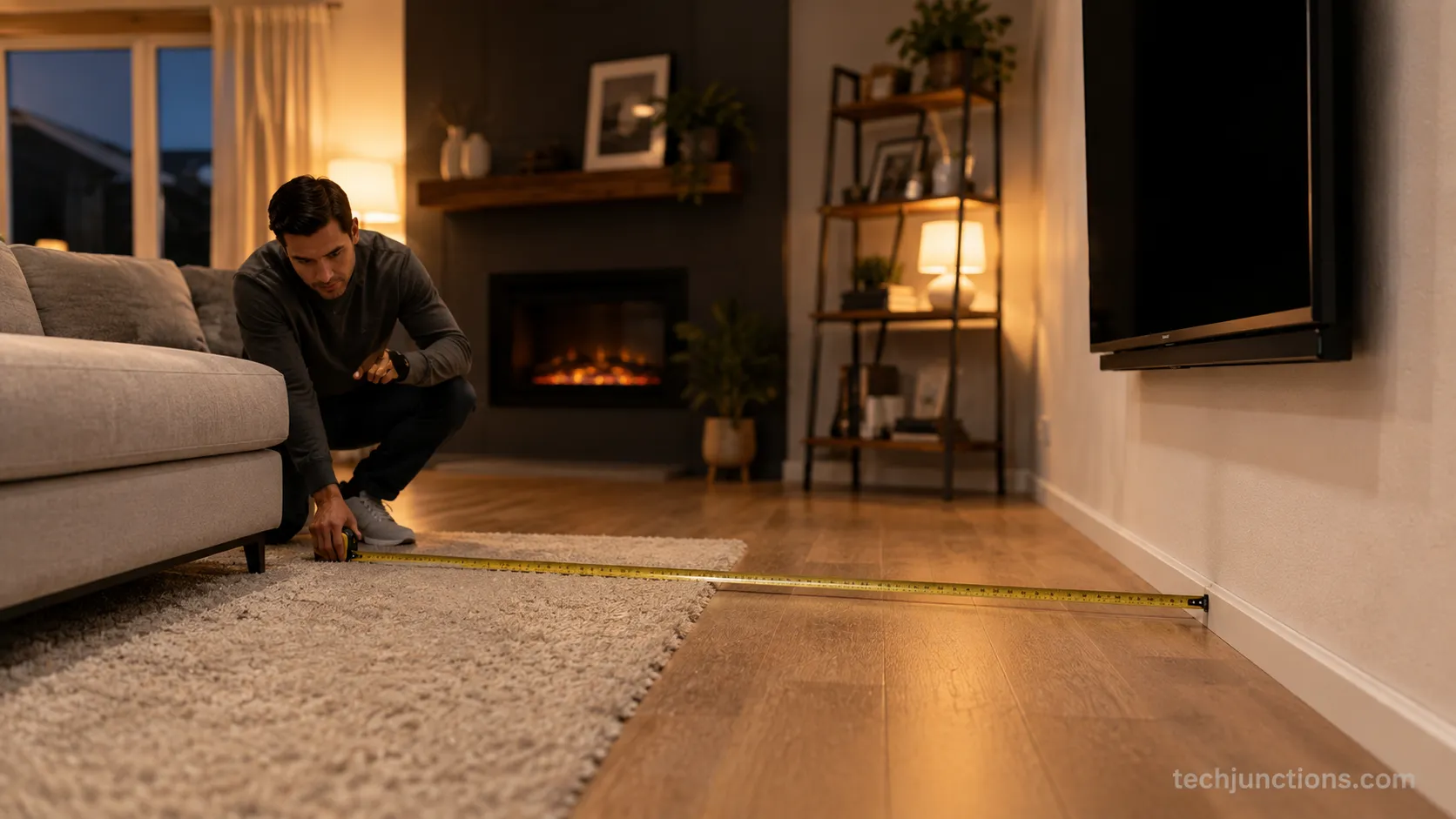
The last piece of physical fit is the hardware, and a tv size chart will not tell you the mount pattern. VESA is the spacing of the four holes on the back of the set, and it tracks weight and size loosely rather than exactly.
Smaller sets around 32 to 43 inches often use 200 by 200 millimetres, 50 to 55-inch sets commonly use 300 by 300 or 400 by 300, a 65-inch typically uses 400 by 400, and the largest sets often move to 600 by 400.
Sizemarker notes the same common 400 by 400 pattern for a 65-inch, with the standing advice to confirm the exact figure for your model.
On our LG 77-inch the pattern was 400 by 400, but the mount arms fouled the ports until we added spacers, which is the kind of snag a size chart will never warn you about. Over a hot fireplace, a pull-down or spring-arm mount solves the height problem cleanly.
For general rooms, our pull-down mount round-up compares the options worth buying. Before any of that, check clearance and confirm whether a TV can even go above your particular fireplace.
Patterns vary by model. Two sets of the same size can use different VESA patterns and weights, so always confirm before ordering a mount.
Frequently Asked Questions
These answers pull from the same measured sets and the 16:9 math used throughout the guide, so the figures match the chart above, where a 65-inch screen is about 56.7 inches wide. Each one is written to stand alone if you landed here from a search for a single size.
Popularity and available sizes shift year to year, so the current-year notes reflect where things stand in 2026.
How wide is a 75-inch TV?
A 75-inch 16:9 screen is about 65.4 inches wide and 36.8 inches tall, or 166.1 by 93.4 centimetres, which is roughly 5 feet 5 inches across the panel. Add about half an inch per side for the bezel, and expect the feet to span close to the panel width, so plan a stand of at least 54 inches to clear them.
Does a TV size include the stand?
No. The advertised size is the screen diagonal only, and it excludes the bezel, the feet, and any stand. On our measured sets the total width ran about an inch wider than the screen, and the feet often spanned close to the full panel width, which is why the fit check uses total footprint rather than the chart number.
What is the most popular TV size?
The 65-inch class currently leads US living rooms, with 55 and 75-inch close behind. A 65-inch screen is about 56.7 inches wide, so it suits a stand of roughly 60 inches or more and a seating distance of about 6.5 to 8.5 feet.
Popularity keeps drifting larger each year as prices on 75 and 77-inch sets fall.
How do I measure my own TV?
Run a tape measure corner to corner across the viewable screen, from the top-left inside corner to the bottom-right, ignoring the bezel. That is the method we used on all six sets, and it is the one LG's measuring guide describes, with a nominal 55-inch often reading about 54.6 inches this way.
Whatever size you land on, the goal of this tv size chart is the same: give you the real width, height, and footprint so the television fits your space on the first try, not the diagonal on the box. Measure your own stand or wall, add the bezel and feet to the screen-only figure, and size up only when the room and the seating distance genuinely support it.
Get those two numbers right, the footprint and the distance, and the picture takes care of itself.
Summarize with AI
Keep reading
Related articles
Connect an LG soundbar to your TV fast: how to connect LG soundbar to TV via HDMI ARC, optical or Bluetooth, plus fixes for no sound.
Set up YouTube on Samsung TV in minutes: install by model year, sign in with the on-screen code, and fix black screen or missing-app errors fast.
No, a HomePod can't connect to a Samsung TV directly. Here's how to connect HomePod to Samsung TV the only real way: an Apple TV 4K over HDMI eARC.
Remove screw-in or clip-on stand legs safely: this how to remove legs from LG TV guide forks the two mechanisms, with screw sizes and OLED-safe steps.
Comments
Moderated for quality. Share a correction, ask a follow-up, or tell us what worked for you - every comment is reviewed before it goes live.