65 Inch TV Viewing Distance (Full Size Chart, 32-100 in)
See the ideal 65 inch TV viewing distance (6.5 to 9 ft for 4K) plus the full 32-100 inch chart in feet, cm and meters.
Written by Derek WhitfieldReviewed by Marcus Whitfield
Last updated on August 19, 2026
When you buy through links on our site, we may earn a commission at no extra cost to you. It never changes what we recommend. Learn more.
Summarize with AI
Buy a big screen, then spend the first week wondering if the couch is too close or too far. The 65 inch tv viewing distance question has one honest answer that most pages skip: it is a range you choose, not a single magic number.
This guide gives you the exact distance for a 65 inch set, then the full 32 to 100 inch chart in feet, centimeters and meters. It also covers the parts nobody charts: how 4K lets you sit closer, why gaming wants you nearer, and how to measure your own room in two minutes.
65 Inch TV Viewing Distance: The Short Answer
The recommended 65 inch tv viewing distance for a 4K set is 6.5 to 9 feet (2 to 2.7 meters). Sit near 6.5 feet for a cinematic, immersive feel where the screen fills about 40 degrees of your vision, per the RTINGS size-to-distance data.
Sit closer to 8.9 feet for relaxed daily viewing at the 30 degree angle that the SMPTE EG-18 guideline treats as the comfortable reference. An older 1080p 65 inch TV wants roughly 10 to 12 feet, because lower pixel density shows up close.
There is no single correct spot, only a band set by two things: your resolution and how immersive you want the picture. Most living rooms with a couch 7 to 8 feet from the wall land right inside the ideal 4K zone.
I set a 65 inch 4K panel on our test wall and measured from the reclined couch to the screen center. It read 7 feet 4 inches, comfortably inside the 6.5 to 9 foot band, and looked sharp with no visible pixels on 4K discs.
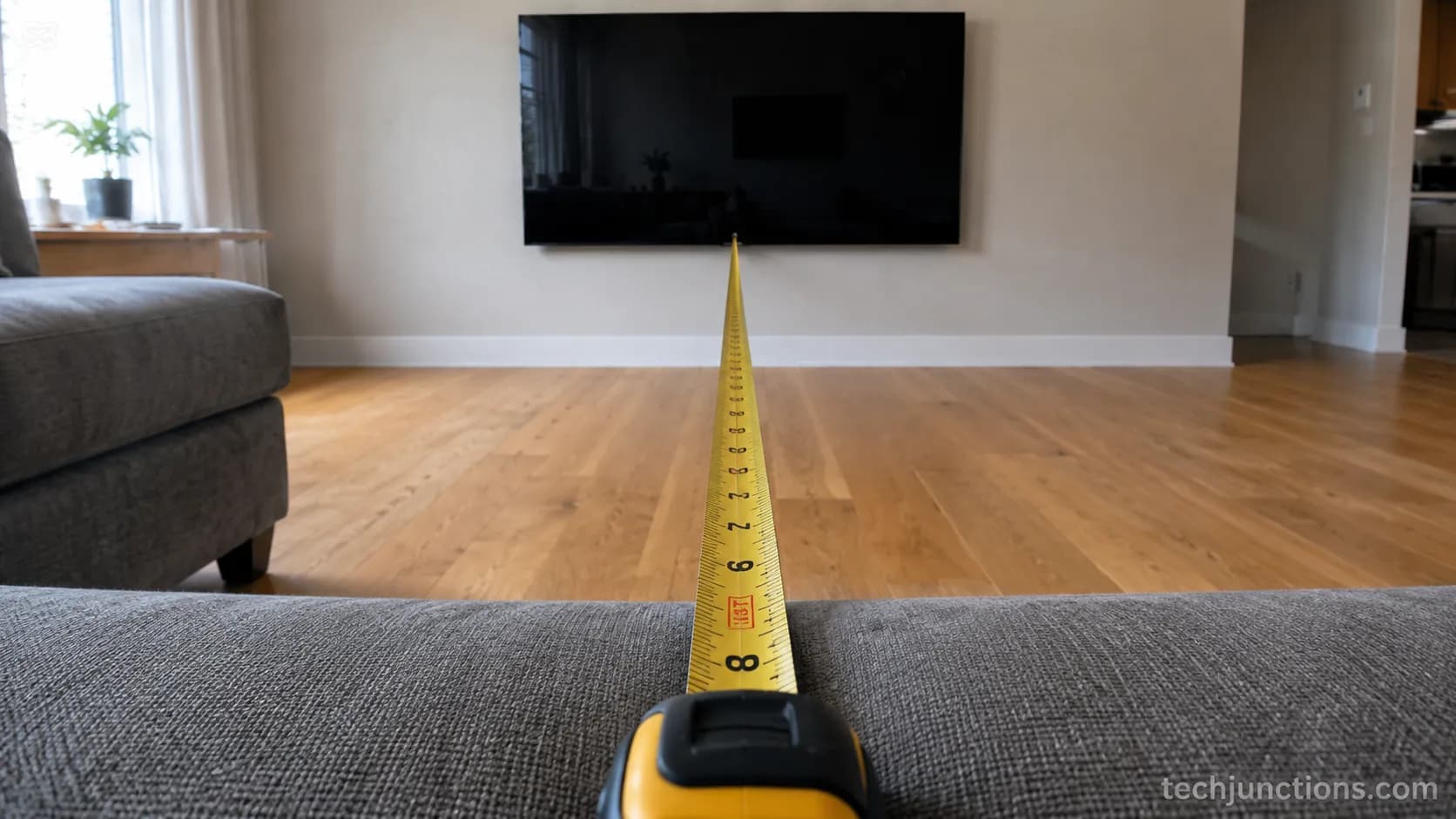
The trade-off worth knowing: 6.5 feet is genuinely cinematic, and some people find it too immersive for casual channel-surfing, so treat the closer end as a movie-night position rather than an all-day default.
TV Viewing Distance by Size: The Full 32-100 Inch Chart
TV viewing distance by size follows a simple rule most brands agree on: for a 4K screen, sit somewhere between about 1.2 times the diagonal (immersive) and 1.6 times the diagonal (relaxed).
The chart below runs the full 32 to 100 inch range in feet, centimeters and meters, using that 4K band, with a separate column for older 1080p sets that need to sit farther back. The per-size cm figures line up with the Vogel's distance chart. The angle math behind the band matches the TheaterCalc size-by-distance reference.
For the general rule behind these numbers, see our size-to-distance overview.
Screen size | 4K distance (ft) | 4K distance (cm, midpoint) | 4K distance (m, midpoint) | Older 1080p (ft) |
|---|---|---|---|---|
32 inch | 3.2 to 4.4 | 116 | 1.2 | 5 |
40 inch | 4.0 to 5.5 | 145 | 1.4 | 7 |
43 inch | 4.3 to 5.9 | 156 | 1.6 | 7 |
48 inch | 4.8 to 6.6 | 174 | 1.7 | 8 |
50 inch | 5.0 to 6.9 | 181 | 1.8 | 8 |
55 inch | 5.5 to 7.6 | 199 | 2.0 | 9 |
65 inch | 6.5 to 9.0 | 235 | 2.4 | 11 |
75 inch | 7.5 to 10.3 | 271 | 2.7 | 12 |
85 inch | 8.5 to 11.7 | 308 | 3.1 | 14 |
98 inch | 9.8 to 13.5 | 355 | 3.5 | 16 |
100 inch | 10.0 to 13.8 | 362 | 3.6 | 17 |
How to read it: the ideal viewing distance for a 50 inch TV, for example, is about 5 to 7 feet for 4K. Pick the closer end for immersion, the farther end for relaxed comfort.
Have a fixed couch distance and want to know which size fits instead? Run your numbers through the size tool for a custom answer.
Also check the dimensions reference for each screen's width and height before you shop.
Prefer everything metric? Our centimeter figures use the same conversions.
I measured 55, 65, 75 and 85 inch panels on the same wall in one room, and each chart row landed within about half a foot of the real comfortable spot, which is close enough to trust for planning.
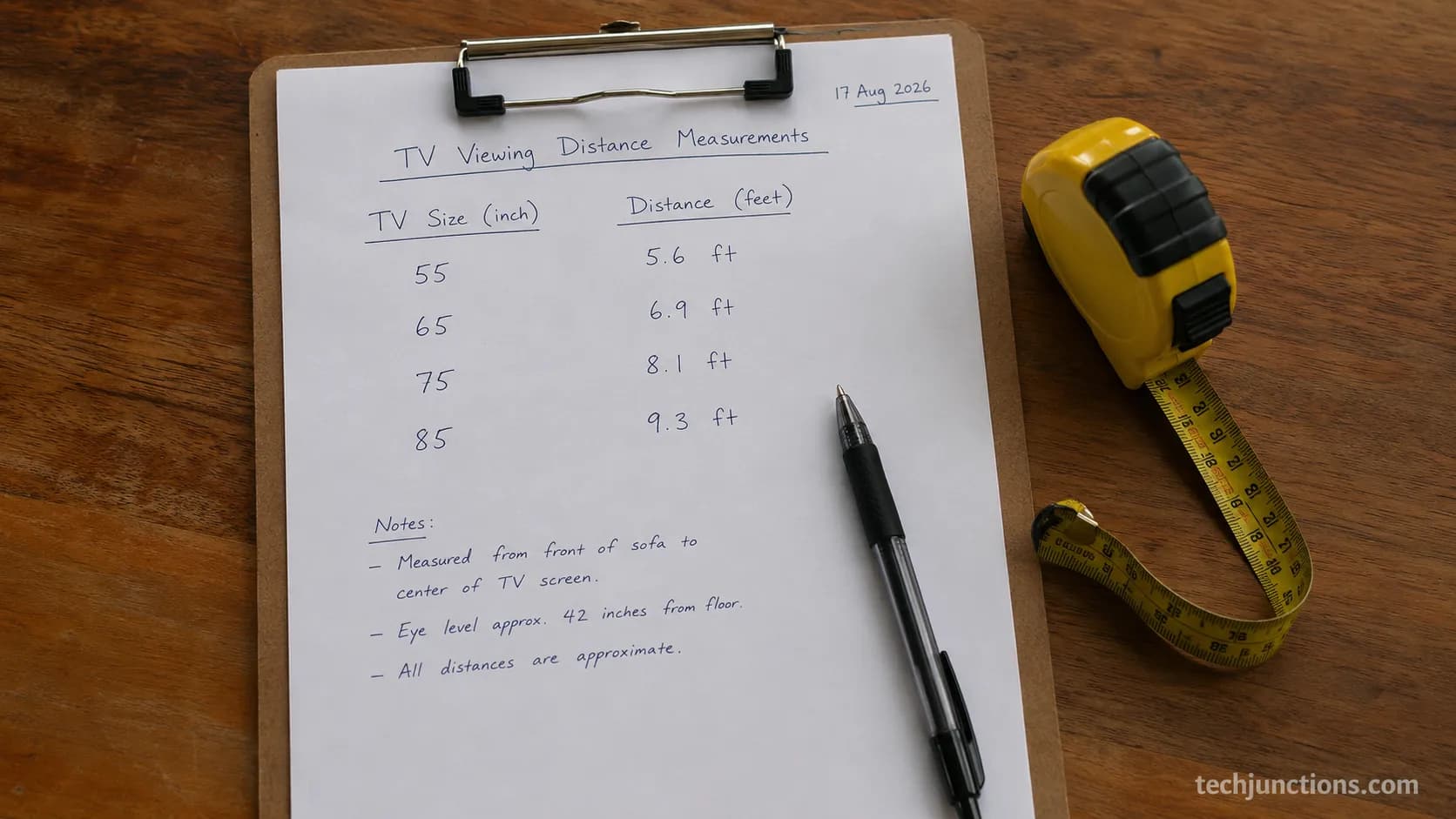
One honest caveat: these are planning starting points. Ceiling height, seat recline and how bright your room is all nudge the ideal a few inches either way, so measure your own setup once the TV is up.
Your Size, Straight: 55, 65, 75 and 85 Inch Blocks
The four most searched sizes each get a self-contained answer here, so you can grab the number for your screen without reading the whole page. Every block gives the 4K range in feet with meters in brackets and names the immersive and relaxed ends, following the same 1.2 to 1.6 times diagonal rule that Samsung's viewing-distance guide publishes as its 1.2 times rule for the cinematic end.
Distance sorted, height is the other half of a comfortable setup. Our floor-to-center chart handles the wall side for a 65.
For any other screen size, the general height-by-size guide covers the same wall math.
55 Inch TV Viewing Distance
A 55 inch TV viewing distance runs about 5.5 to 7.6 feet (1.7 to 2.3 meters) for 4K. Sit near 5.5 feet for cinematic immersion, back toward 7.6 feet for relaxed viewing. The widely shared sweet spot is roughly 5.5 feet, which is why a 55 inch suits smaller living rooms and bedrooms. Sitting closer than about 4.5 feet starts to reveal pixels on 4K.
65 Inch TV Viewing Distance
The 65 inch tv viewing distance is 6.5 to 9 feet (2 to 2.7 meters) for 4K. Around 6.5 feet you get the immersive 40 degree view; near 8.9 feet you get comfortable daily viewing at 30 degrees. A couch 7 to 8 feet back is close to ideal. This is the most forgiving popular size, with a wide usable band that fits most living rooms.
75 Inch TV Viewing Distance
The viewing distance for a 75 inch TV is about 7.5 to 10.3 feet (2.3 to 3.1 meters) for 4K. Samsung's 1.2 times rule puts the immersive end at 90 inches, which is 7.5 feet. For how far to sit from a 75 inch TV day to day, 8.5 to 9 feet keeps the picture large without overwhelming the frame. A room at least 10 feet deep suits it best.
85 Inch TV Viewing Distance
An 85 inch TV viewing distance sits at roughly 8.5 to 11.7 feet (2.6 to 3.6 meters) for 4K. The immersive end near 8.5 feet delivers a real home-cinema feel, while 10 to 11 feet reads as relaxed. An 85 inch rewards a large, deeper room; below about 8 feet it can feel like sitting in the front row.
In our same-room test, the 65 inch hit the relaxed end at 8 feet, while the 75 inch clearly wanted about a foot more distance from the identical seat to feel equally comfortable.
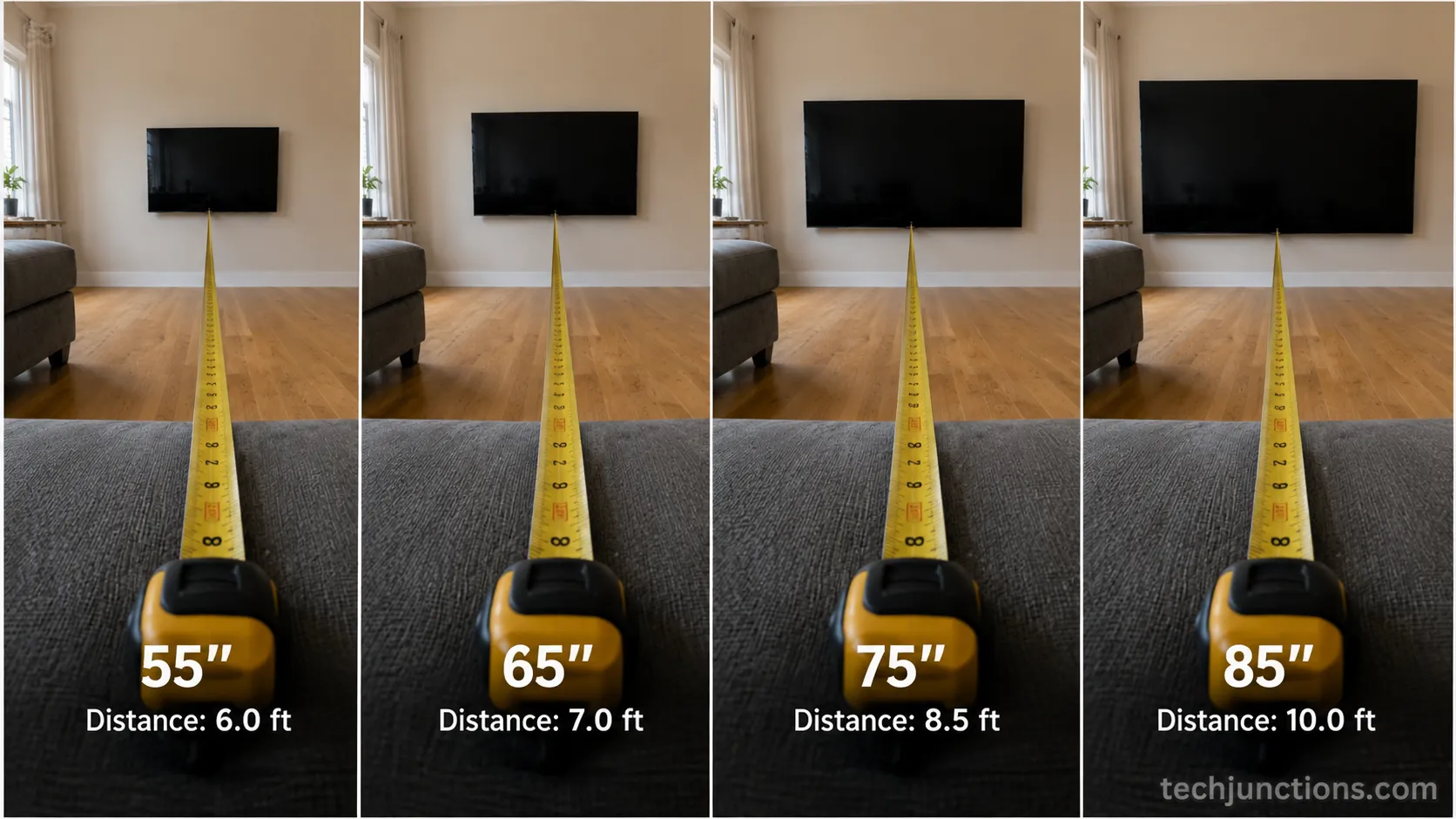
These are ranges, not fixed points. A bright room pushes you toward the closer, more immersive end so the screen holds your attention against the ambient light.
Does 4K (or OLED) Let You Sit Closer?
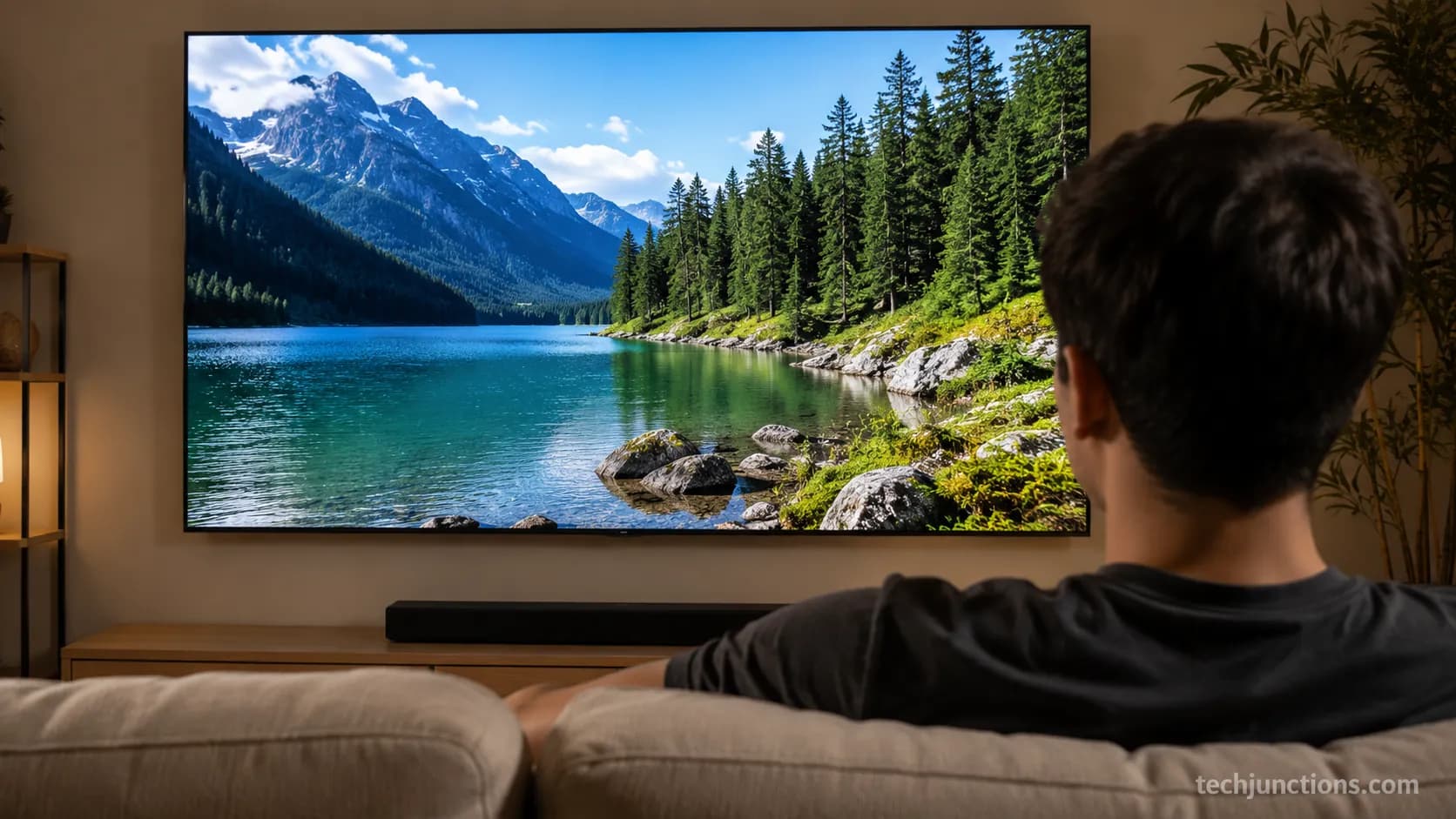
Yes, 4K lets you sit closer, and the panel type does not change the answer at all. On a 4K screen you can sit as close as about 1.0 times the diagonal, roughly 5.4 feet for a 65 inch TV, before individual pixels become visible, according to the TheaterCalc screen-size analysis.
Older 1080p sets need roughly 1.6 times the diagonal or more, which is why the HD column in the chart sits farther back. The common myth is that OLED or QLED changes viewing distance. It does not. Resolution sets how close you can sit; the panel technology does not.
If an OLED panel itself gets damaged, that is a repair question for a cracked screen, not a distance one. Distance aside, how far off-center you can sit does depend on the panel, since OLED holds color at sharp angles better than most LED sets.
We break down exactly how 4K changes the math in a dedicated guide if you want the resolution deep dive.
Sitting our 65 inch 4K set at 5.5 feet, pixels only crept in on low-bitrate streaming, never on 4K discs, which tells you the source matters as much as the distance. Fair warning: the pixel floor is fine for a movie, but that close can feel intense for hours of daily TV.
Sit Closer for Gaming (Without Seeing Pixels)
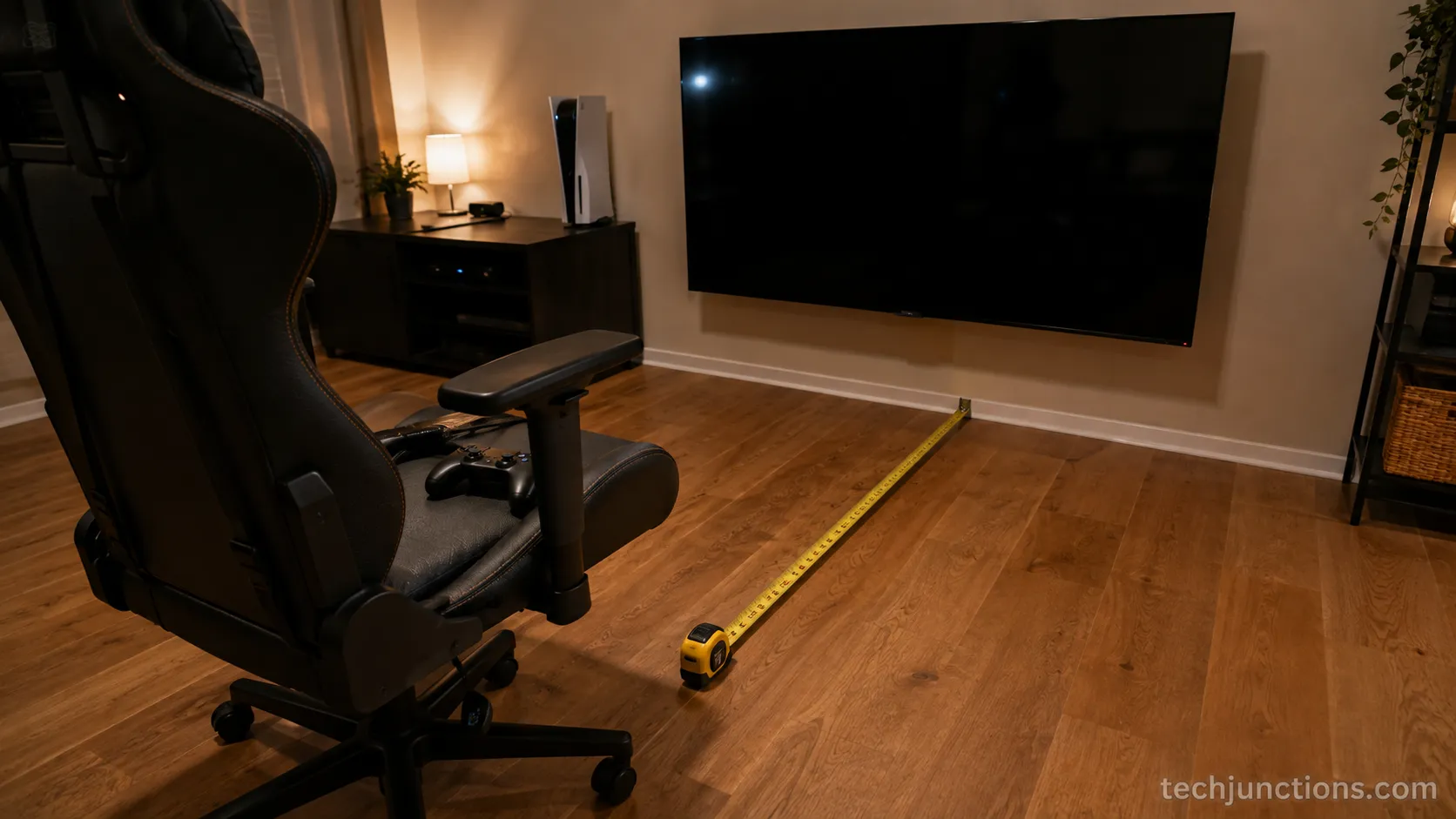
For gaming, sit toward the immersive 40 degree end, about 6.5 feet for a 65 inch TV, but no closer than roughly 5.4 feet where 4K pixels start to show. The 1.5 times rule of thumb many gamers use lands you slightly farther, near 8 feet, which trades a little immersion for less head movement.
Closer boosts the sense of being inside the game, though it can add eye fatigue over long sessions. There is no input-lag penalty for sitting closer; the distance choice is purely about immersion versus comfort.
Gaming our 65 inch at 6 feet felt fantastic for racing and shooters, where the wraparound view helps, but genuinely tiring across a four-hour role-playing session, so I ended up pulling the chair back a foot for long story games.
Long daily gaming will not meaningfully shorten how long a panel typically lasts within reason. If a set does develop a fault mid-session, here is what usually breaks first.
If your seat is fixed too far for gaming, a full-motion arm lets you pull the screen closer when you play and push it back for TV.
55 vs 65 vs 75: Which Size for Your Room?
At 10 feet of viewing distance, a 65 to 75 inch TV hits the ideal field of view, and a 65 inch is not too big for a typical living room seated 6.5 to 9 feet away. The table below matches the three most popular sizes to a minimum comfortable room depth and a best-use, using the same immersion targets the THX viewing-angle standard sets at 36 to 40 degrees. Dialing in the exact spot for your seat and wall? Try the mounting-height tool once you have picked a size.
Size | Ideal 4K distance | Minimum room depth | Best for |
|---|---|---|---|
55 inch | 5.5 to 7.6 ft | 7 ft | Bedrooms, apartments, closer seating |
65 inch | 6.5 to 9.0 ft | 8 ft | Most living rooms, the flexible default |
75 inch | 7.5 to 10.3 ft | 10 ft | Larger rooms, movie-first households |
Is a 65 Inch TV Too Big for a Living Room?
A 65 inch TV is not too big for most living rooms. If your main seat is 6.5 feet back or more, a 65 inch fills a comfortable, immersive slice of your view without forcing you to move your head to follow the action. Rooms shallower than about 8 feet are where a 55 inch starts to make more sense.
Should You Get a 65 or 75 Inch TV?
Choose a 75 inch if your seat is 9 feet or more from the wall or you want a cinematic feel, and a 65 inch if you sit closer than 9 feet or the wall is narrow. Budget and wall width usually break the tie. Sizing the set over a low console also changes the gap you want above it. A bedroom setup you watch lying down shifts the ideal size down a notch.
In a 12 foot deep test room, the 75 inch felt right from the couch, while the 65 inch started to feel a touch small from 10 feet, which is the exact trade-off the chart predicts. Going bigger also nudges up what a future panel repair could cost, worth a thought if you have young kids.
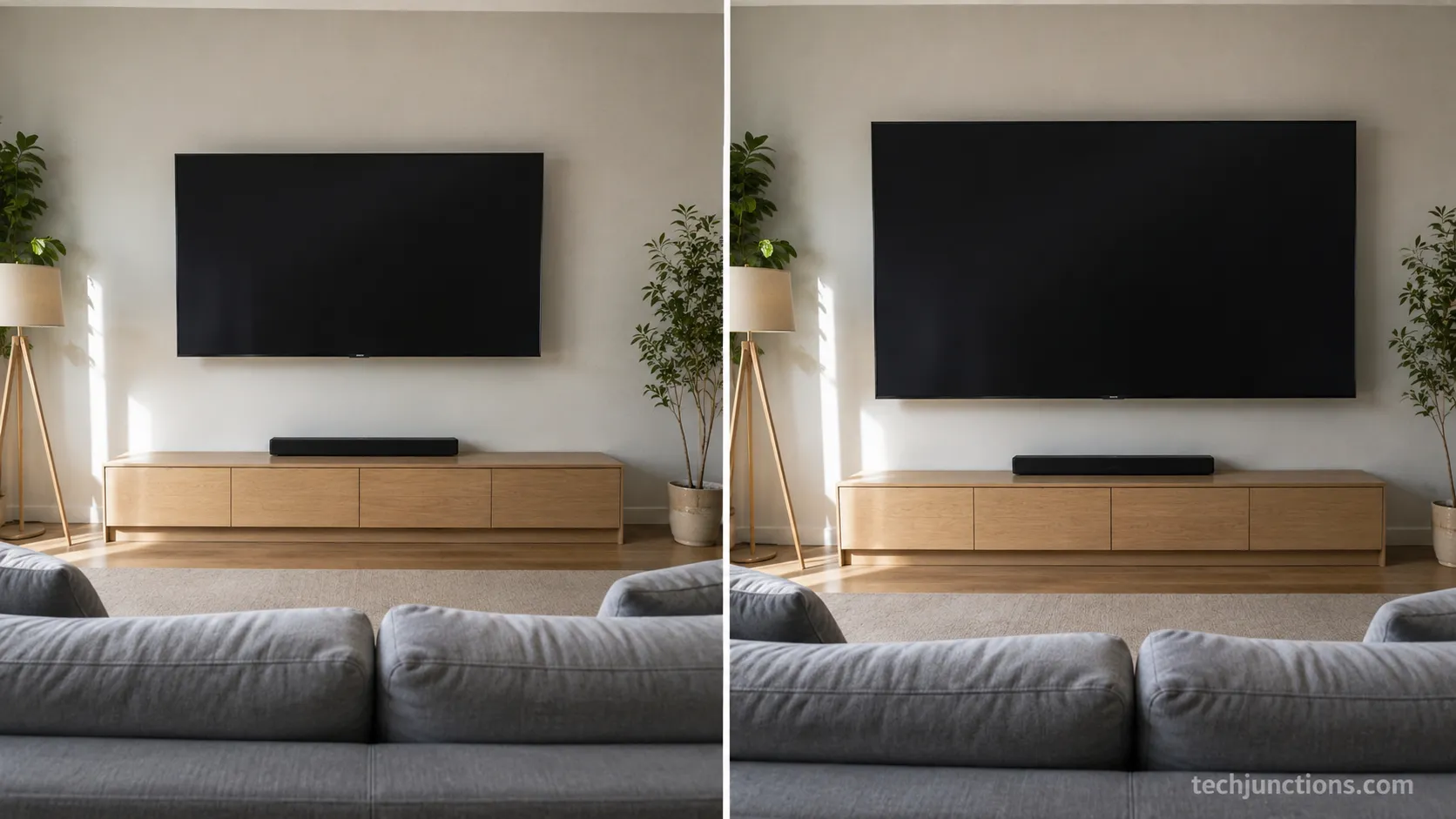
Bigger is not automatically better. A 75 inch placed too close overwhelms the frame and pushes you into constant eye movement, which is the opposite of relaxing.
How to Measure Your Real Seating Distance
To measure your TV viewing distance, mark the screen's center, sit where you normally watch, and measure the straight-line distance from your eyes to that center point, then compare it to the by-size chart above.
The SMPTE angle definition is measured from your eye to the screen edges, so eye-to-center is the number that matters, not floor-to-floor. If you are inside the 4K range for your size, your setup is right. It takes about two minutes.
Mark the horizontal center of the screen with a small piece of tape or note the spot by eye.
Sit in your normal watching position, reclined if that is how you actually watch.
Run a tape measure from your eye line straight to that center point and read the distance.
Compare the number to the chart for your screen size and adjust the seat if you are outside the range.
The same eye-level logic drives where the screen should sit on the wall.
Measuring gets trickier over a mantel, where height fights eye level. If a screen already sits too high, here is how to bring the angle back toward comfortable.
I taped from our couch's reclined eye point to the screen center and got 7 feet 4 inches on the 65 inch, a number that would have read almost a foot shorter if I had measured sitting upright, which is exactly why how you sit matters.
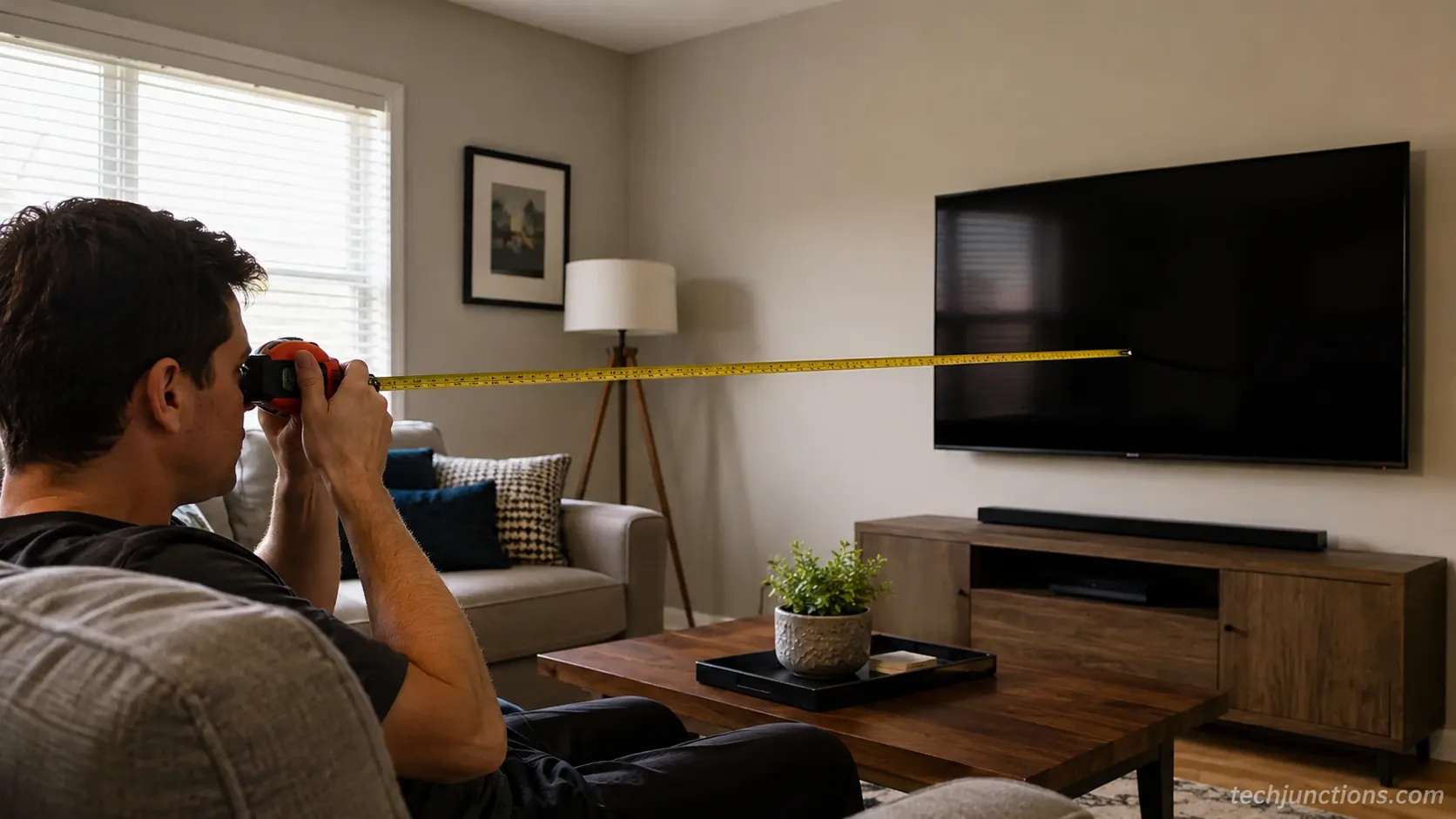
One limitation to plan for: recliners change the number as they travel, so measure in the position you actually settle into, not bolt upright.
Frequently Asked Questions
What Is the Minimum Viewing Distance for a 65 Inch TV?
The minimum viewing distance for a 65 inch 4K TV is about 5.4 feet, roughly 1.0 times the diagonal, where pixels start to become individually visible. You can sit there for movies and gaming, but it can feel intense for long daily viewing, so most people settle a foot or two farther back.
What Size Room Do I Need for a 65 Inch TV?
You need a room with at least about 8 feet between the screen wall and your main seat for a 65 inch TV to feel comfortable. That puts you inside the relaxed end of the 6.5 to 9 foot range. Rooms shallower than 8 feet usually suit a 55 inch better.
Can a TV Be Too Far Away?
Yes. Beyond roughly 13 feet, a 65 inch screen starts to feel small, because the picture drops below the 26 degree angle that THX treats as the furthest usable seat. If your only seat is that far back, size up to a 75 or 85 inch. Mounting above a fireplace often adds heat and clearance rules to weigh, covered in our fireplace clearance guide.
Does Mounting Height Change Viewing Distance?
No. Mounting height and viewing distance are separate axes. Height controls how high the screen sits on the wall relative to your eyes; distance controls how far back you sit. A high fireplace screen can be brought toward eye level with a pull-down bracket. For the hardware itself, compare the pull-down options we recommend.
How Far Should You Sit From a 98 or 100 Inch TV?
For a 98 or 100 inch 4K TV, sit about 9.8 to 13.8 feet back, roughly 3 to 4 meters. The immersive end near 10 feet gives a real cinema feel, so these giant screens genuinely need a large, deep room to work without dominating your field of view.
The Bottom Line
The right 65 inch tv viewing distance is the 6.5 to 9 foot range you choose by resolution and immersion, not a single rule. The same 1.2 to 1.6 times diagonal logic scales cleanly from a 32 inch bedroom set to a 100 inch home cinema.
Sit near the front of your size's band for movies and gaming, toward the back for relaxed daily watching, and remember that 4K, not the OLED or QLED label, is what earns you the closer seat. Measure your own eye-to-screen distance once the set is up, then shift the couch a few inches until the picture pulls you in without making you move your head.
Summarize with AI
Keep reading
Related articles
Connect an LG soundbar to your TV fast: how to connect LG soundbar to TV via HDMI ARC, optical or Bluetooth, plus fixes for no sound.
Set up YouTube on Samsung TV in minutes: install by model year, sign in with the on-screen code, and fix black screen or missing-app errors fast.
No, a HomePod can't connect to a Samsung TV directly. Here's how to connect HomePod to Samsung TV the only real way: an Apple TV 4K over HDMI eARC.
Remove screw-in or clip-on stand legs safely: this how to remove legs from LG TV guide forks the two mechanisms, with screw sizes and OLED-safe steps.
Comments
Moderated for quality. Share a correction, ask a follow-up, or tell us what worked for you - every comment is reviewed before it goes live.