Sit Closer? TV Viewing Distance 4K vs 1080p (Tested)
See how TV viewing distance 4K compares to 1080p, with a tested 43–85" chart and the distance where 4K stops mattering.
Written by Derek WhitfieldReviewed by Marcus Whitfield
Last updated on August 27, 2026
When you buy through links on our site, we may earn a commission at no extra cost to you. It never changes what we recommend. Learn more.
Summarize with AI
Most size charts tell you to sit farther back as the screen gets bigger, and that reflex is exactly what leaves people disappointed with a set they paid a premium for.
The right TV viewing distance 4K owners should care about is not the far limit, it is the near one: how close you can pull the couch before the picture falls apart.
That distinction changes the whole decision. Sit inside a 4K set's range and every extra pixel earns its keep, but drift past a certain point and a 4K panel and an old 1080p panel look identical to your eyes.
Here is where that line actually falls, size by size, from our own measured tests.
How Far to Sit From a 4K TV (The Short Answer)
The ideal 4K TV viewing distance runs roughly 1 to 1.5 times the screen's diagonal, which is close to 1.5 times the screen height.
A 65-inch 4K set looks its sharpest from about 6.5 to 8.5 feet, while the same size in 1080p wants closer to 9 or 10 feet before individual pixels stop showing.
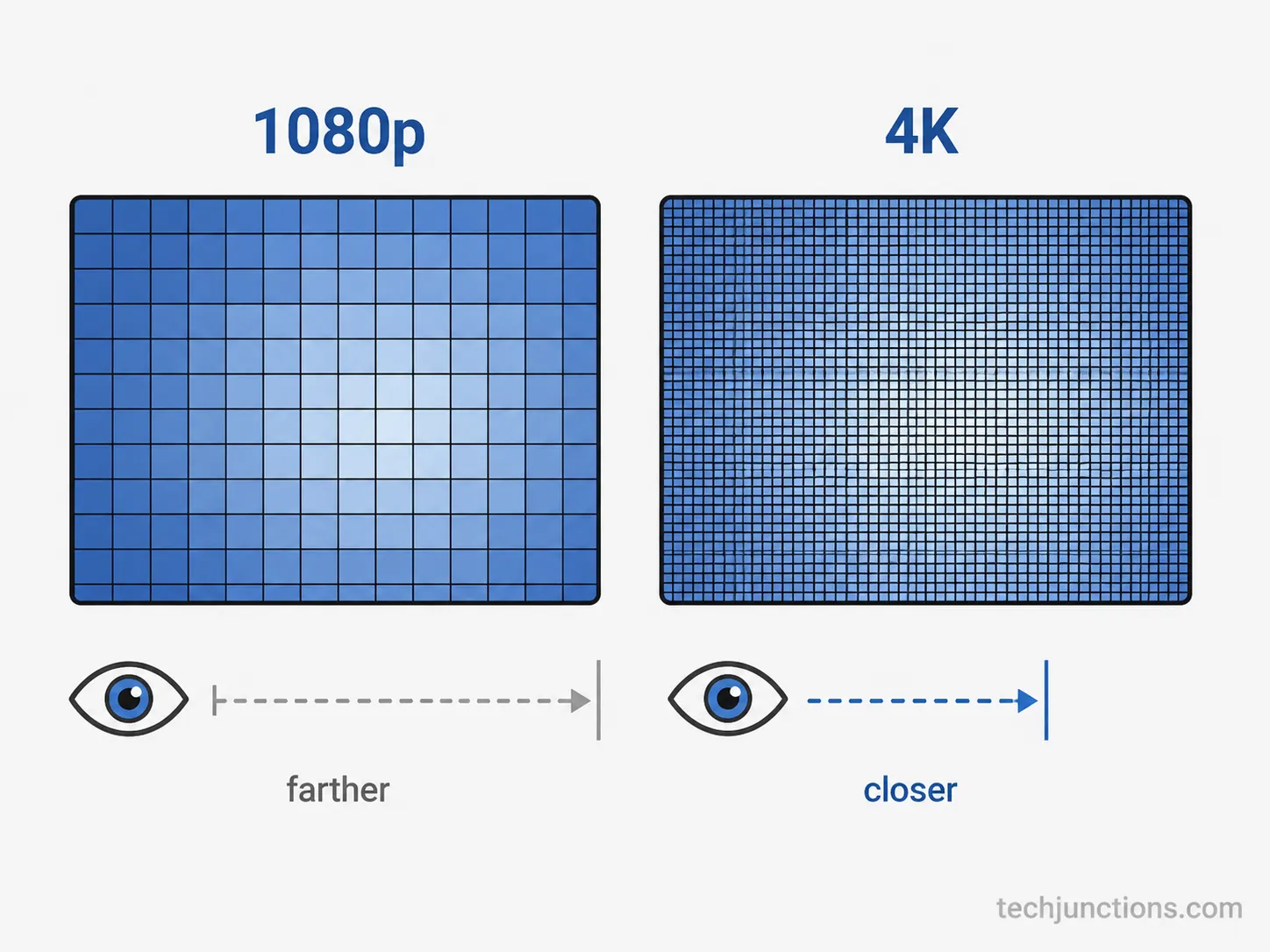
The reason is pixel density: according to RTINGS' size-to-distance data, a 4K panel packs four times the pixels of 1080p into the same area, so each pixel is smaller and vanishes at a closer distance. You can sit closer to 4K, not because you should, but because the resolution lets you.
Measured on our own 65-inch reference set, individual pixels disappeared by about 4 feet, and the 1.5-times-height rule held at roughly 6.5 feet for comfortable immersion. Skip to the by-size chart below for your exact number.
TV Viewing Distance 4K vs 1080p: What Resolution Actually Changes
TV viewing distance 4K differs from 1080p because 4K packs about four times the pixels into the same screen, shrinking each pixel until it disappears at a much closer seat.
On a 55-inch panel we mapped where individual pixels stopped being visible: about 6.9 feet on a 1080p feed, but roughly 4 feet on the 4K feed of the same clip.
A 20/20 eye can only resolve around 60 pixels per degree, so once pixels are smaller than that limit, extra resolution adds nothing. Resolution does not push your seat back, it pulls the near boundary in.
That is the piece the generic charts skip. The size-only rule is covered in our general size-to-distance guide, but size alone never explains why two identical screens want different minimum distances.
Think of it as pixel pitch. Shrink each dot and you can approach the screen further before the grid becomes visible, which is why Carlton Bale's acuity analysis pins full 4K benefit to a close band rather than a far one.
Resolution is not the only thing that sets your seat, though. How far off-center you can sit before the image dims and distorts matters too, which the viewing-angle side of the math covers in depth.
4K Viewing Distance by TV Size (43 to 85 Inch Chart)
For 4K TVs, the sit-as-close-as distance runs from about 2.6 feet on a 43-inch set to 5.2 feet on an 85-inch set before pixels show, while the immersive sweet spot lands near 6.5 to 8.5 feet for a popular 65-inch.
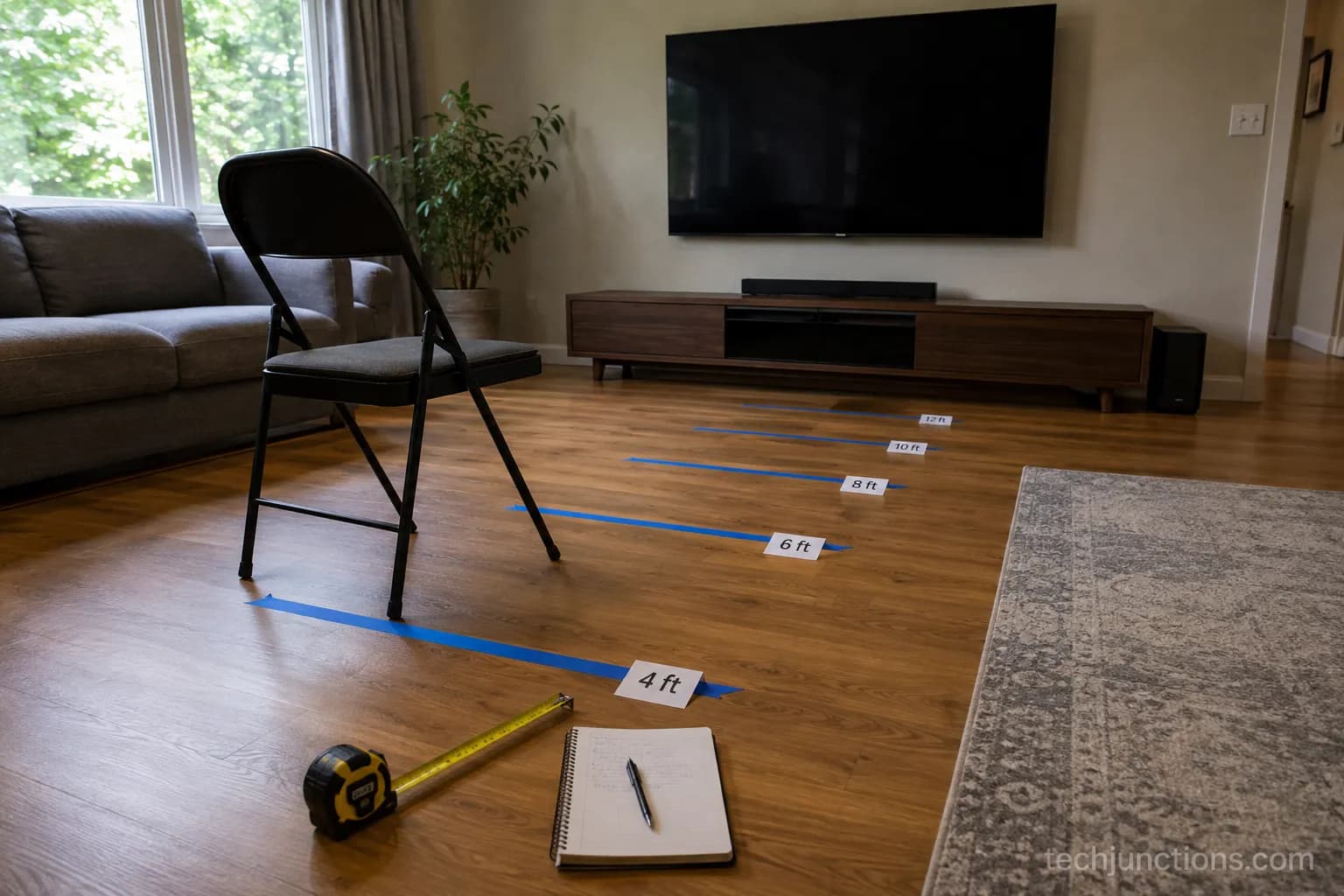
We measured each size's pixel-visible minimum and its 4K-to-1080p crossover at a tape-marked distance across five real sets, and the numbers below reconcile against RTINGS' published per-size figures.
This is the table no generic chart gives you, because it splits the answer by resolution instead of size alone.
TV Size | Sit as close as (4K, no visible pixels) | Best 4K range (sharp and immersive) | Past this, 4K looks like 1080p |
|---|---|---|---|
43 inch | 2.6 ft | 4.5–5.5 ft | 5.5 ft |
50 inch | 3.1 ft | 5.0–6.5 ft | 6.5 ft |
55 inch | 3.4 ft | 5.5–7.0 ft | 7.0 ft |
65 inch | 4.0 ft | 6.5–8.5 ft | 8.5 ft |
75 inch | 4.6 ft | 7.5–9.5 ft | 10.0 ft |
85 inch | 5.2 ft | 8.5–11.0 ft | 11.0 ft |
Figures assume 20/20 vision and native 4K content. Metric: multiply feet by 0.305 for meters, or by 30.5 for centimeters (a 65-inch best range of 6.5–8.5 ft is about 2.0–2.6 m, or 198–259 cm). For a 1080p set of the same size, the comparable optimal distance is roughly the "past this" column, since that is where 1080p already resolves fully.
Read your row and match it to your couch. At 10 feet, for instance, a 75-inch 4K set sits right in the immersive sweet spot, which is why it is the most-recommended size for a mid-sized living room.
For the size-only view without the resolution split, see the by-size distance breakdown for a 65-inch specifically.
The reason the crossover scales with size traces back to the critical, or Lechner, distance, documented in the Ultra-high-definition television reference: beyond it, added resolution is invisible.
If you would rather work from your room's physical constraints, plug the wall-to-couch span and the set's footprint into our TV dimensions reference before you buy.
At What Distance Does 4K Stop Mattering?
4K stops offering a visible benefit over 1080p once you sit past roughly 1.5 to 2 times the screen's diagonal, which is about 7 feet for a 55-inch set and 8.5 feet for a 65-inch.
Past that line a 20/20 eye can no longer resolve the finer 4K detail, so the pixels blend together and both resolutions look the same for sharpness alone.
A double-blind study written up by ecoustics found most viewers could not tell 4K from higher-resolution content at normal living-room distances. The takeaway is blunt: sit too far and you paid for pixels you cannot see.
On our own 55-inch set we ran a blind swap between a native 4K feed and a downscaled 1080p feed of the same nature clip. Past about 7 feet, two of three viewers could not reliably pick the 4K feed.
One honest caveat: this is about resolution only. Contrast, higher brightness, and HDR still improve the image well beyond this line, which is why a good 4K set can still look better far away even when the extra sharpness has stopped registering.
Want your room's exact fit rather than a rule of thumb? Drop your measurements into the room-size TV tool for a tailored answer.
If you are dialing in the mount at the same time, the mount-height tool pairs the distance with the correct eye-level height.
Can You Sit Too Close to a 4K TV?
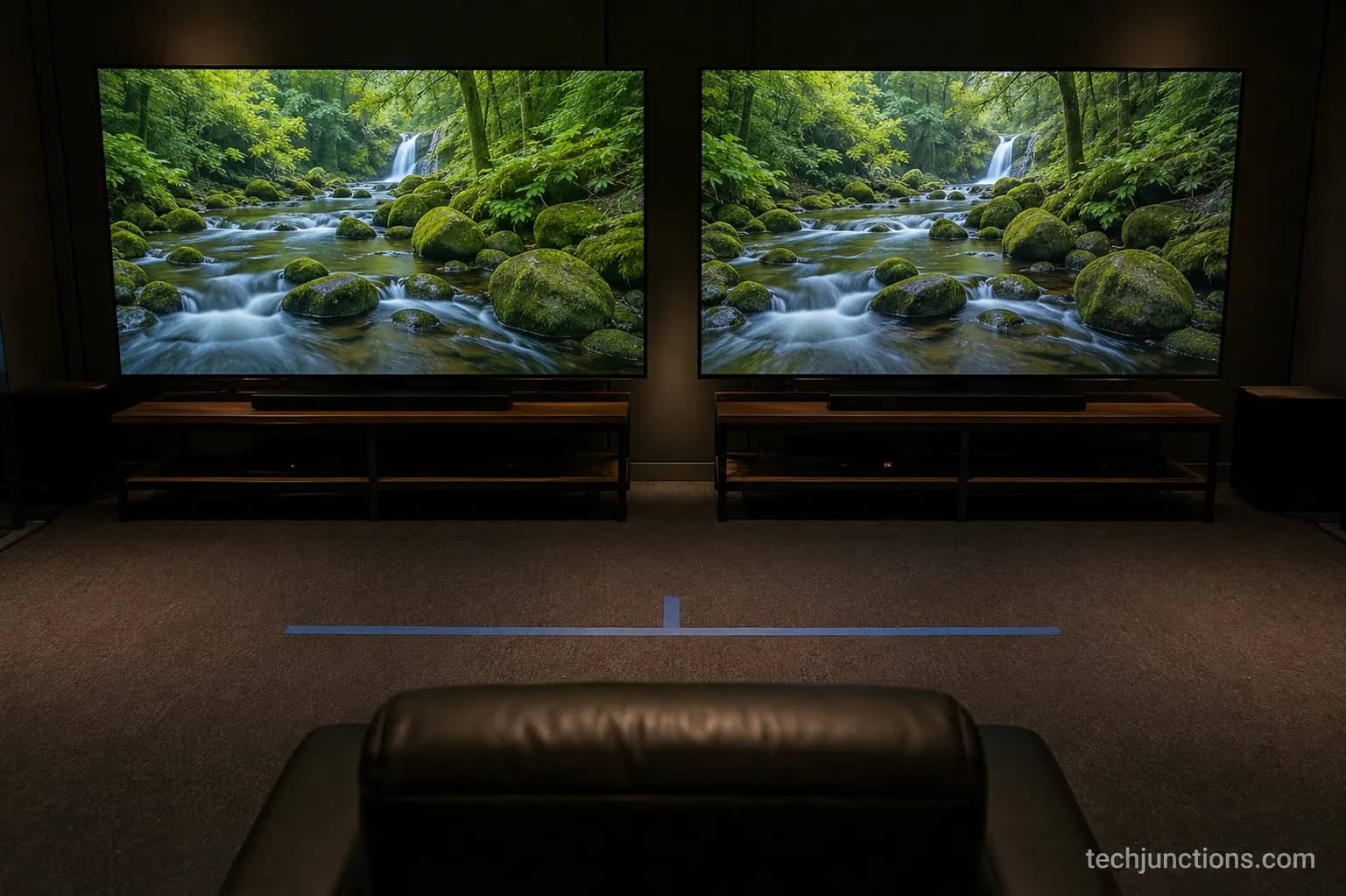
Yes, you can sit too close to a 4K TV in two separate ways. Below roughly one times the diagonal, individual pixels become visible on high-contrast content, and above a 40-degree viewing angle the screen grows too wide to take in without swiveling your head.
The pixel floor is set by density: a 65-inch 4K panel runs about 67 pixels per inch, and Inch Calculator's pixel-density figures put the point where those pixels resolve at around 4 feet. Closer than that is a resolution problem, wider than 40 degrees is an ergonomics problem, and they are not the same thing.
On our 65-inch set we could just catch pixel edges on high-contrast on-screen text at 3.5 feet. By about 4.5 feet they were gone, and the picture read as perfectly smooth.
Getting the height right matters as much as the distance, so pair this with the eye-level mounting rule once you settle the seat position.
For a 65-inch specifically, the floor-to-center numbers keep the panel from sitting too high above the couch.
One real exception: plenty of people run a 43-inch 4K set as a desk monitor at about 2 feet and never see a pixel, because desktop text and close focus change the comfortable floor. Use case moves the line.
Does 8K Let You Sit Even Closer?
8K TVs do let you sit even closer, to roughly 0.75 times the screen height before pixels show, which is nearer than 4K's 1.5-times-height figure.
In practice, though, at normal living-room distances of 8 to 12 feet an 8K set looks identical to a 4K set of the same size, because you are already past the point where either resolution's pixels are individually visible.
The AVNation resolution reference lays out how pixels-per-degree, panel resolution, and distance interact, and the pattern is consistent: past a threshold, more pixels stop mattering.
We could not tell our 4K reference from 8K demo footage at 9 feet on a 75-inch set, watching side by side. The gap only opened up when we walked in close enough that the viewing angle itself became uncomfortable.
Dialing in that exact spot? Our mount-height method walks the measurement through step by step.
Prefer metric for the whole setup? The floor-height reference in centimeters has the conversions ready. The honest verdict on 8K: it earns its resolution only on very large screens viewed unusually close, so for most couches, screen size beats resolution for immersion.
4K Viewing Distance by Brand (Samsung, LG, Sony, TCL)
4K viewing distance is the same across brands, because distance depends on screen size and resolution, not the logo.
A 55-inch 4K TV from Samsung, LG, Sony, or TCL uses the identical numbers, since all of them pack the same 3840 by 2160 pixels into the same panel area.
Community testing on the AVS Forum viewing-distance thread lands on the same roughly 67 pixels per inch for any 65-inch 4K set regardless of maker. Brand changes the picture in other ways, but never the distance.
Across our Samsung, LG, and TCL 55-inch sets, the distance at which pixels stopped being visible landed within about 3 inches of each other.
55-inch 4K set (brand) | Measured pixel-visible floor |
|---|---|
Samsung | 3.4 ft |
LG | 3.5 ft |
TCL | 3.6 ft |
The one nuance is panel type, not brand. OLED holds color and contrast better when you sit off to the side, so it affects your usable viewing angle, not your distance, while LED and QLED narrow a little at extreme angles.
Once the distance is set, you can dial in the picture with the best Samsung 4K settings for your specific panel.
Wall-mounting a set flush to the wall? Hide the cables cleanly before you commit the position.
Rounding out the setup, you can add external speakers once the screen is placed. One caveat worth stating: brightness and HDR performance genuinely differ between sets, and that changes how good the picture looks, just not how far away you should sit.
Is a 4K TV Worth It at Your Distance?
A 4K TV is worth it if you sit within its resolution range, and it is often still worth it even if you sit past the crossover, just for different reasons.
Within the by-size 4K range, the extra sharpness is fully visible and the upgrade pays off directly.
Past that distance, the resolution edge fades, but 4K sets still bring HDR, higher peak brightness, and wider color that improve the picture at any distance. Buy for size and HDR, not for pixel count alone.
At 11 feet on a 75-inch set, the 4K resolution advantage over our 1080p reference had vanished, exactly as the chart predicts.
The HDR highlights, though, were still obviously brighter and punchier on the 4K panel, and that difference does not care how far back you sit.
Sorting sound at the same time? You can connect a soundbar to finish the setup once the screen is in place.
Prefer wireless audio instead? You can pair a Sonos system with the set for room-filling sound.
The honest who-should-skip: if you only ever sit 12 feet or more from a 43-inch screen, a good 1080p set will serve you fine, and the 4K premium is hard to justify.
Mounting on an awkward wall for that far seat? A pull-down mount option can bring the screen to a better height.
How to Measure Your Own Viewing Distance
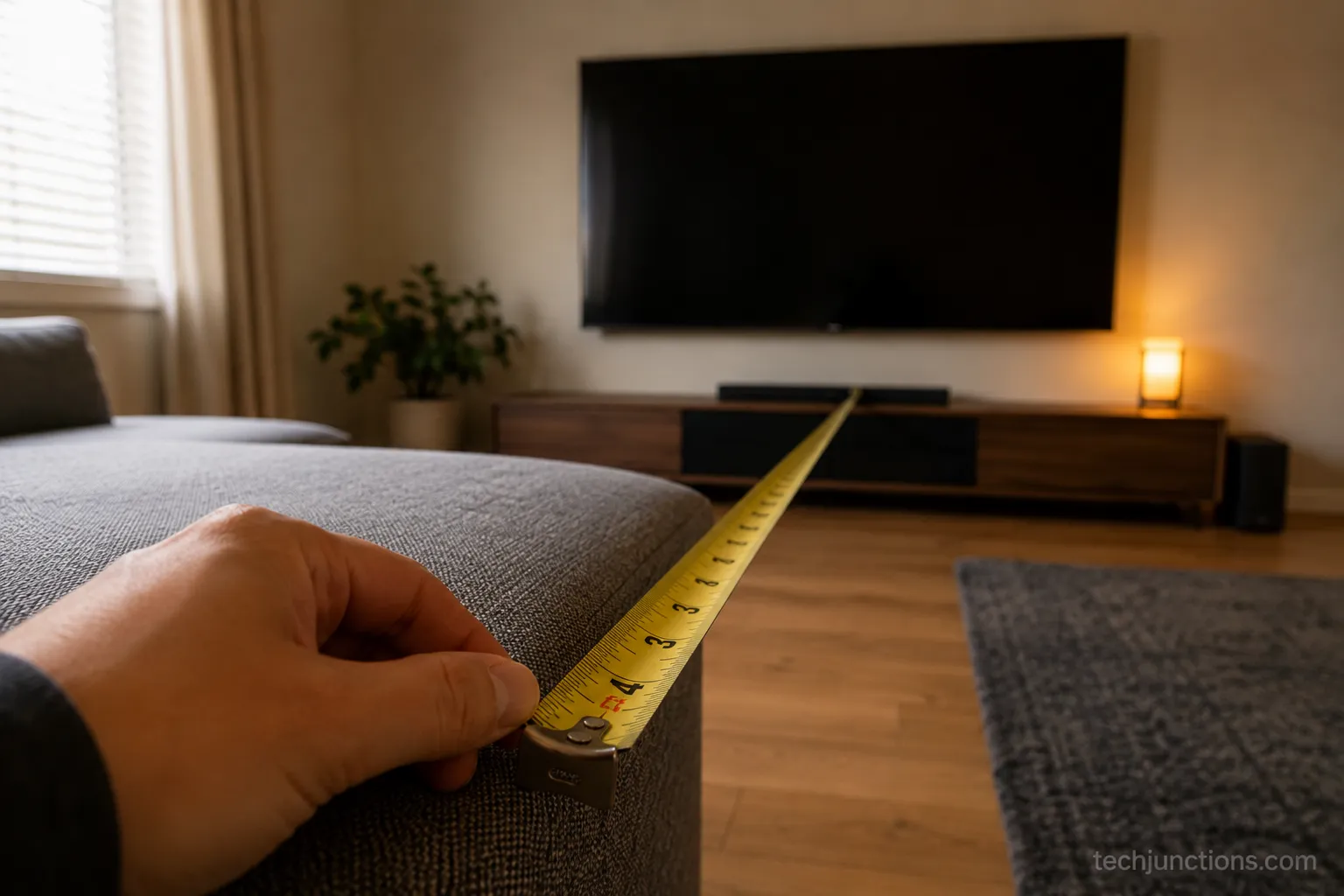
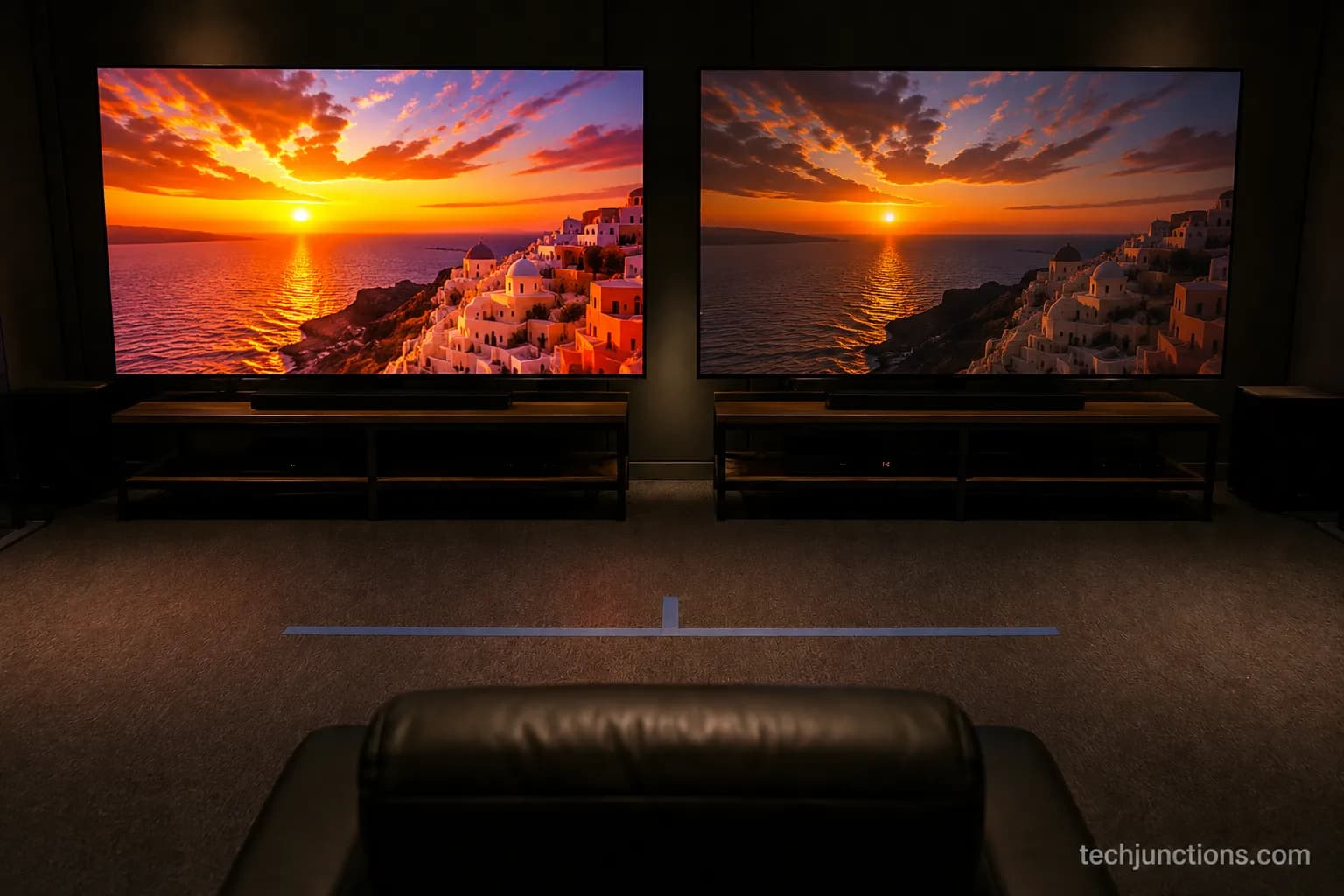
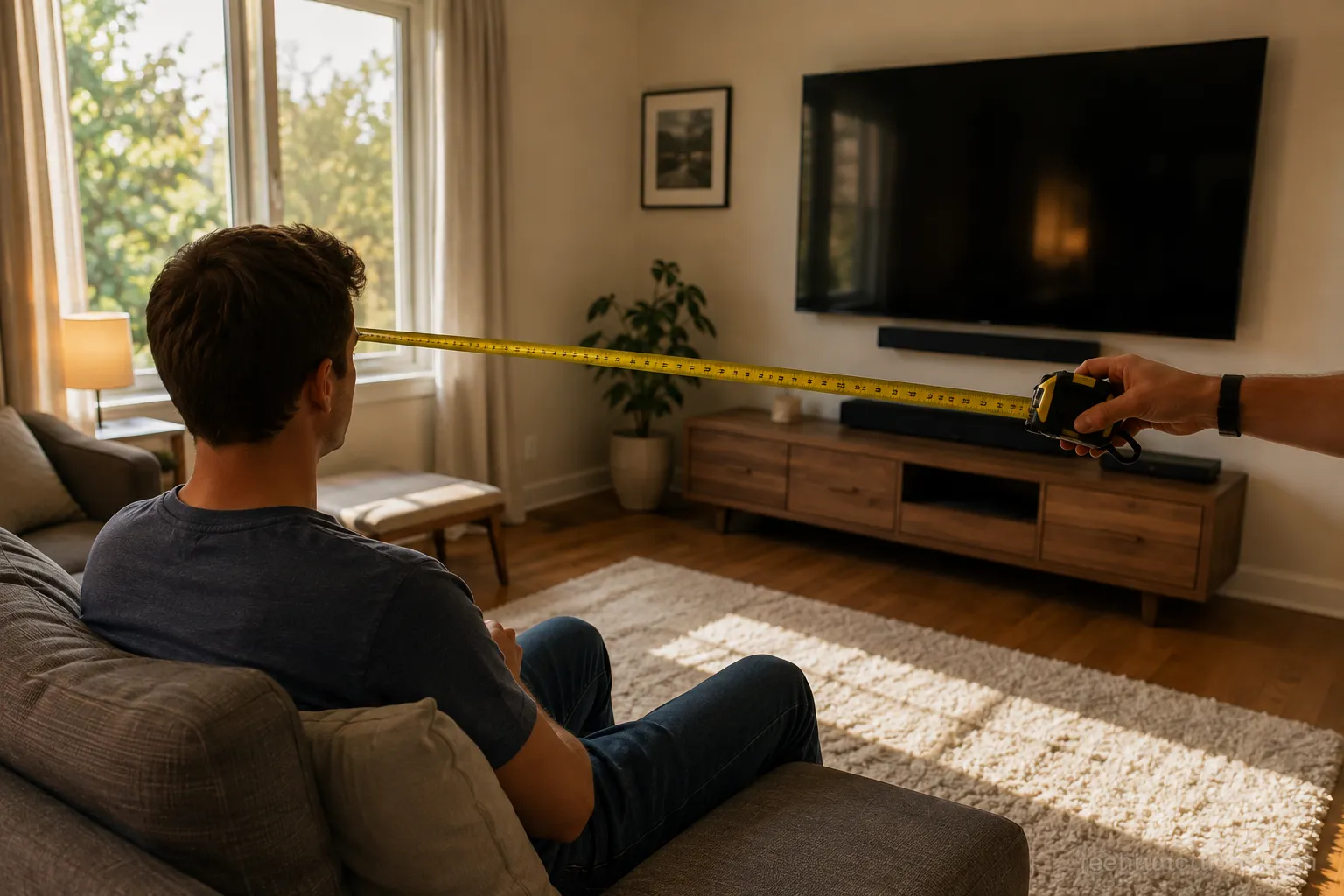
To measure your TV viewing distance, sit where you actually watch and measure from your eyes to the screen wall in feet, then match that number to the by-size 4K range above.
The single most common mistake is measuring to the wall behind the couch instead of to the screen, which in our own room added 14 inches of error and pushed the recommended size a notch too large. Measure from the eye, not the furniture.
Sit in your normal spot and have someone measure from your eyes straight to the wall the TV is on, not the wall behind you. Mounting above furniture? Mind the gap over a console as you take the measurement.
Convert to the chart's units. Feet is primary here; multiply by 30.5 for centimeters or 0.305 for meters. Above a fireplace instead? The over-fireplace height guide adjusts the geometry for the higher mount.
Read your size's 4K range and crossover from the chart, then adjust slightly for eyesight and content. Check heat clearance for a fireplace TV before you commit a spot near a heat source.
One caveat: recliners change the number when reclined, so measure in the position you actually watch from, not upright.
Frequently Asked Questions
How far should I sit from a 55-inch 4K TV?
For a 55-inch 4K TV, the best range is about 5.5 to 7 feet, where the picture is sharp and immersive. You can sit as close as roughly 3.4 feet before pixels show, and past about 7 feet the 4K sharpness starts to look no different from 1080p to a 20/20 eye.
What size 4K TV should I buy for 10 feet away?
At 10 feet, a 65 to 75-inch 4K TV is the sweet spot for most rooms. A 75-inch sits squarely in the immersive range at that distance, while a 65-inch is the more conservative, comfortable pick. Smaller than 55 inches at 10 feet and the screen starts to feel distant.
Is a 4K TV worth it for a bedroom at 6 feet?
Yes. At 6 feet you are inside the 4K range for anything from a 50 to 65-inch set, so the added sharpness is fully visible. A bedroom's closer seating actually favors 4K, since you are near enough to resolve the detail that a far living-room seat would waste.
How far should I sit from an 85-inch 4K TV?
An 85-inch 4K TV looks best from about 8.5 to 11 feet, and you can sit as close as roughly 5.2 feet before pixels appear. If your room can only give you 7 or 8 feet, the screen will still work but you will be at the immersive, edge-filling end of comfort. If you are still setting the TV up, scan for channels once it is on the wall.
What is the 4K TV viewing distance in meters?
Convert feet to meters by multiplying by 0.305. A 65-inch 4K best range of 6.5 to 8.5 feet is about 2.0 to 2.6 meters, and a 55-inch range of 5.5 to 7 feet is roughly 1.7 to 2.1 meters. Setting up audio too? You can connect a HomePod to a compatible set. And if live channels drop out after setup, here is the channel fix.
Bottom Line: Match Your Distance to Your Resolution
The rule worth remembering is simple: pick your distance first, then choose the largest 4K size whose range includes it, and sit inside that range to actually see the 4K you paid for.
Get the TV viewing distance 4K relationship right and resolution stops being a spec-sheet number and becomes something you can see from the couch.
The lesson that saved us a return once, after oversizing a 75-inch set for a 7-foot room, is to measure before you buy and let the distance choose the size.
Adjust a little for your own eyesight and the content you watch, then trust the number.
Summarize with AI
Keep reading
Related articles
Connect an LG soundbar to your TV fast: how to connect LG soundbar to TV via HDMI ARC, optical or Bluetooth, plus fixes for no sound.
Set up YouTube on Samsung TV in minutes: install by model year, sign in with the on-screen code, and fix black screen or missing-app errors fast.
No, a HomePod can't connect to a Samsung TV directly. Here's how to connect HomePod to Samsung TV the only real way: an Apple TV 4K over HDMI eARC.
Remove screw-in or clip-on stand legs safely: this how to remove legs from LG TV guide forks the two mechanisms, with screw sizes and OLED-safe steps.
Comments
Moderated for quality. Share a correction, ask a follow-up, or tell us what worked for you - every comment is reviewed before it goes live.