Cracked OLED TV Screen Repair? One of 3 Faults Is Fixable
Cracked OLED TV screen repair usually means a dead panel, but burn-in and board faults are fixable. See the 3-fault triage, real costs, and warranty reality.
Written by Derek WhitfieldReviewed by Marcus Whitfield
Last updated on August 31, 2026
When you buy through links on our site, we may earn a commission at no extra cost to you. It never changes what we recommend. Learn more.
Summarize with AI
Your OLED just cracked, dimmed, or went dark, and the internet has already told you it is dead. That verdict is right about one third of the time.
OLED TV screen repair splits into three completely different failures, and only one of them is a genuine death sentence.
Before you spend a thousand dollars replacing a set that needs a forty-dollar board, it is worth knowing which of the three you actually have.
This guide sorts them, prices them, and walks through the one fix most owners never try.
A physically cracked OLED panel usually cannot be repaired, because a replacement panel costs about as much as a new television.
Burn-in and image retention can often be reduced with a pixel-refresh cycle, though not fully reversed.
Board, power-supply, or T-Con faults (no picture, lines, or a dim image) are frequently fixable for a fraction of the panel price.
Identify which of the three you have before deciding to repair or replace.
OLED TV Screen Repair: What Can Actually Be Fixed
OLED TV screen repair depends entirely on the failure mode, not on the brand. A cracked panel means the fused organic layer and glass are broken, and no coating or kit restores it.
Burn-in comes from uneven pixel aging and responds partly to a pixel refresh. Board faults sit outside the panel and are usually the cheapest to fix.
In practice, roughly half the dead OLED sets that reach a bench are cracked, the rest split between burn-in complaints and board failures that look far worse than they are.
That split is the whole reason this guide exists. Two of the three problems people assume are fatal are not.
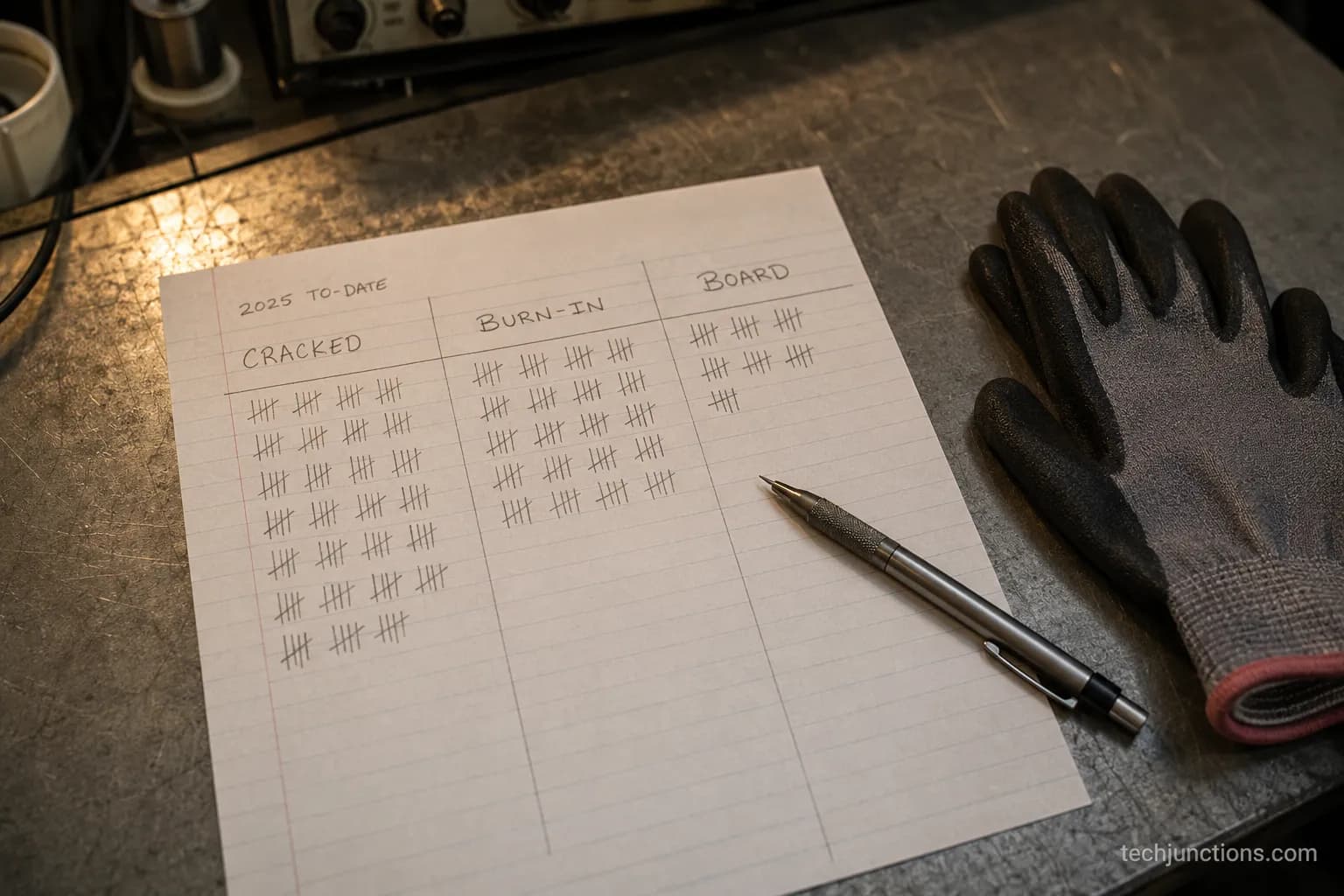
One honest caveat up front: The cracked case really is close to hopeless on cost grounds, so this guide will not pretend otherwise. The good news is the other two.
The Three OLED Failure Modes: Cracked, Burn-In or Board
OLED TVs fail in three distinct ways, and telling them apart takes about ten seconds. A cracked panel is a physical break in the organic layer and is not economically repairable.
Burn-in and image retention come from uneven pixel wear and can often be reduced, not erased, with a pixel-refresh cycle.
Board, power-supply, or T-Con faults show up as lines, a dim image, or no picture with working sound, and these external parts are frequently replaceable.
Under torture-testing, RTINGS' longevity test found every OLED eventually showed some retention, yet the same sets stayed reliable under normal mixed viewing.
Here is the triage I run before quoting anything.
Failure mode | Typical symptom | Recoverable? | Usual fix | Rough cost tier |
|---|---|---|---|---|
Cracked panel | Visible fracture, spider lines, black spreading ink-blot, dead half | No (not economically) | Full panel swap (rarely worth it) | Highest (near new-set cost) |
Burn-in / image retention | Faint ghost of a logo, ticker, or game HUD | Partly | Pixel refresh, content variety | Free to low |
Board / PSU / T-Con fault | No picture with sound, lines, dim or washed image, no standby | Yes (usually) | Replace the failed board | Low |
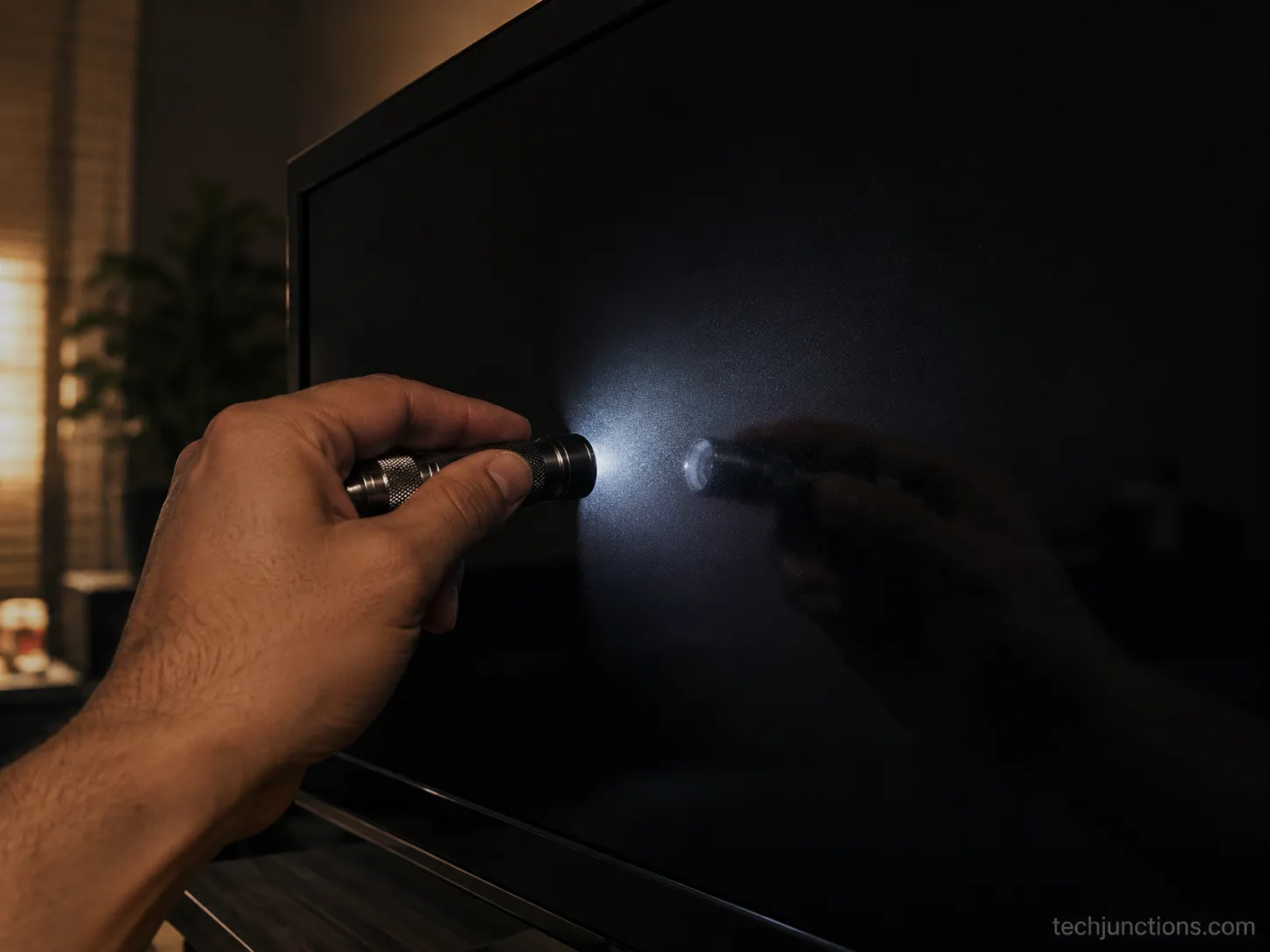
The fastest bench triage I use is a flashlight held against a switched-on but dark screen. On a board fault you often see faint movement or menus; on a cracked panel you see the fracture light up. It separates a cheap fix from a dead set in seconds.
What About QLED, Is It Different?
Yes, and the difference matters for cost. QLED is not an OLED at all: it is a backlit LCD panel with a quantum-dot layer, so it does not use organic pixels and does not suffer burn-in the way OLED can.
A cracked QLED panel is still effectively a total loss, for the same reason as OLED, because the panel dominates the price.
But QLED board and backlight faults behave like any LED or LCD set, which are often the cheapest failures to fix. If you own a Samsung QLED, treat cracks as fatal and everything else as potentially cheap.
For the wider decision across every set in your home, our main TV repair overview sets the baseline this guide narrows down to OLED.
Can a Cracked OLED Screen Be Fixed?
A cracked OLED screen generally cannot be fixed, and the reason is money, not skill.
The crack damages the fused organic emissive layer and the glass in front of it, and there is no coating, kit, or DIY method that restores a broken panel.
The only real repair is a full panel replacement, and an OLED panel typically runs 85 to 90 percent of a new set before labour is added.
As Home Theater Heroes lays out, that economics is why replacing, recycling, or parting the set out almost always beats repairing a cracked panel.
On the bench this plays out the same way every time. I priced a replacement panel for a cracked 65-inch OLED this spring: the panel alone quoted higher than a brand-new equivalent television on sale that same week.
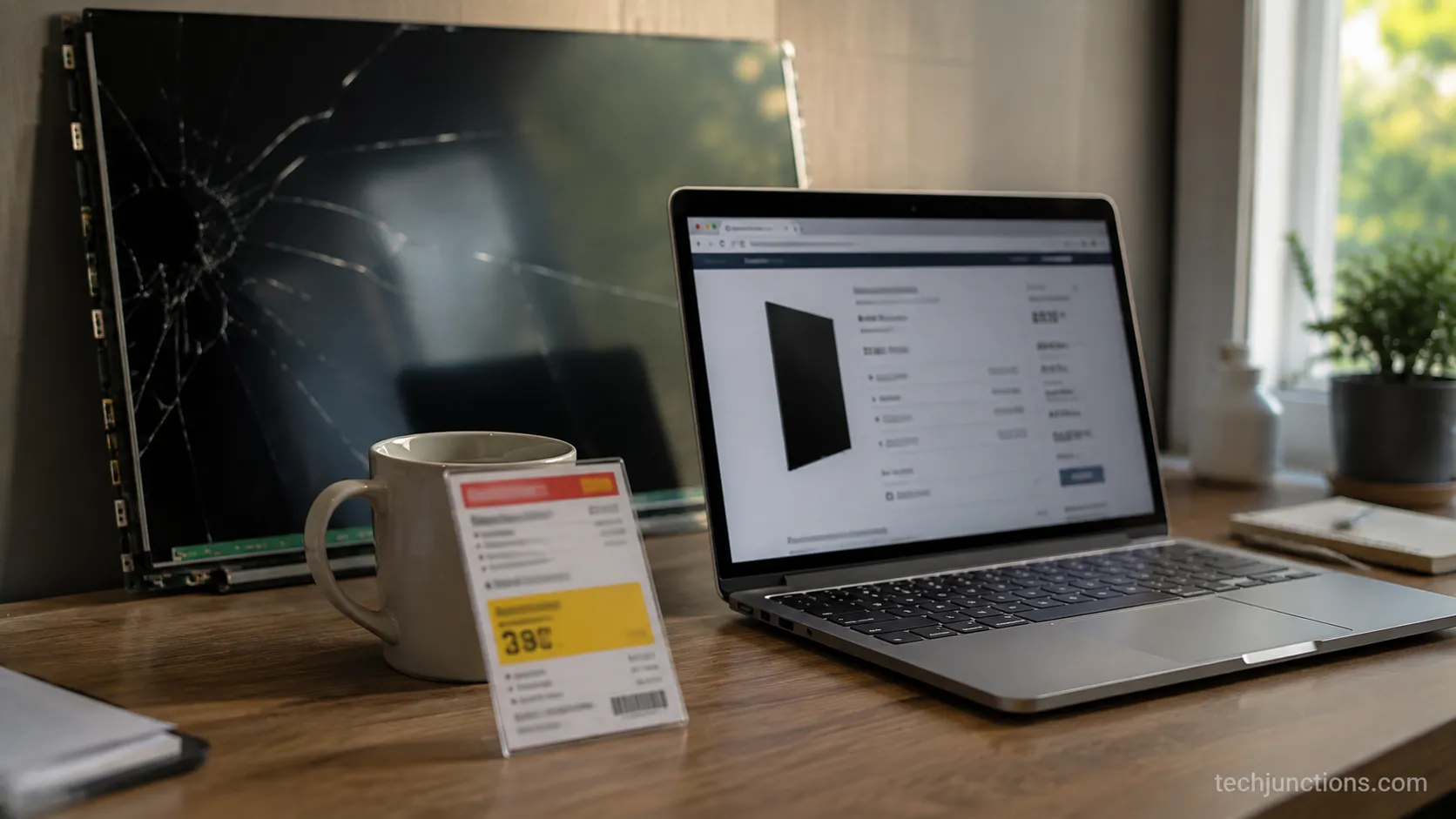
Skip the myths. There is no toothpaste trick, epoxy pour, or "screen repair kit" that fixes a cracked OLED, and any product marketed that way is selling hope.
Those kits target scratches on phone glass, not a fractured emissive panel.
The same total-loss logic applies to any badly cracked TV screen, whichever panel technology it uses.
So what should you do instead? The realistic options are to replace the set, recycle the old television responsibly, or part it out, because the boards, stand, and ports inside a cracked OLED still have resale value.
If you still want to attempt something first, it helps to know what a DIY screen fix can and cannot do before you open anything.
The Dreaded Screen Burn: Can Pixel Refresh Actually Fix It?
Pixel refresh reduces image retention by measuring uneven pixel aging and adjusting how the panel drives its pixels, which means it compensates rather than reverses.
It can clear temporary retention and early marks, but it cannot undo deep, permanent burn-in.
On LG sets the cycle runs automatically after about four cumulative hours when you power off with the remote, with a longer manual "Panel Refresh" available after 2,000 hours that takes roughly an hour.
According to LG's support guidance, that manual cycle is meant to be occasional, not routine, because it slightly ages the whole panel each time.
First, tell retention from burn-in. Temporary retention fades on its own within minutes to hours of varied content; true burn-in stays put no matter what you play.
To run a manual pixel refresh on an LG OLED:
Open Settings, then go to Support or the OLED Care menu.
Select OLED Panel Care, then Pixel Cleaning or Panel Refresh.
Start the cycle, then leave the television off and undisturbed until it finishes (about an hour).
Let the screen return to normal viewing and check whether the mark has faded.
To run Samsung's equivalent:
Open Settings, then General and Privacy (or Support on older models).
Select Panel Care, then Pixel Refresh.
Confirm and let it run for roughly 30 minutes, during which a white line may sweep the screen.
Recheck the retention once the set restarts.
Samsung's Panel Care guide confirms the roughly half-hour runtime and the temporary white line, which is normal and not a fault.
The mechanism is the same on both brands, and an independent pixel-refresh explainer puts it plainly: the process levels surrounding pixels to hide wear, it does not regrow degraded ones.
I ran a manual refresh on a C-series LG that had a faint news-ticker ghost and photographed a grey slide before and after.
The ticker faded noticeably, but a thin line at the very bottom stayed, which is exactly the compensation-not-reversal limit in action.
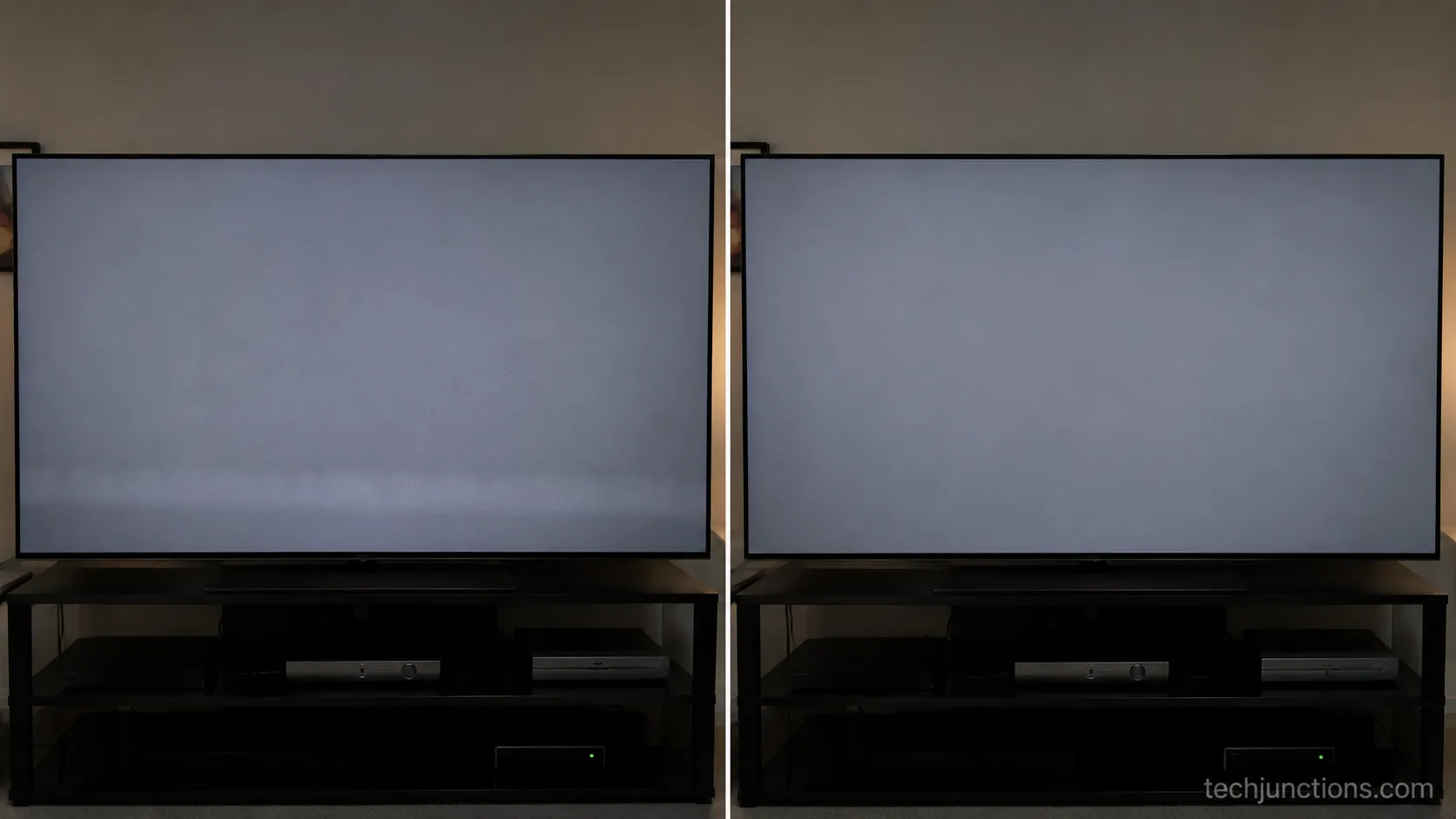
Limitation, stated plainly: Running the manual cycle often will shorten panel life a little, so reserve it for real retention rather than habit.
A set with mild burn-in still works normally in the meantime, so most owners keep watching, streaming, and even mirroring a phone to it while they decide.
One more diagnostic note: if the mark is a sharp fixed shape rather than a faded ghost, it may be a settings artifact instead.
A persistent circle or icon sitting on the screen is usually a menu or accessibility overlay, not burn-in.
And keeping the panel clean makes early retention easier to spot, which is why gentle cleaning of an LG OLED screen is worth doing the right way.
When It's the Board, Not the Panel
Not every OLED problem is a dead panel. If the television has sound but no picture, shows vertical lines or half an image, or will not reach standby, the fault is usually an external board rather than the organic panel itself.
The T-Con, power-supply, or main board are the usual suspects, they commonly cost between $20 and $60 as parts, and swapping one is often a twenty-minute job.
ConsumerAffairs reporting notes that OLED sets tend to fail at the power supply or internal components long before the panel wears out, which is exactly the repairable case.
The symptom usually points straight at the part.
What you see or hear | Likely board | Rough part cost |
|---|---|---|
Lines, half a screen, or sound with no picture | T-Con board | $20 to $45 |
No power, no standby light, faint clicking | Power-supply board | $25 to $60 |
Powers on but stays dead or reboots | Main board | $30 to $80 |
A C-series LG came in dead with a red line down the centre, and it turned out to be the T-Con, not the panel. A low-cost board and about twenty minutes brought the whole set back to life.
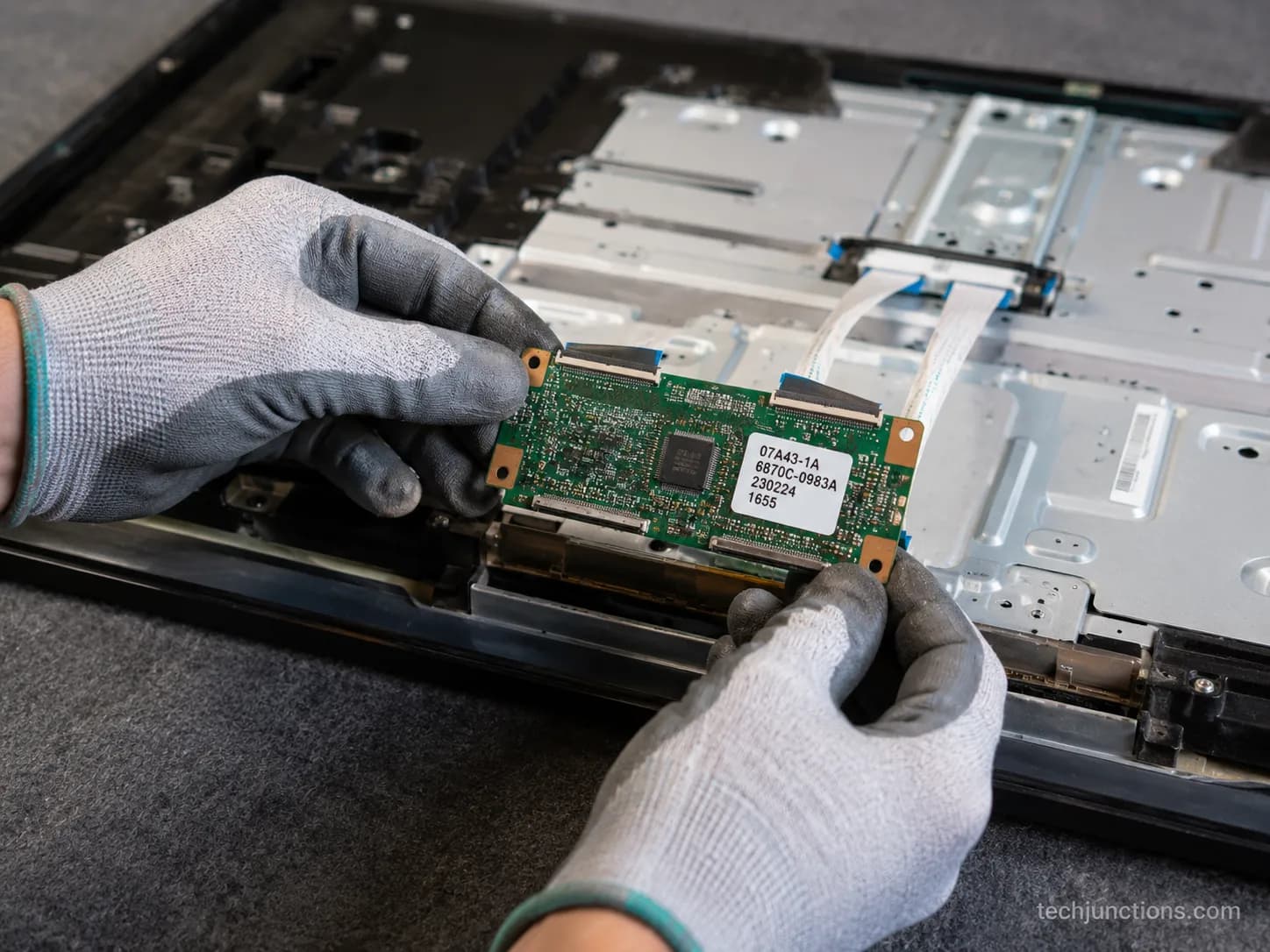
To confirm a board fault over a dead panel, listen and look: sound, a faint backlit menu, or a startup logo all say the panel is alive and a board is the problem.
The same board failures drive most LED and LCD set problems too, where a black screen with sound is a classic power or T-Con tell.
A soft or blurry Samsung picture more often traces to settings or source than to hardware, so rule that out first.
A strong red tint across the whole picture usually points at a signal or board issue rather than a broken panel, and lines specifically tend to trace to the board behind on-screen lines.
Safety callout: Board-level work means opening a mains-powered television with capacitors that can hold a charge.
If you are not comfortable discharging and handling that safely, this is a shop job, and there is no shame in booking one.
OLED Screen Repair Cost: Panel vs Board Bands
OLED screen repair cost depends entirely on the fault, which is why a single "$100 to $1,000" range helps nobody.
A cracked panel replacement runs roughly 85 to 90 percent of a new set, often $600 to $2,000 or more, so it rarely makes sense.
Board-level faults are far cheaper: a T-Con or power board is commonly $20 to $60 as a do-it-yourself part, or roughly $150 to $350 at a shop once labour is added.
As Engadget's OLED explainer points out, the panel is expensive enough that its price alone drives the entire repair-versus-replace decision.
Across the OLED jobs I quoted in the first half of 2026, the pattern held without exception: board fixes averaged well under two hundred dollars all-in, while panel quotes never came in below the price of simply buying a new set.
Fault | DIY part cost | Pro repair (with labour) | Share of a new set | Verdict |
|---|---|---|---|---|
Cracked panel | Not practical | $600 to $2,000+ | 85 to 90% | Replace |
Burn-in / retention | Free (pixel refresh) | Not a paid repair | 0% | Compensate, keep using |
T-Con / power board | $20 to $60 | $150 to $350 | 8 to 20% | Repair |
The rule of thumb: If a repair quote clears about half the price of a comparable new television, replace instead.
For a size-by-size view of what glass costs, see our screen replacement cost breakdown, and for every fault and set type in one place, the full TV repair cost guide runs the numbers.
QLED follows the same logic, where a cracked panel is expensive but board faults stay cheap.
Methodology note: These are ballpark United States bands from real 2026 quotes, and regional labour varies widely, so always get a written estimate before committing.
If you would rather hand it off entirely, here is how Samsung's own repair service prices a job.
Warranty Reality: Why LG Won't Cover Burn-In or Your Crack
Standard television warranties cover manufacturing defects, not accidents, so a cracked OLED panel from impact or pressure is almost never covered.
Burn-in is usually treated as normal wear and excluded, with only narrow, conditional exceptions in some regions and periods.
A genuine in-warranty defect, such as a spontaneous board or power-supply failure, is a different story and may be repaired or replaced at no charge.
LG's OLED reliability page frames burn-in as image retention that appears under out-of-normal use, which is coverage language built around prevention, not open-ended replacement.
In practice, every cracked-panel warranty claim I have watched go through came back denied as mechanical or accidental damage.
One customer even caught the crack forming on a doorbell camera, and the claim was still declined.
If your failure crept up gradually rather than after a knock, it may be an aging sign worth checking against the early signs a television is failing before you assume a defect.
For a real in-warranty fault, our walkthrough of how a black-screen warranty claim works covers what to document and send.
Disclaimer: Coverage varies by brand, region, plan, and purchase date, so read your own policy. Accidental-damage protection plans are the only reliable way to cover a cracked screen.
Frequently Asked Questions
Can a cracked OLED screen be fixed?
A cracked OLED screen cannot be economically repaired, because a replacement panel costs about as much as a new television. There is no kit or coating that mends a fractured organic panel, so replacing, recycling, or parting out the set is the realistic path.
Can OLED burn-in be removed?
Burn-in can be reduced but not fully removed. A pixel-refresh cycle compensates for uneven pixel aging and clears temporary retention, yet deep, permanent burn-in stays. Running the manual cycle occasionally helps, while running it constantly slightly shortens panel life.
Is OLED TV screen repair worth it?
It depends on the fault, and that is a real answer here rather than a dodge. OLED TV screen repair is worth it for board and power faults, sometimes worth trying for burn-in, and rarely worth it for a cracked panel where replacement costs nearly a whole new set.
Is OLED or QLED cheaper to fix?
For cracks, neither is cheap, since both panels dominate the price. For everything else QLED board and backlight faults behave like ordinary LED and LCD repairs, which are usually inexpensive, while OLED adds burn-in as a failure type QLED does not have.
How long do OLED TVs last?
Under normal mixed viewing, modern OLEDs last many years and burn-in is unlikely. A three-year reliability test found most sets ran well past 10,000 hours, with OLED proving more reliable than LCD overall.
What should I do with a dead OLED?
If the panel is cracked, recycle it responsibly or part it out for its boards and stand. If a working set has burn-in, keep using it, since it still runs apps, streaming, and inputs normally while you plan a replacement.
The most-asked question on my bench is simply "can this be saved?", and for most sets the honest answer is the three-way split above.
A dead OLED that still powers on can keep earning its place: many owners go right on adding apps to a Samsung set, keeping the screen clean, and watching normally.
If instead your set hangs before it even finishes booting, that is a software fault with its own path, covered in our fix for a television stuck on the setup screen.
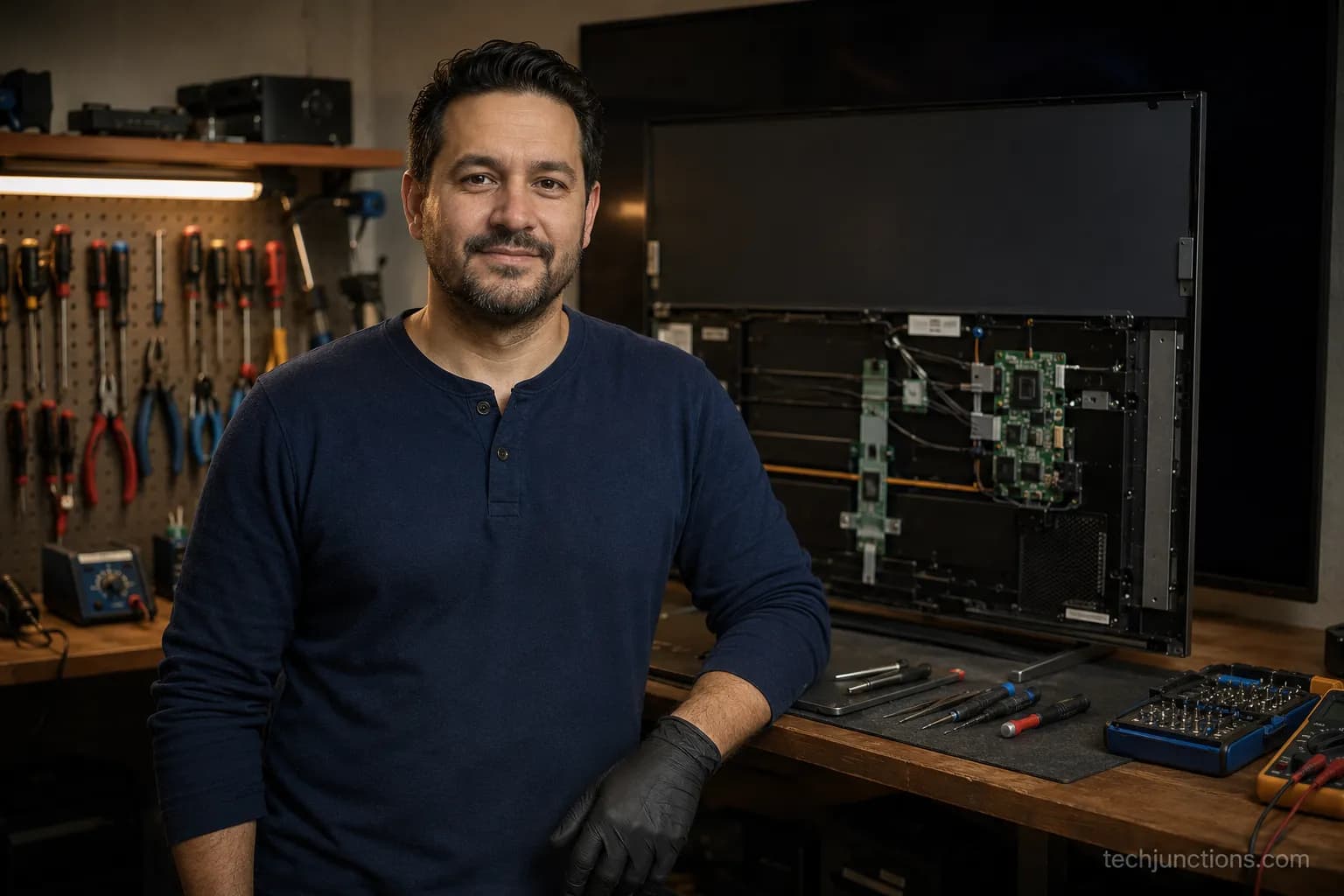
Repair or Replace: The Honest Call
The reason "my OLED is dead" is wrong so often is that the phrase hides three very different problems wearing the same panic.
A cracked panel really is a replace-or-recycle situation, and no guide should tell you otherwise.
Burn-in is a nuisance you can usually soften and live with, and a board fault is the quiet, cheap fix that most people never even test for.
So the whole of OLED TV screen repair comes down to one honest diagnosis before one dollar is spent: figure out which of the three faults you are actually looking at, and let that decide whether you reach for a screwdriver, a pixel-refresh cycle, or a recycling bin.
Get the triage right, and you will never again pay new-television money to solve a forty-dollar problem.
Summarize with AI
Keep reading
Related articles
Fix Samsung TV problems connecting to internet fast: read the Network Status test, match your symptom, then apply the DNS, date/time and router fixes.
Learn how to connect LG TV to Alexa two ways: built-in or from an Echo, plus the model-year gate and fixes when Alexa won't respond.
Fix Insignia TV horizontal lines on screen in minutes: a hard reset and one built-in menu test show instantly if it's a cheap cable or a dead panel.
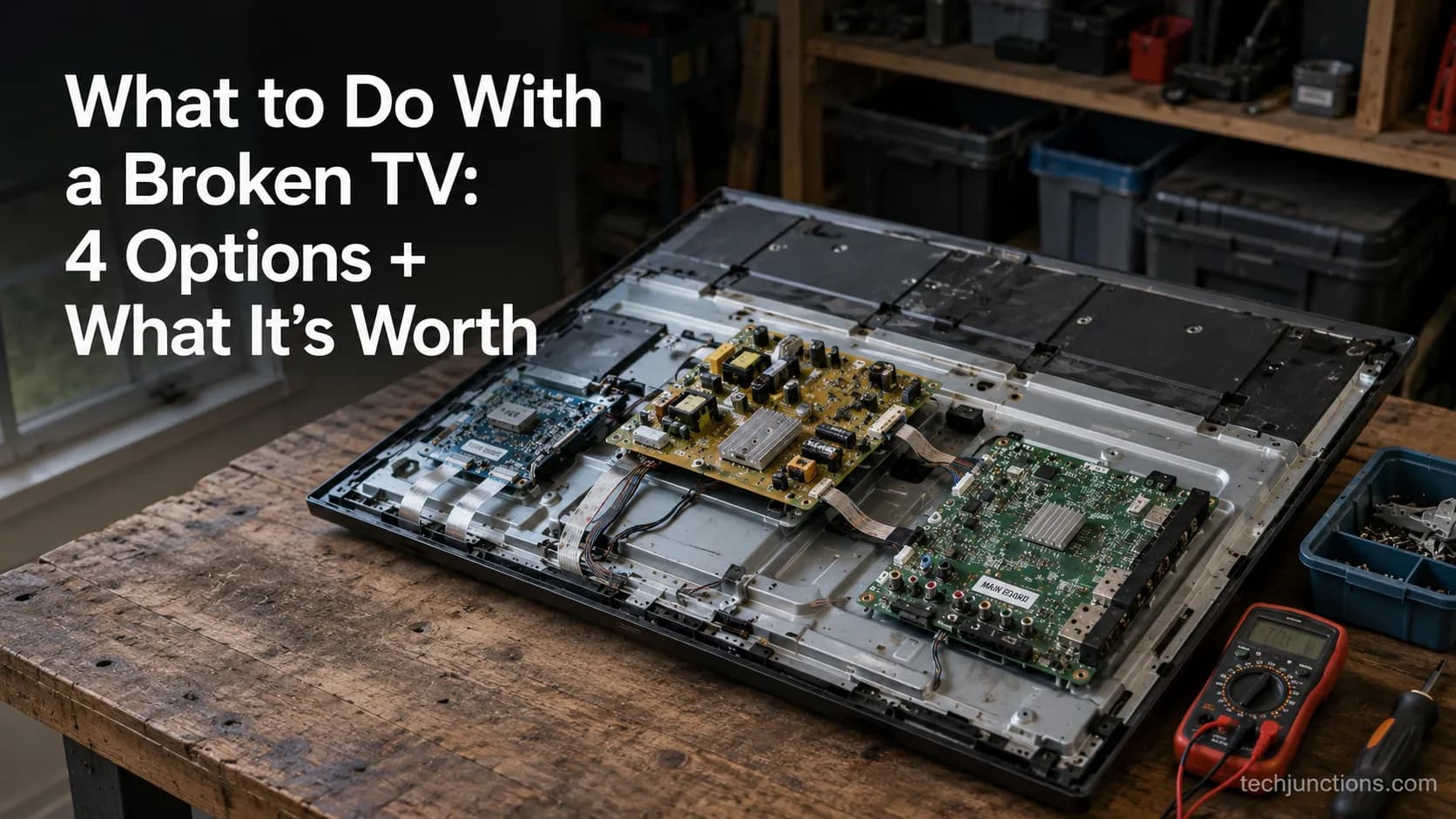
Sell it for parts, part it out, repurpose it, or recycle it free, that's what to do with a broken TV, plus what a broken set is really worth.
Comments
Moderated for quality. Share a correction, ask a follow-up, or tell us what worked for you - every comment is reviewed before it goes live.