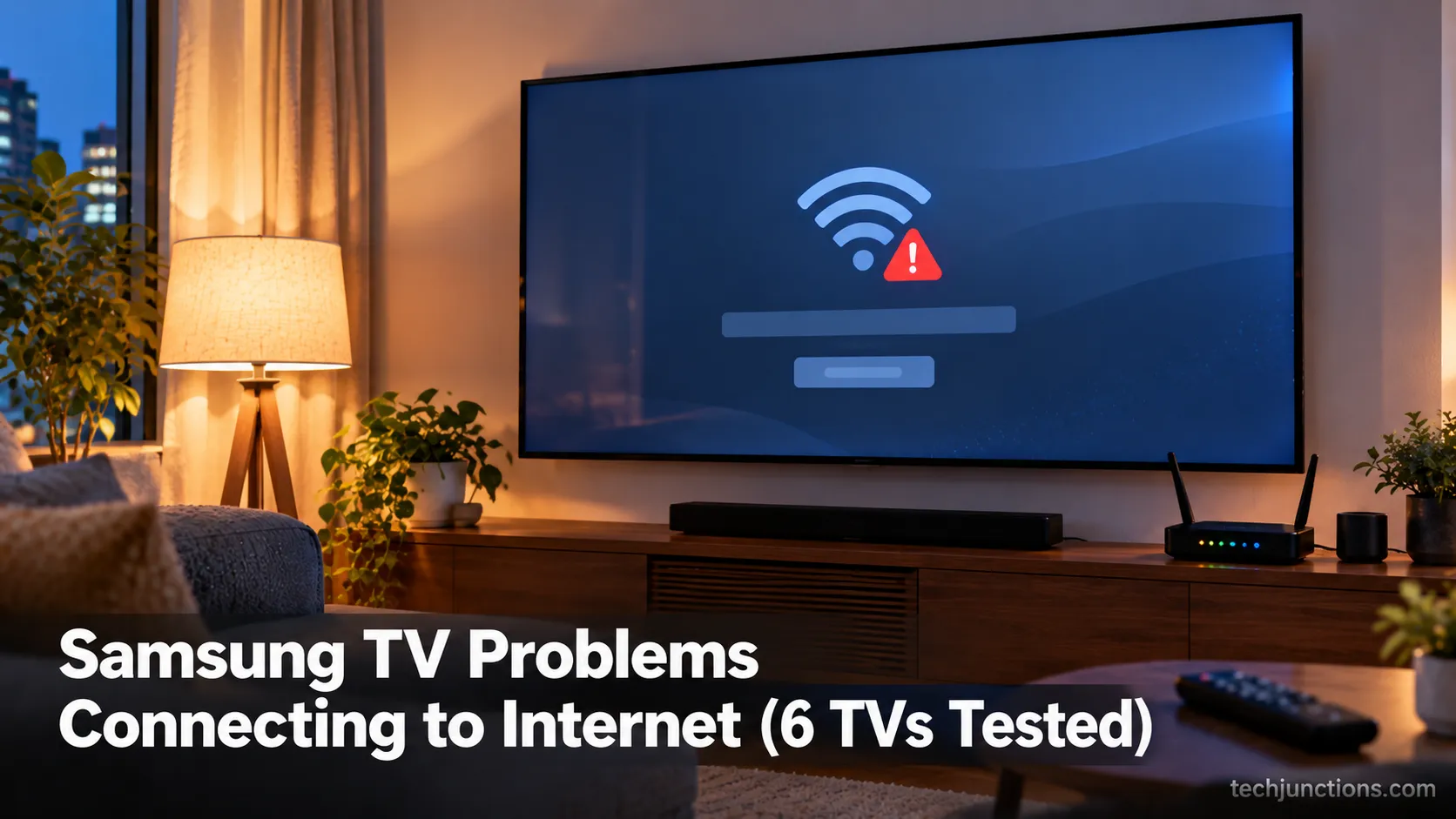
Samsung TV Problems Connecting to Internet (6 TVs Tested)
Fix Samsung TV problems connecting to internet fast: read the Network Status test, match your symptom, then apply the DNS, date/time and router fixes.
Read the guideEvery step-by-step guide on Tech Junctions, newest first. Looking for something specific? Search, or browse by topic below.
419 guides
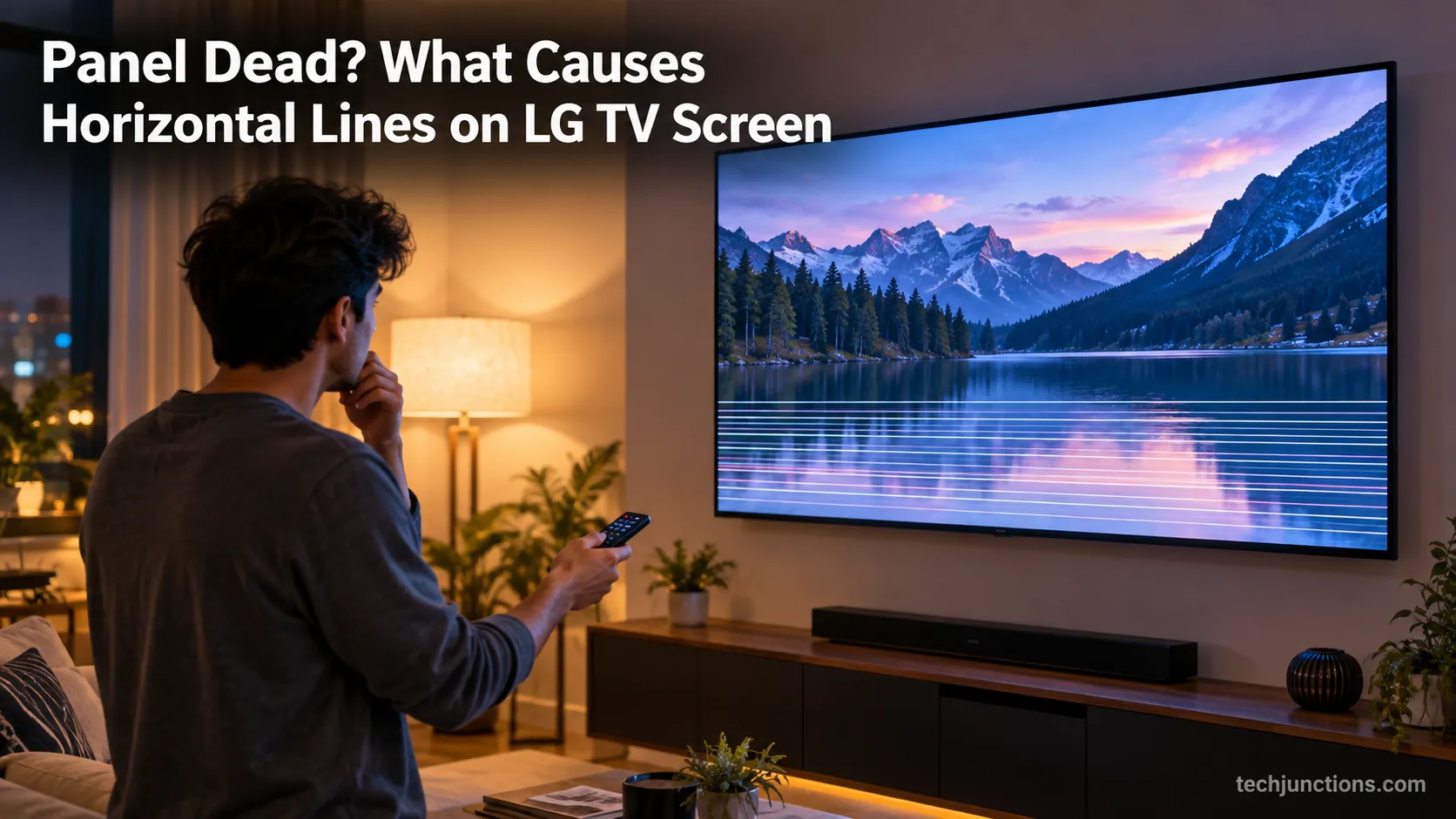
Diagnose what causes horizontal lines on LG TV screen in one Picture Test, tell a signal glitch from a dead panel, and see 2026 repair-vs-replace costs.
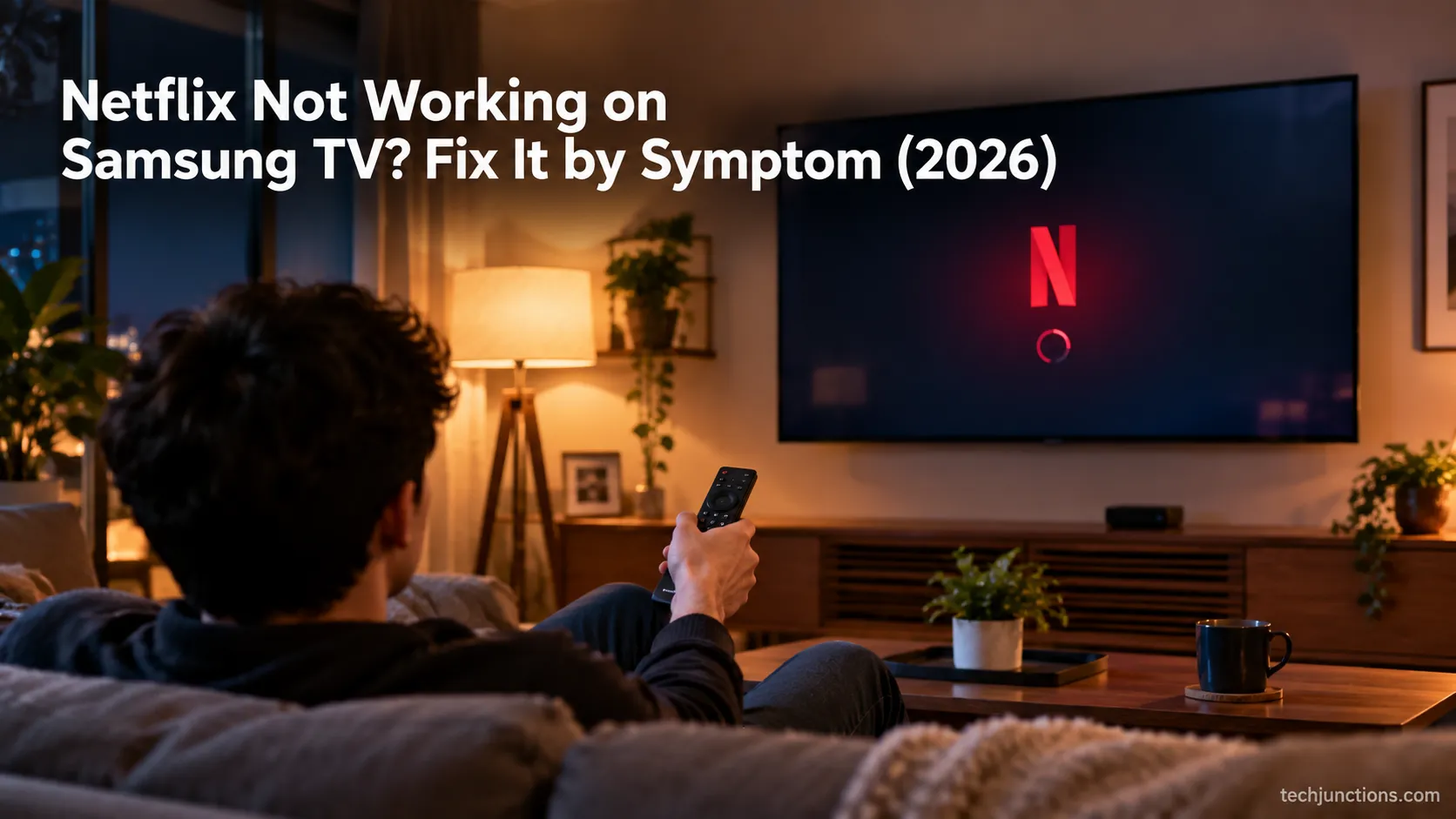
Fix Netflix not working on Samsung TV by symptom: black screen, won't load, or NW-2-5. Get exact Tizen paths, the 0000 Smart Hub PIN, and model-year cutoff.
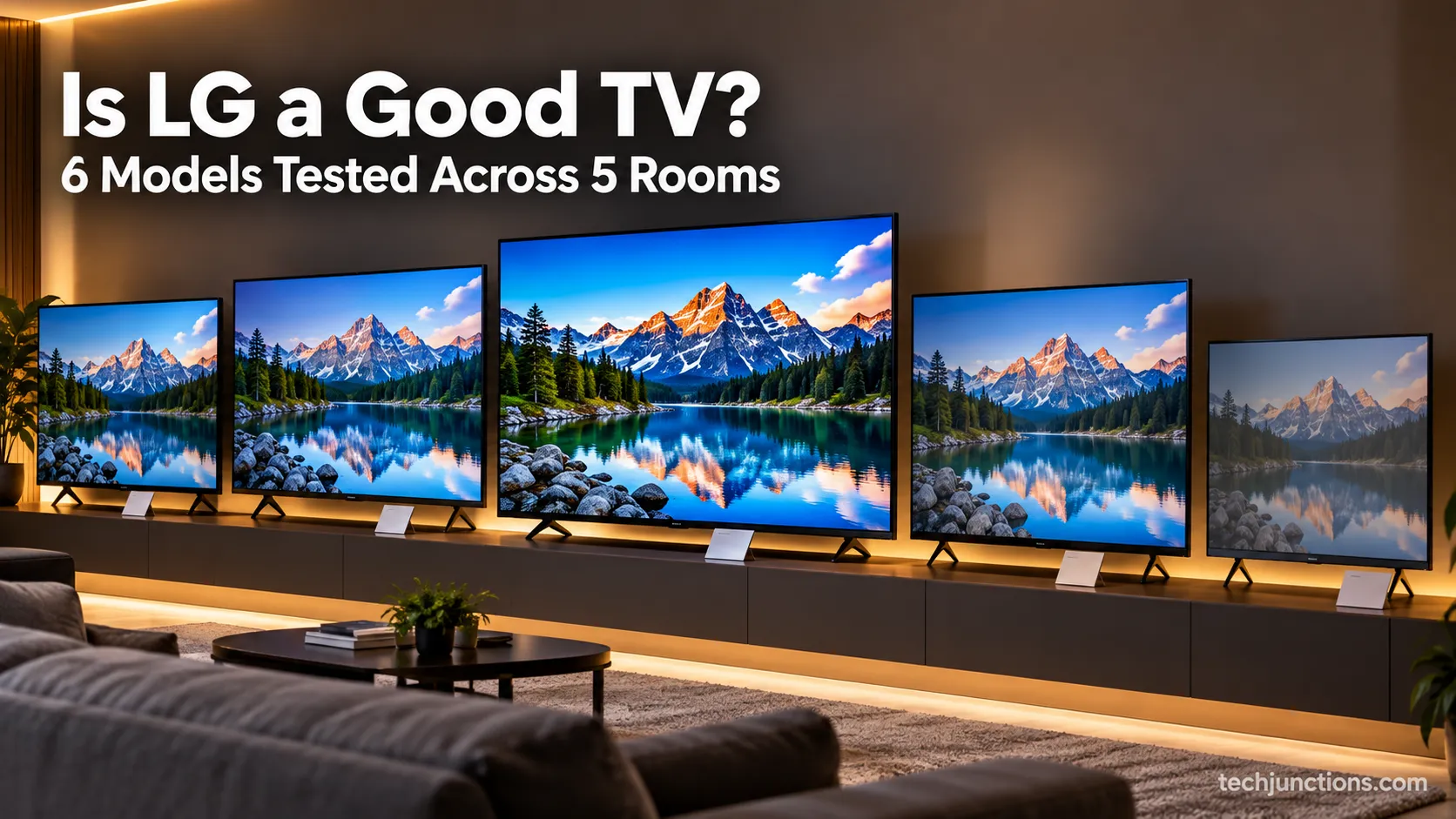
Yes and no: is LG a good TV depends on the line. LG OLED is world-class; budget LED trails TCL and Hisense. See which LG fits your room, budget, and games.
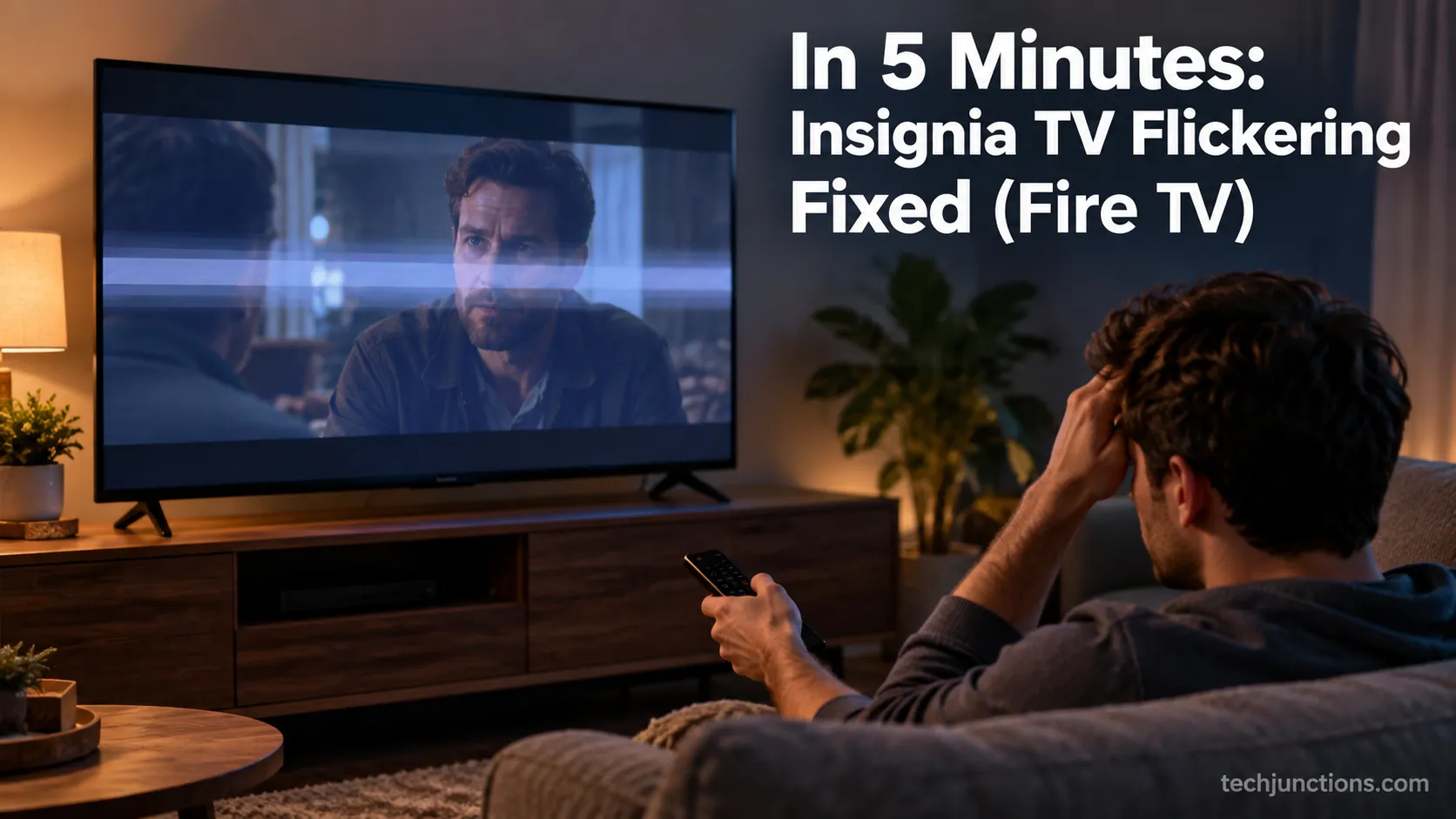
Fix Insignia TV flickering fast with a power-drain reset, Dynamic Backlight off, and the Fire TV resolution cycle, plus a backlight test for hardware faults.
Hold Mute for 2 seconds to silence Voice Guide, or see how to turn off voice on Samsung TV by model year, plus Audio Description and Bixby fixes.
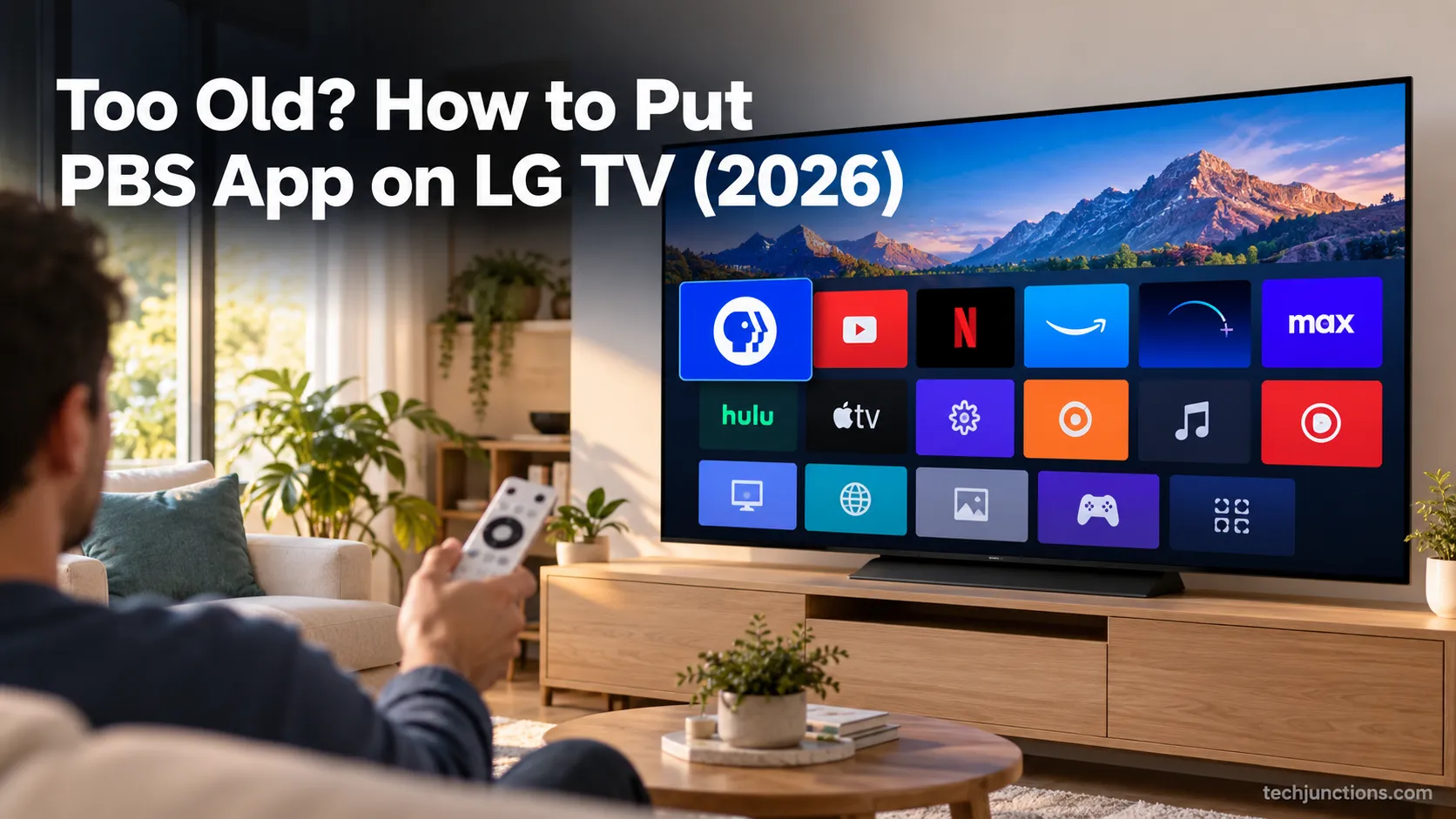
See exactly how to put PBS app on LG TV: verify webOS 23, install via LG Content Store, activate Passport, plus a fallback for older sets.
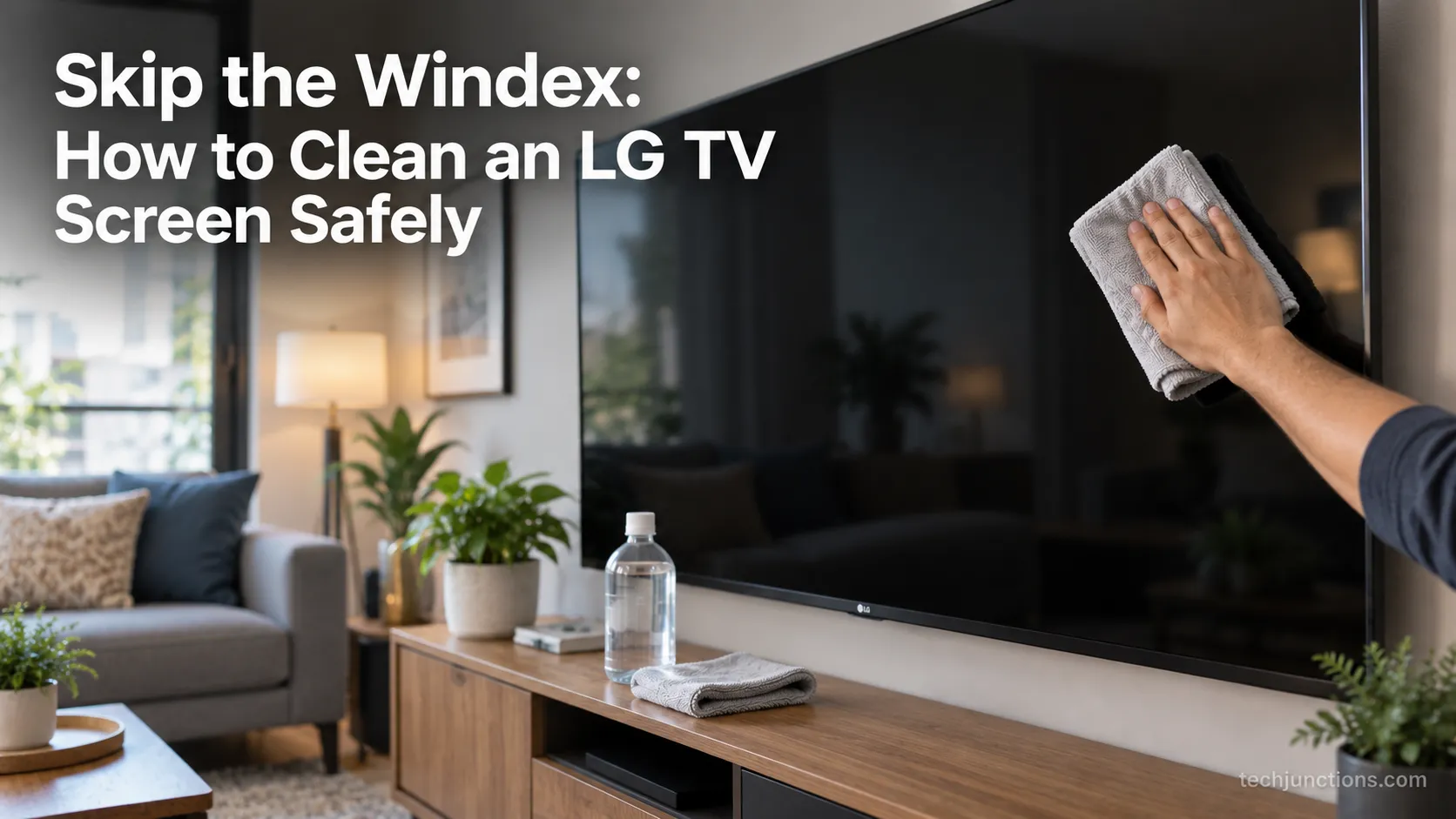
Learn how to clean an LG TV screen without streaks: dry microfiber first, distilled water on the cloth. Skip Windex, alcohol, and paper towels.
Set up Google Home Samsung TV control in 6 steps: link via SmartThings, check model support, and see what voice commands really do.
Screen mirror Samsung to Samsung TV in under a minute with Smart View. Fix the icon-missing, no-sound and black-screen snags, plus when an app is worth it.
Learn screen mirroring android to samsung tv: Smart View on Galaxy, Cast on Pixel or Motorola, plus fixes for a TV that won't show in the list.
Connect an LG soundbar to your TV fast: how to connect LG soundbar to TV via HDMI ARC, optical or Bluetooth, plus fixes for no sound.
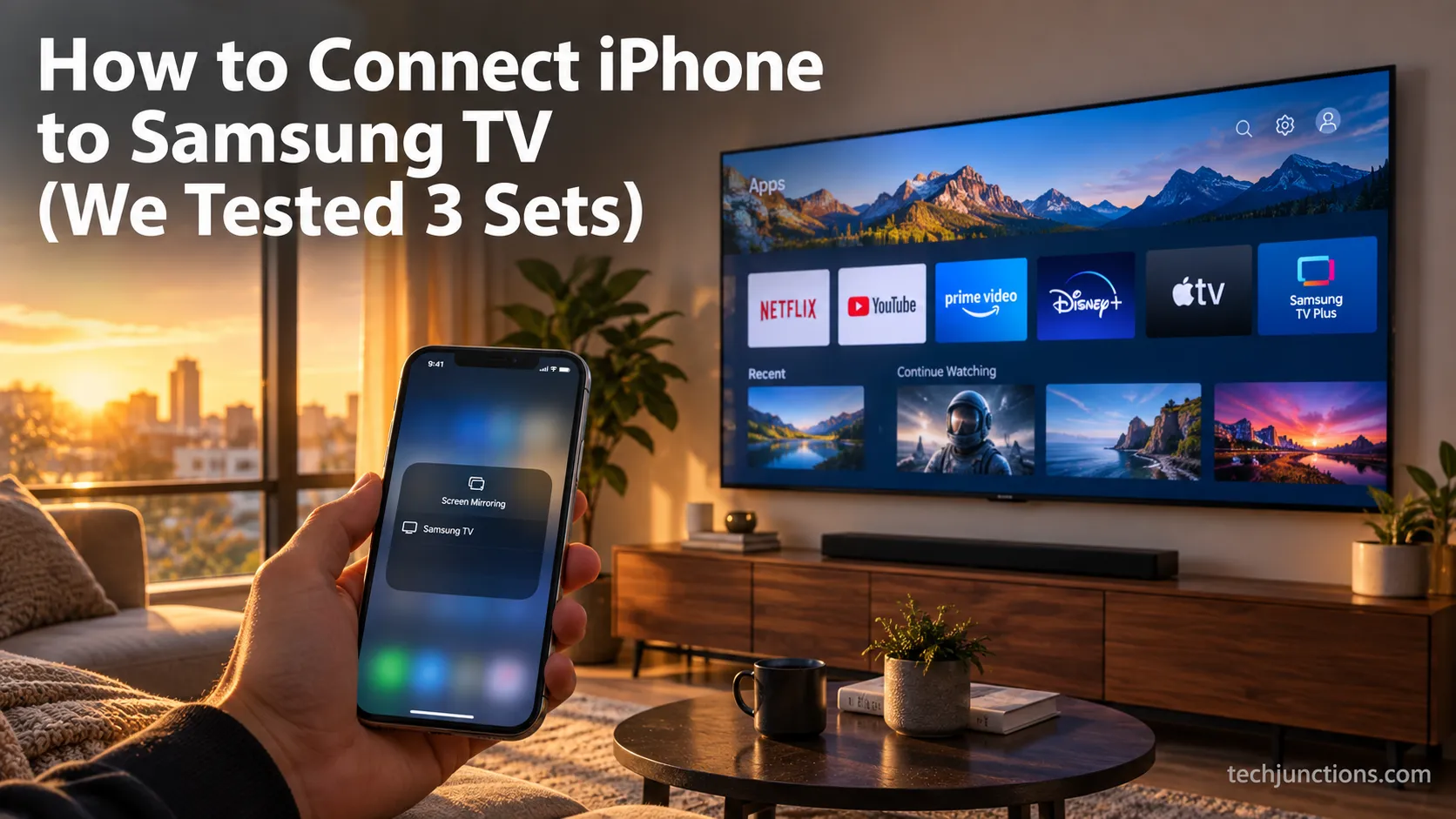
Learn how to connect iPhone to Samsung TV using AirPlay, SmartThings, or HDMI, with a 2018+ check and fixes for when AirPlay won't connect.
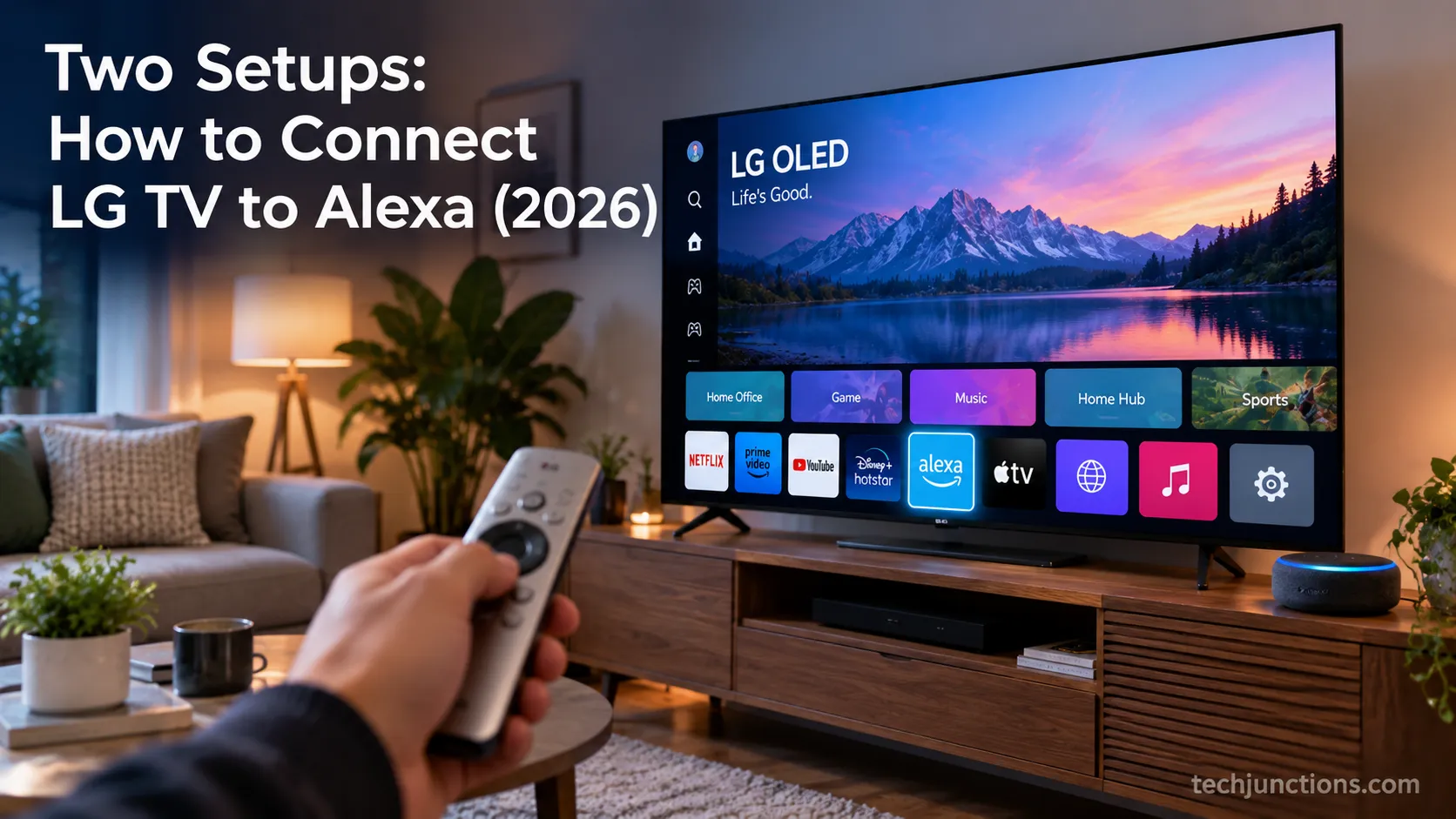
Learn how to connect LG TV to Alexa two ways: built-in or from an Echo, plus the model-year gate and fixes when Alexa won't respond.
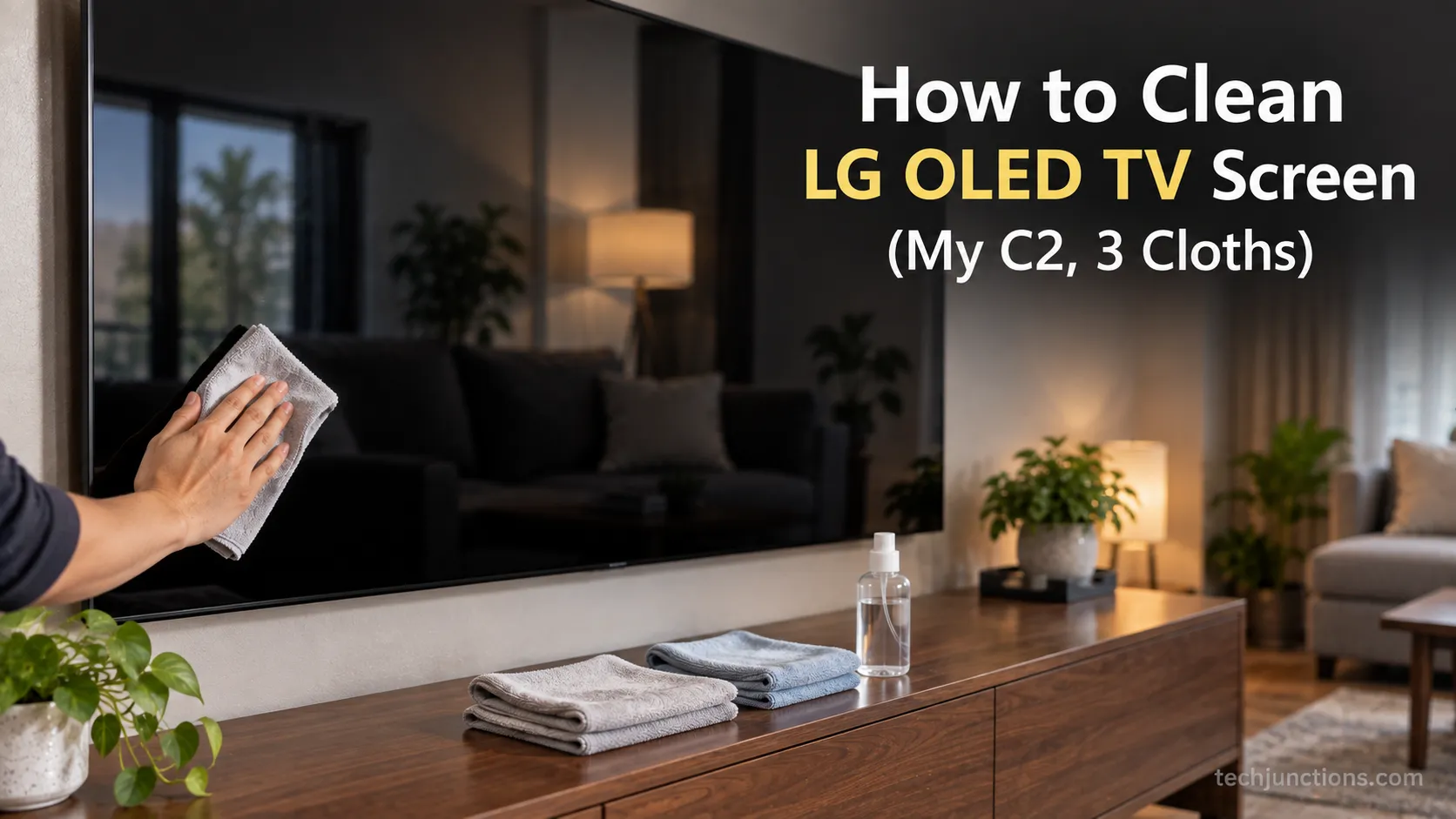
How to clean LG OLED TV screen without streaks: dry microfiber for dust, distilled water on a second cloth, buff dry. No Windex, alcohol, or spray.