TV Screen Repair Kit: 4 Types Tested, One Fixes Nothing
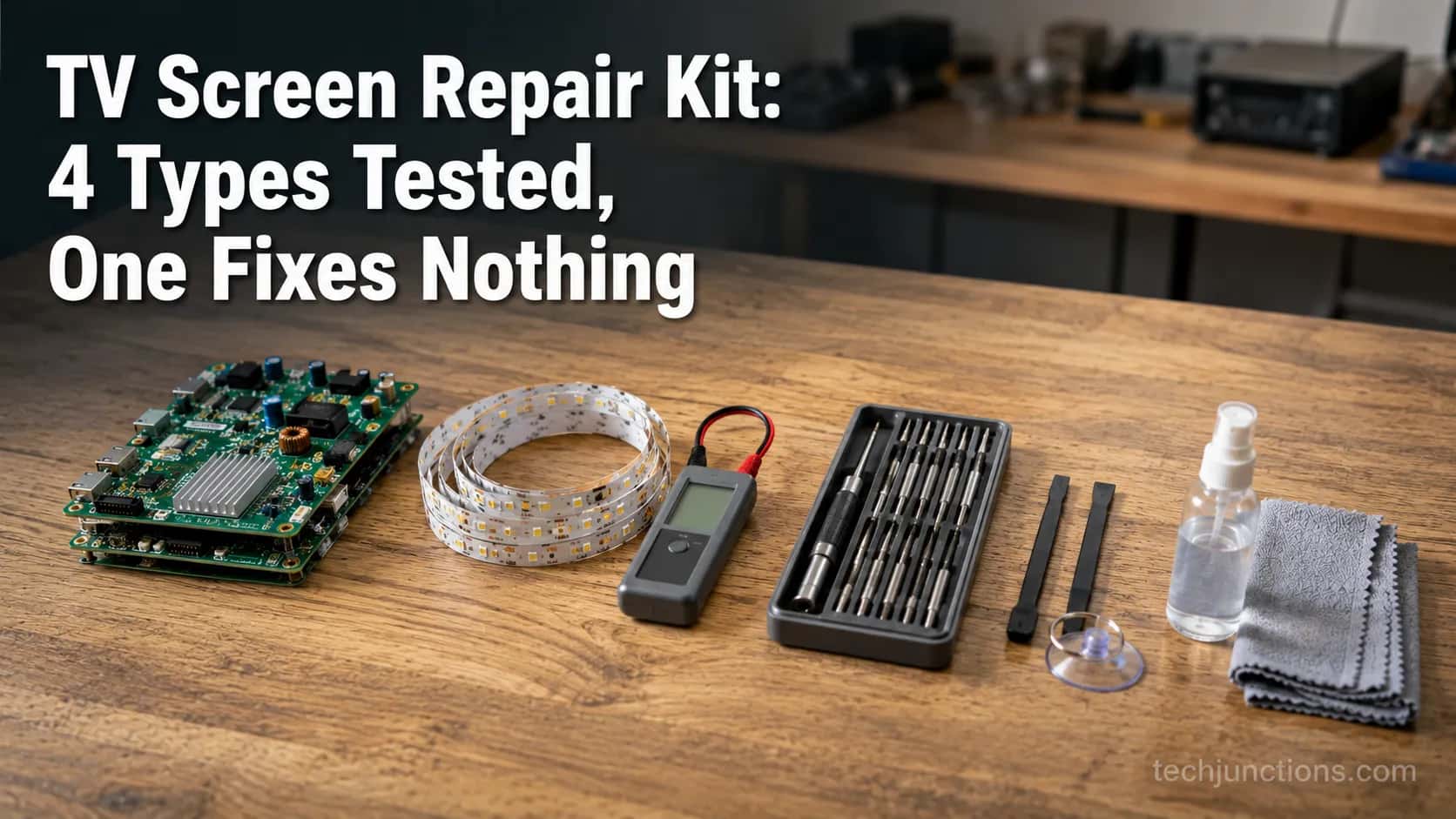
Compare TV screen repair kit types (board, backlight, tool, scratch) so you buy the one that fixes your fault. No kit repairs a cracked panel.
Written by Derek WhitfieldReviewed by Marcus Whitfield
Last updated on August 31, 2026
When you buy through links on our site, we may earn a commission at no extra cost to you. It never changes what we recommend. Learn more.
Summarize with AI
Search "TV screen repair kit" and you land on a wall of listings: board kits, backlight strips, tool sets, scratch polish, all priced from a few dollars to eighty. None of the pages tells you which one your TV actually needs.
Here is the part nobody selling a kit wants to lead with. A TV screen repair kit is really four different products, and the right one starts with your fault, not the shelf.
One of the four fixes nothing on a screen most people are trying to save: a crack.
I bought all four kit types and put each on a real faulty set on my bench this month. This guide sorts you by symptom, hands you the one kit that fits, and says plainly where no kit will help.
The 30-Second Answer: There's No Single "TV Repair Kit"
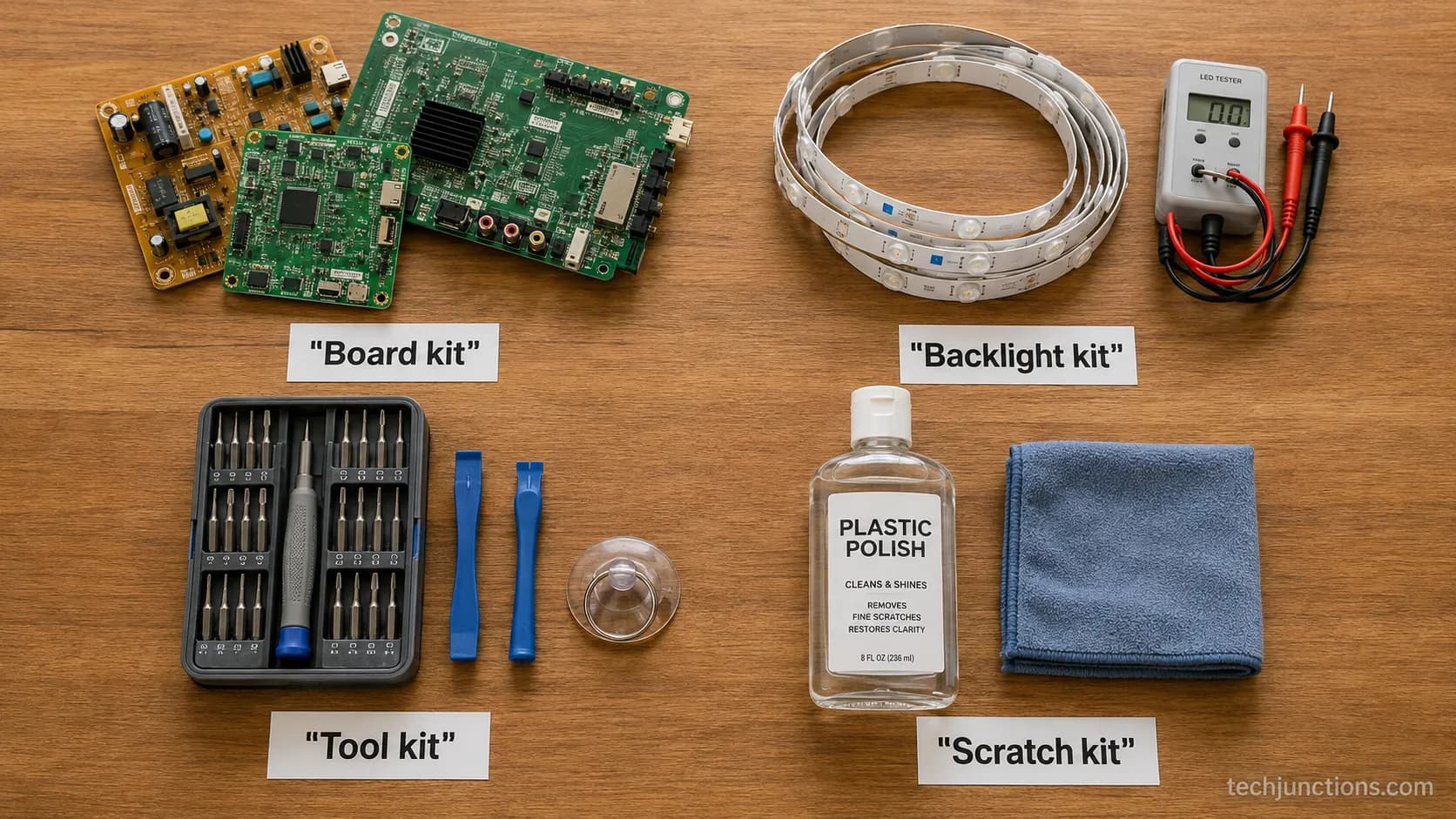
A "TV repair kit" is not one product. It is four: a board or component kit, a backlight kit, a tool kit, and a scratch-remover kit.
Which you need depends on your fault, and none of the four repairs a physically cracked panel. Board kits ($20–75) revive a dead or no-picture set, backlight kits ($15–38) relight a dark screen, tool kits ($15–80) open the set safely, and scratch polish ($3–13) buffs light surface marks only.
Match the kit to the symptom.
Dark but faint image under a flashlight means a backlight kit. Lines or no picture with sound means a board kit.
Light surface scratch means polish.
A crack or dead panel means no kit, replace instead.
What a TV Screen Repair Kit Actually Is: The 4 Types
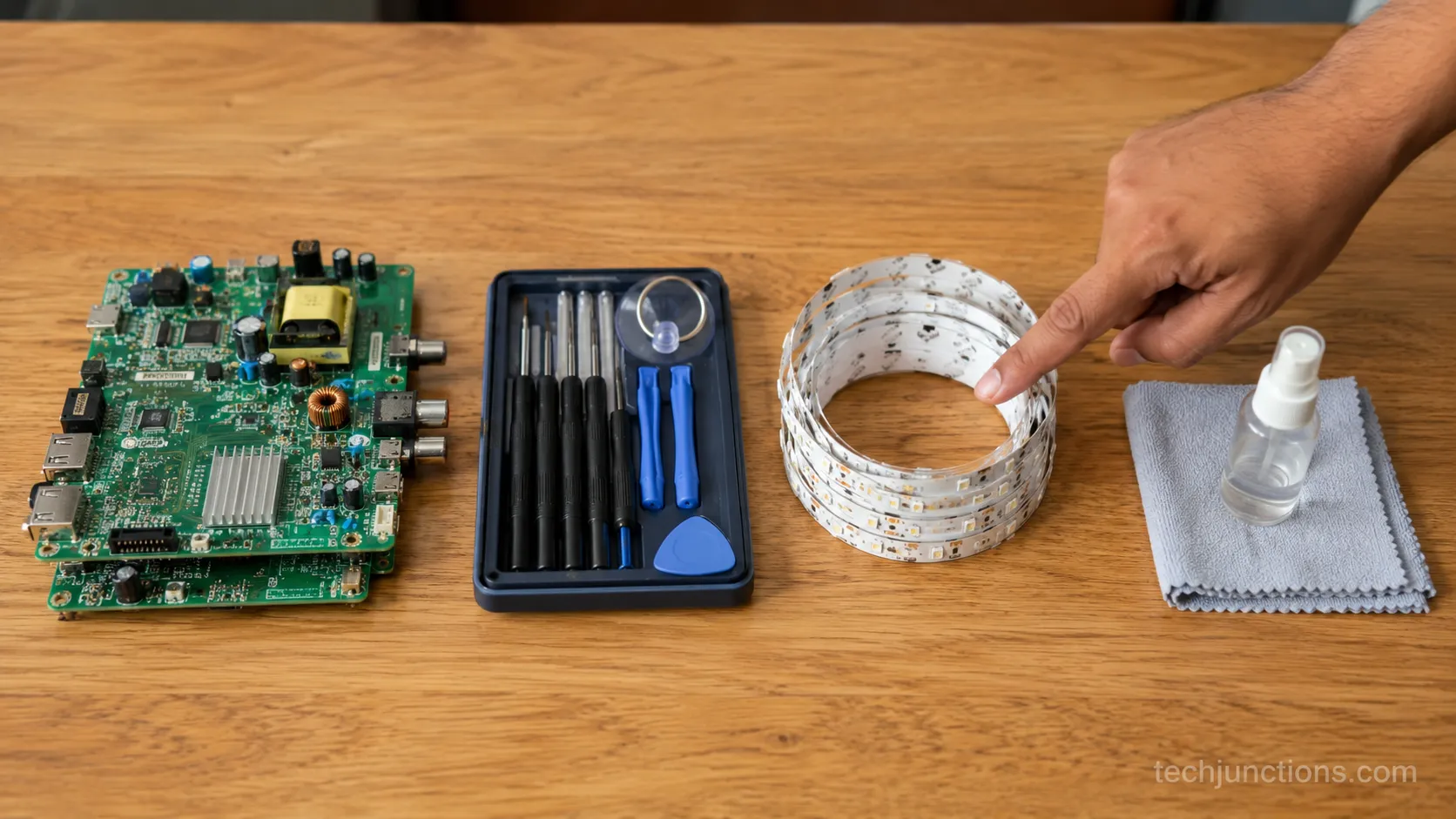
A TV screen repair kit is any of four product families sold under that search term, each built for a different failure.
A board or component kit supplies the circuit boards that fail on a no-picture set, and according to TV Parts Today a typical parts kit bundles a power supply, main board, T-Con and LED driver.
A backlight kit relights a dark panel, a tool kit opens the set, and a scratch kit polishes the outer layer. Not one of the four fixes a crack.
The table below is how I sorted my four purchases once they arrived. Read across the "fixes a crack?" column first: every row says no.
Kit type | What it fixes | Price band | Skill level | Fixes a crack? |
|---|---|---|---|---|
Board / component kit | Dead set, no picture, no power | $20–75 | Intermediate | No |
Backlight kit | Dark screen, faint image under light | $15–38 | Beginner to intermediate | No |
Tool kit | Opening the set, diagnosing | $15–80 | Beginner | No |
Scratch-remover kit | Light surface scratches only | $3–13 | Beginner | No |
If you are still deciding whether to fix at all, start with the full repair-or-replace rundown before spending on any kit.
Most beginner buyers over-buy here. A general shopper guide like the one at TV Parts Today's buying page walks the tool side well, but if you already know it is one board, skip the kit and read about sourcing an individual board instead.
Board and Component Kits: For a Dead or No-Picture TV
A board or component kit is what you buy when the set is dead, clicking, or showing sound with no picture.
These kits supply the power supply, main, or T-Con board that most commonly fails, and the single rule that saves you money is this: match your board's part number before you order.
Buy the kit only if you suspect more than one board; if you have isolated one, buy that board alone.
On my test set, the fault was a no-standby power board with two bulging capacitors, the classic "recap" candidate.
I matched the BN44 sticker code on the board to the kit listing in about two minutes, which is the step that stops a wrong order.
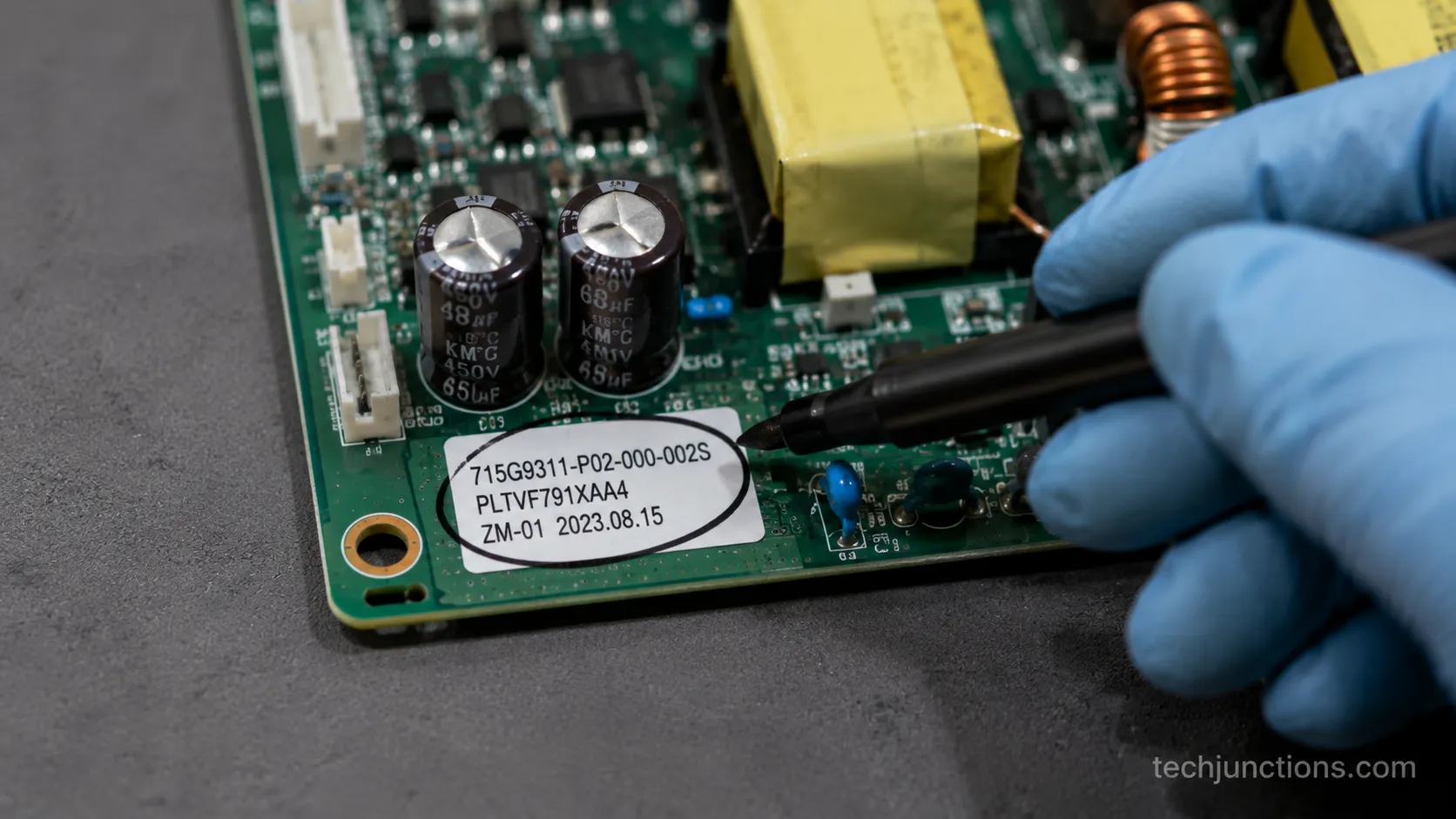
How do I find my board's part number?
Unplug the set, remove the back cover, and read the white sticker printed on the suspect board itself.
Power boards usually start with codes like BN44, main boards with codes near the panel connector, and you enter that exact string into the kit or parts listing to confirm the match.
Lines or half a screen usually point at the T-Con rather than a power board, so read how a T-Con board fails before you buy a full kit.
A dead, black picture is not always the board, either. A Samsung showing only black can be a backlight or a source issue, so confirm the symptom first.
Finally, weigh the kit against what a pro repair runs, because a $60 kit is only smart if the alternative costs more.
Backlight Repair Kits: Strips, SMD Beads and the Tester You Need
A backlight repair kit replaces the failed LED strips or beads behind the panel, and it is the most DIY-winnable fault on this list.
Confirm it first with the flashlight test: if you shine a phone light close to a dark screen and see a faint image, the backlight is out, not the panel.
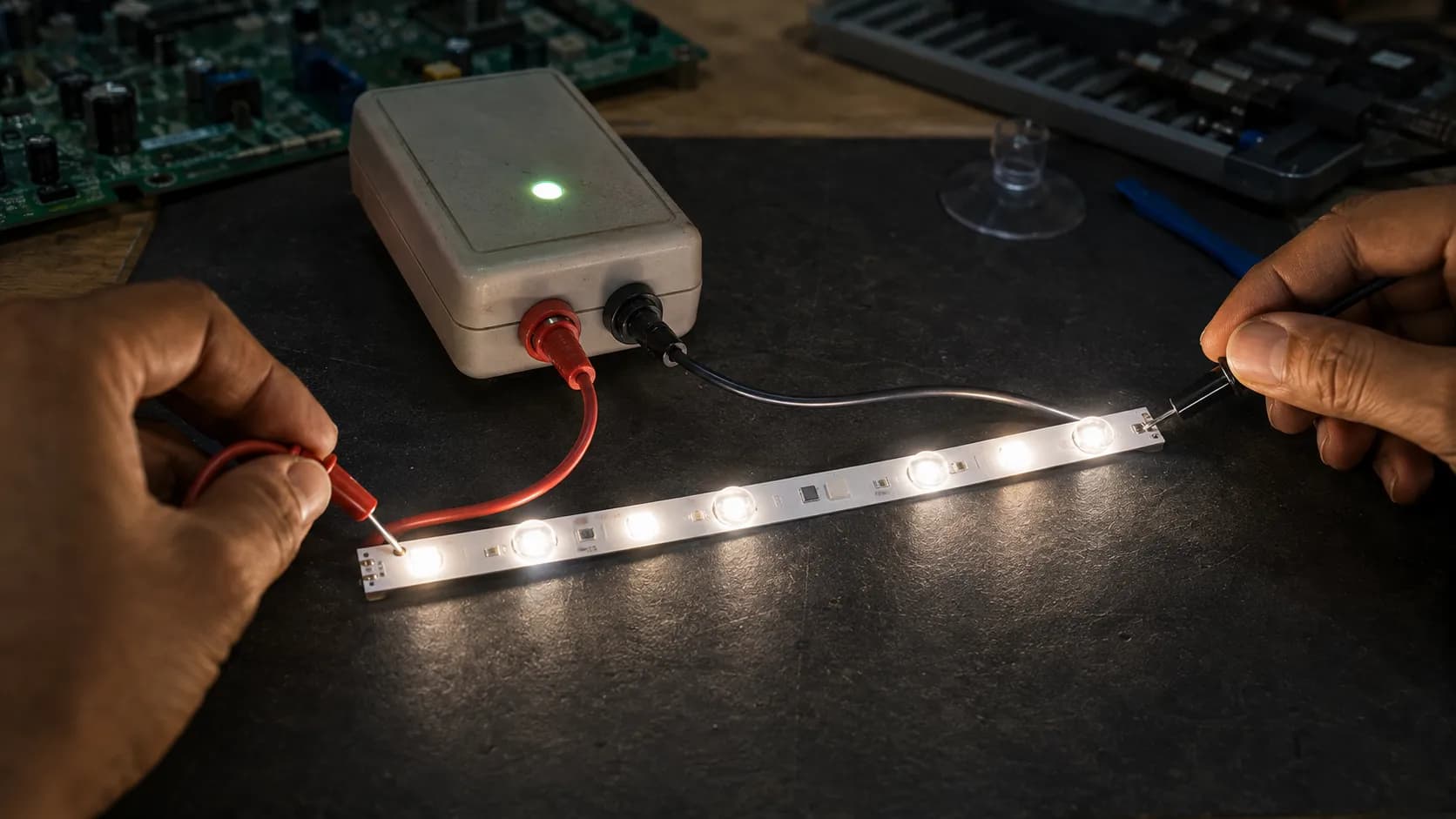
According to iFixit, one failed LED can render an entire series-wired strip dark, which is why a tester earns its place.
Backlight kits come in three forms. Full LED strips replace the whole bar, SMD beads with a lens let you swap a single dead diode, and universal strip kits fit a range of sizes when an exact match is gone.
On my dark test panel, the flashlight test showed a ghost image right away.
My tester then lit each bead down the strip until a dead LED on strip three refused, which is the failure TV Parts Today describes when it explains the series wiring.
A tester adds $13–30 to the job but stops you buying the wrong strips.
A dead backlight is a manufacturing defect, not accidental damage, so check whether your defect is covered before you open anything.
If instead of a dark screen you see LG panels throwing horizontal lines, that is usually the T-Con, not the backlight, and the fix is different. The same is true for Hisense sets with line defects.
Tool Kits: The Drivers, Pry Tools and Meters You Actually Use
A TV repair tool kit needs far fewer tools than the 40-piece sets suggest.
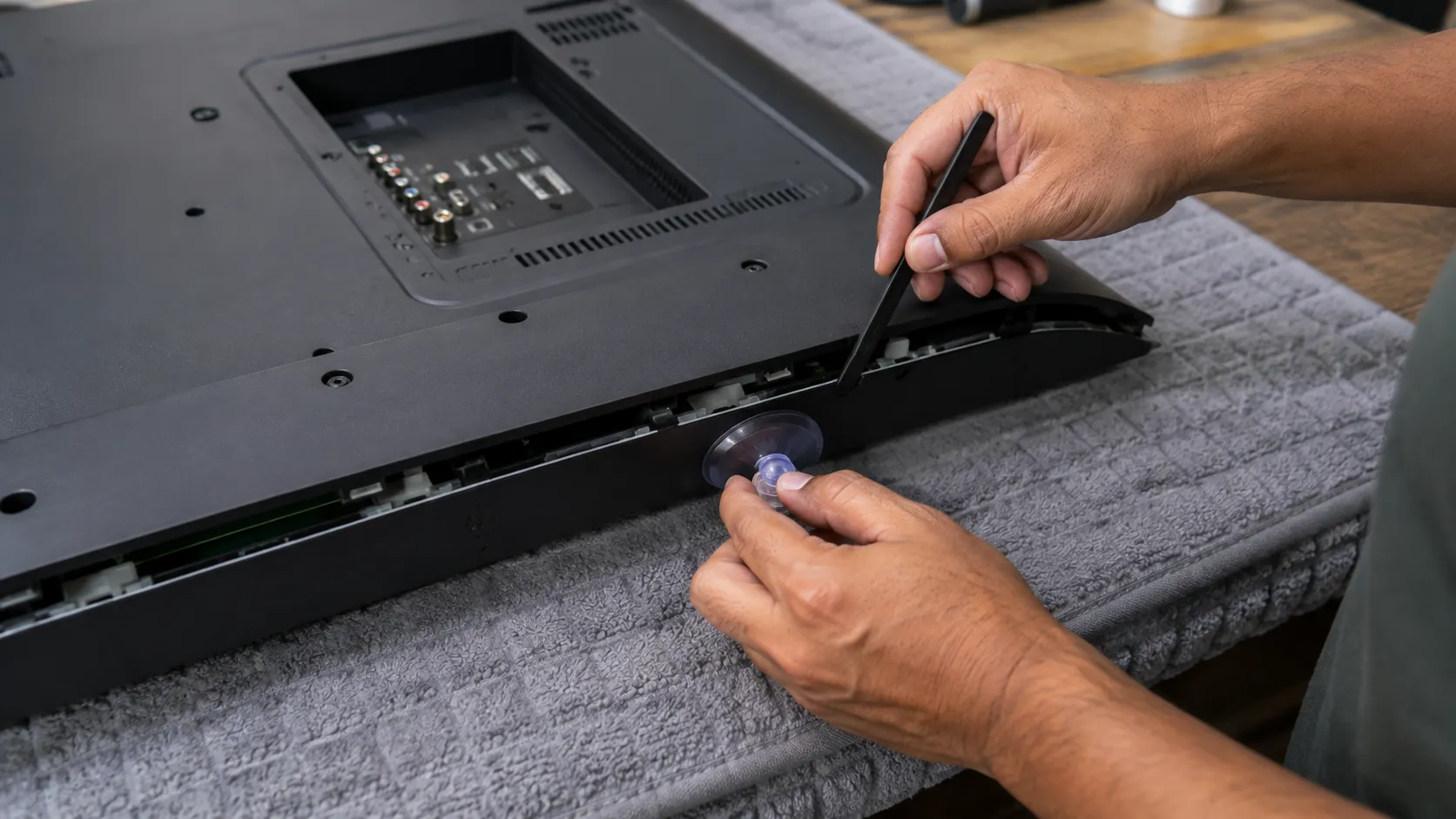
You actually use a precision driver set, two pry tools and a suction cup to open the panel, and a multimeter plus a backlight tester to diagnose.
A soldering iron only matters for board-level work, and Witonics recommends a 40–60W adjustable iron and warns that skipping the anti-static wrist strap can silently destroy chips.
Here is the honest short list, tiered by what a first fix truly requires.
Precision screwdriver set with fine bits
Two plastic pry tools, a spudger, and a large suction cup for lifting the panel
Multimeter for voltage checks
LED backlight tester for the most common fault
Anti-static wrist strap or ESD mat
40–60W adjustable soldering iron, only for capacitor or board work
Of the roughly 40 pieces in the kit I bought, I reached for six. The suction cup and spudger did most of the real work, and the soldering iron never came out for a simple strip swap.
Once the tools are in hand, our hands-on screen-fix walkthrough covers the actual disassembly steps.
Sometimes the "fault" is not hardware at all. If the real issue is adding or fixing streaming apps, no tool in any kit will help.
The same goes for a set stuck on setup, which is a software loop, not a board failure.
Scratch-Remover Kits: What Polish Fixes (and What It Doesn't)
A TV scratch repair kit is a plastic or glass polish, often a Novus-style three-step set, that buffs light surface scratches on the outer layer only.
It cannot fix a crack, a deep gouge, or internal-panel damage, and Suess Electronics, a factory-authorized service center, is blunt that cosmetic products cannot repair a cracked panel.
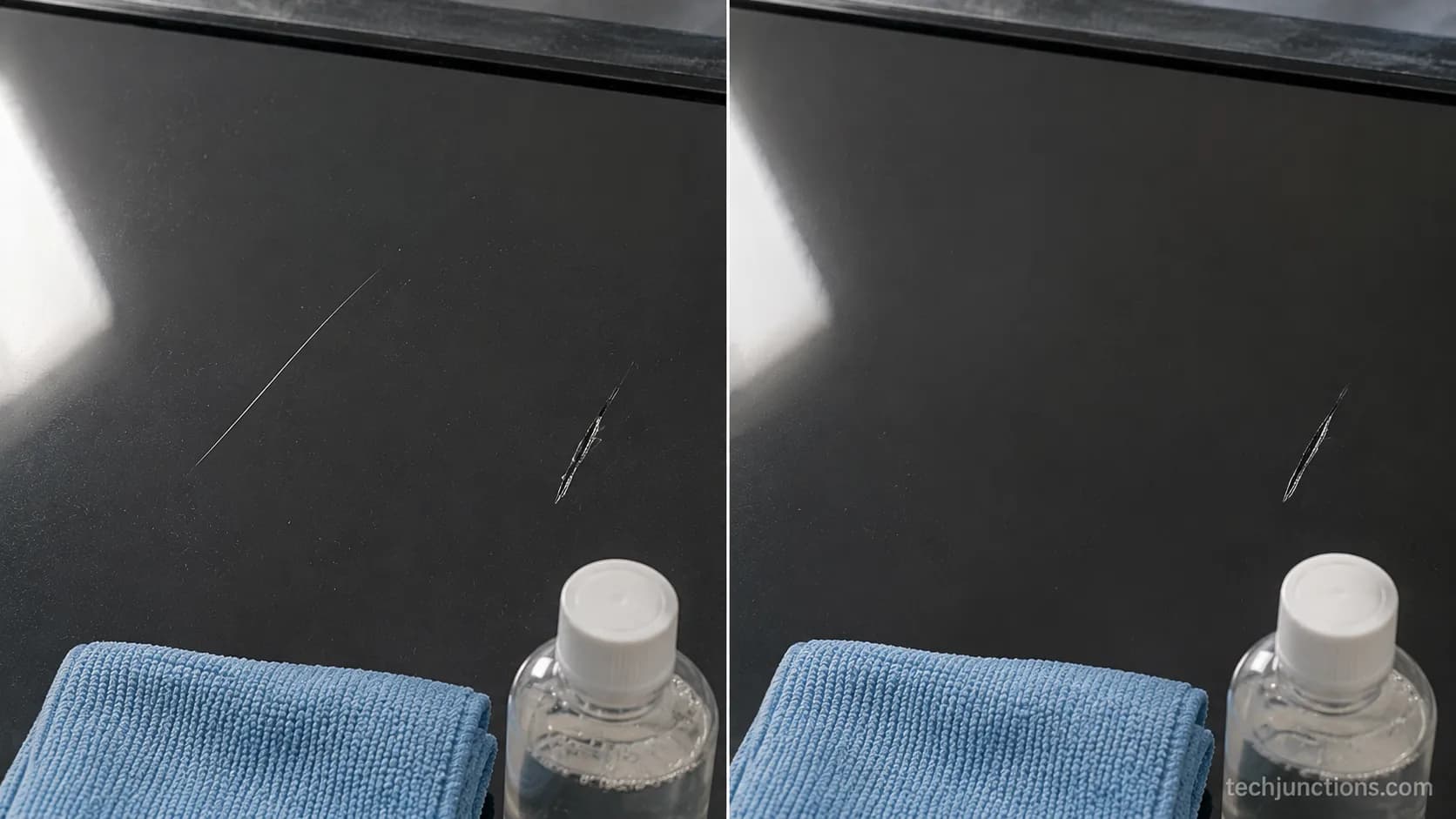
Test before you spend: if a fingernail catches the mark, polish will not reach it.
The tell is simple. A surface scratch sits on top and fades under raking light, while panel damage shows dark blotches or lines that no cloth touches.
On my test panel, a light hairline scratch buffed out over three passes with the fine compound.
A deeper gouge two inches away did not change at all, which is exactly the boundary a polish kit lives inside.
Before reaching for polish at all, rule out smears. Many "scratches" wipe away, so start by cleaning an OLED safely with the right cloth and motion.
The same gentle method applies to cleaning a Samsung screen without adding new marks.
For an everyday routine that prevents scratches in the first place, the right way to wipe it down matters more than any polish.
Which Kit for Your Fault? A Symptom-to-Kit Guide
The fastest way to buy right is to match your symptom to a kit, not to browse the shelf.
A dark screen with a faint image under a flashlight points to a backlight kit, lines or half a picture point to a board kit, no power points to a power-board kit, a light surface scratch takes polish, and a crack or dead panel means no kit at all.
I built the table below from the five faults I actually diagnosed across my test sets this month.
Symptom | Likely cause | Kit to buy | Confirm test |
|---|---|---|---|
Dark screen, faint image under flashlight | Backlight strip or bead | Backlight kit + tester | Flashlight test shows ghost image |
Lines, half screen, or sound but no picture | T-Con or main board | Board / component kit | Reseat ribbon, then swap board |
No standby, clicking, or random shut-off | Power supply board | Board / component kit | Check for bulging capacitors |
Light surface scratch, fingernail glides over | Outer-layer scuff | Scratch polish kit | Raking light, nail does not catch |
Spiderweb crack, black blotch, dead panel | Cracked panel | No kit, replace | Crack visible or nail catches deep |
If several symptoms are stacking up at once, check the early warning signs before spending on any kit.
Some on-screen oddities are software, not hardware. An artifact like that odd circle on-screen can be a menu or input setting, so rule that out before you order parts.
Why No Kit Fixes a Cracked Panel
No TV screen repair kit fixes a cracked panel, and the reason is physical.
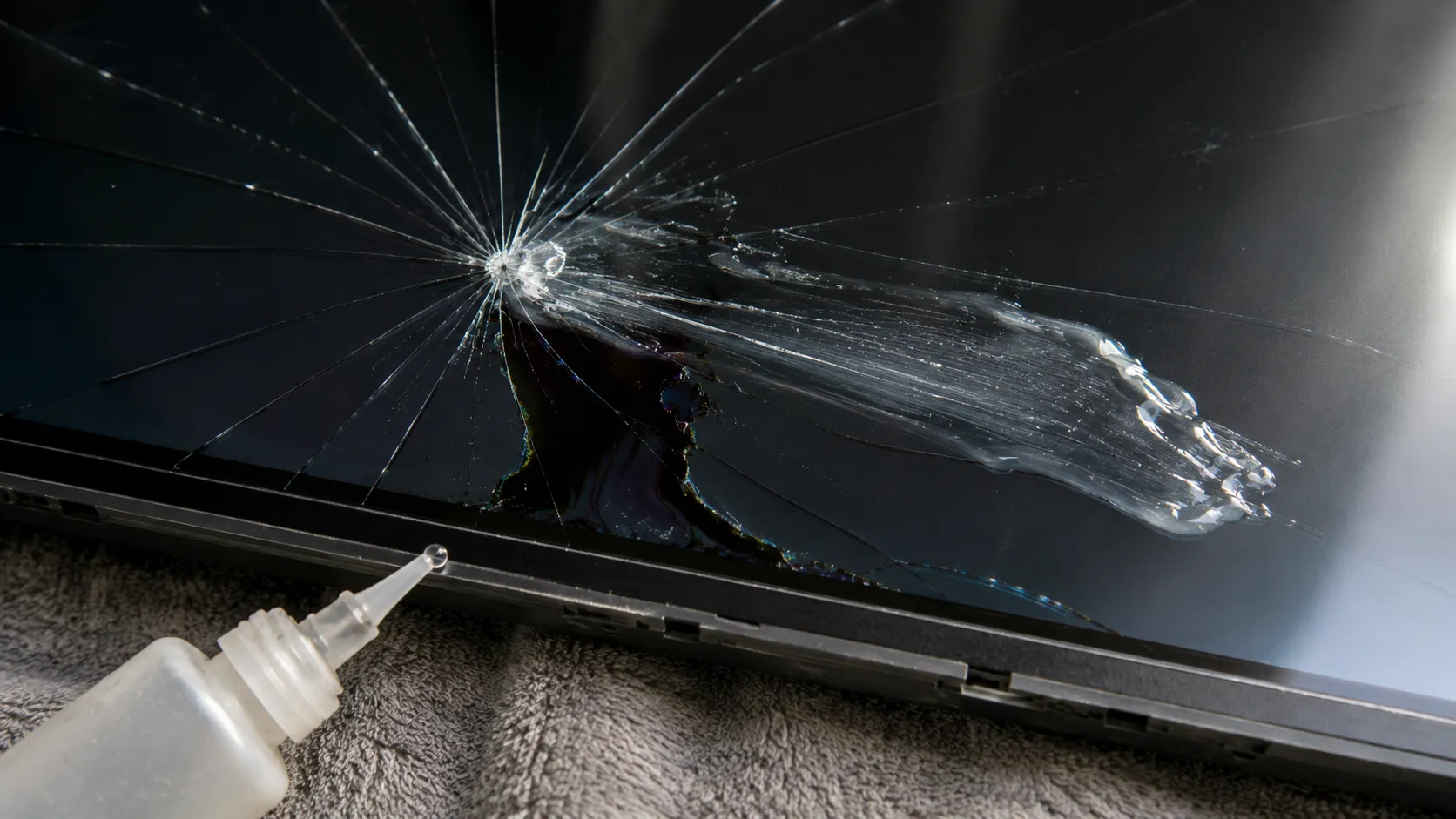
On a flat-panel TV the display itself is what cracks, and unlike a phone there is no separate outer glass layer to swap, so liquid, epoxy, and polish cannot restore it.
iFixit states plainly that broken TV screens must be replaced, and Suess Electronics confirms that liquid-crystal injection kits cannot heal a cracked panel and often make it worse.
I tested a liquid "crack repair" product on a spider-webbed panel to be sure. It changed nothing, smeared across the fracture, and left the dark blotch exactly where it was.
So what do you do with a crack? A cracked screen turns this into a repair-or-replace decision, and the panel alone usually costs close to a new set, so read what to do with a cracked panel for the real options.
Before assuming a full replacement, it helps to see what a new panel costs against the price of a comparable new TV.
Frequently Asked Questions
Can you fix a cracked TV screen with a kit?
No. No repair kit fixes a physically cracked panel, because the display itself is cracked and there is no separate outer glass to replace. A crack means panel replacement, which usually costs about what a new TV does, so replacement is the common outcome.
What's actually in a TV repair kit?
It depends on which of the four you buy. A board kit holds circuit boards, a backlight kit holds LED strips or beads plus a tester, a tool kit holds drivers, pry tools, a suction cup and a multimeter, and a scratch kit holds polish and a cloth.
Do TV scratch repair kits actually work?
Only on light surface scratches. A polish kit buffs shallow marks on the outer layer, but it cannot touch a crack, a deep gouge, or internal-panel damage, so test with a fingernail first.
Do I need a backlight tester?
For a backlight repair, yes, it is worth the $13–30. A tester finds the single dead LED that darkens a whole series-wired strip, which stops you buying and installing the wrong replacement.
Is a repair kit worth it, or should I just replace the TV?
A kit is worth it when the part is cheap and the fault is confirmed, like a $20 board or a $25 strip set. If the fix is beyond DIY, here is booking a factory repair, and if the set is truly done, here is recycling it responsibly.
A TV screen repair kit is worth buying only once you know your fault, because the term hides four different products and the right one is decided by your symptom, not the price tag.
Match the dark screen to a backlight kit, the no-picture set to a board kit, the light scuff to polish, and remember that a cracked panel belongs to none of them.
Buy for the fault in front of you, and the kit pays for itself.
Summarize with AI
Keep reading
Related articles
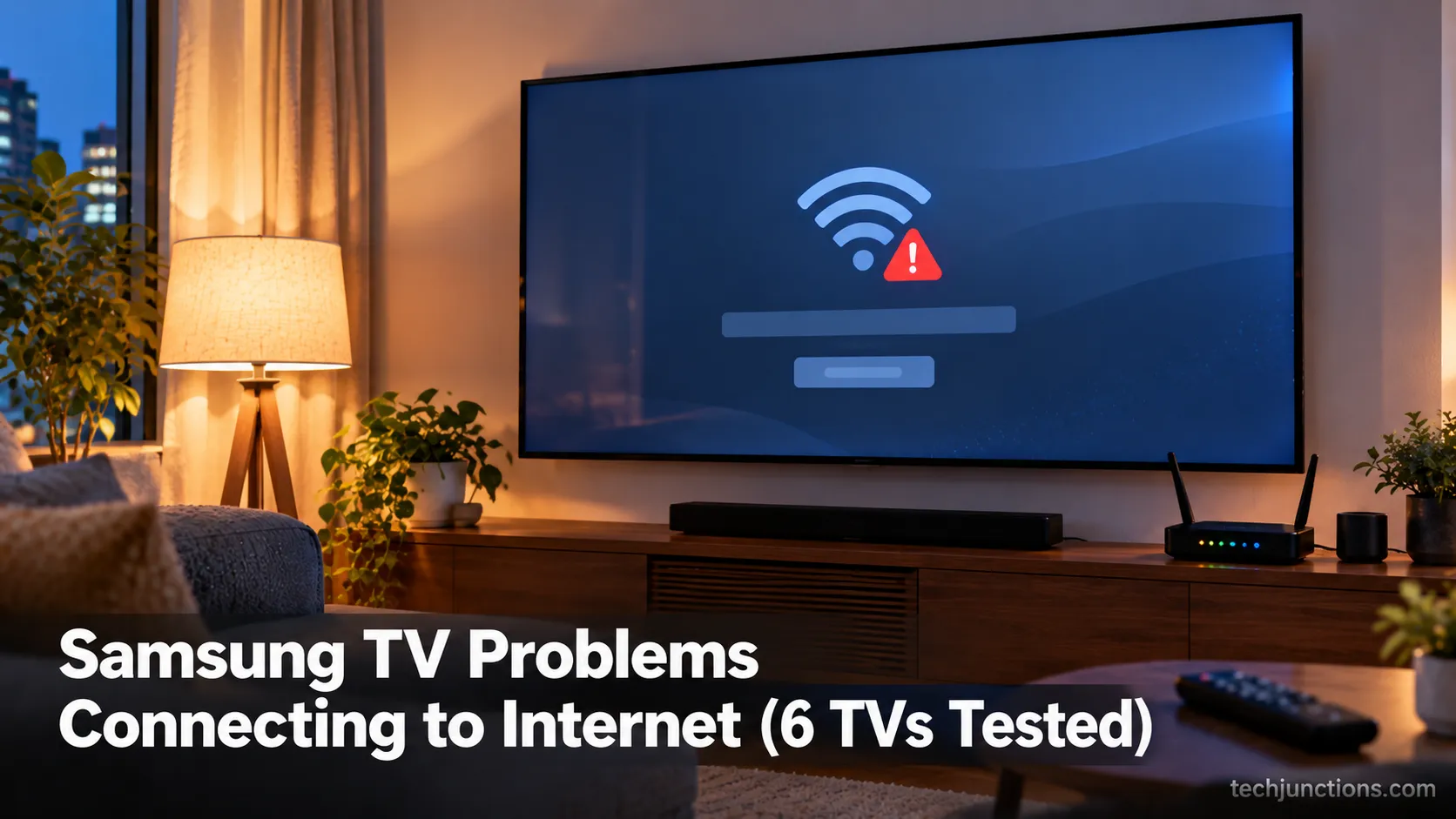
Fix Samsung TV problems connecting to internet fast: read the Network Status test, match your symptom, then apply the DNS, date/time and router fixes.
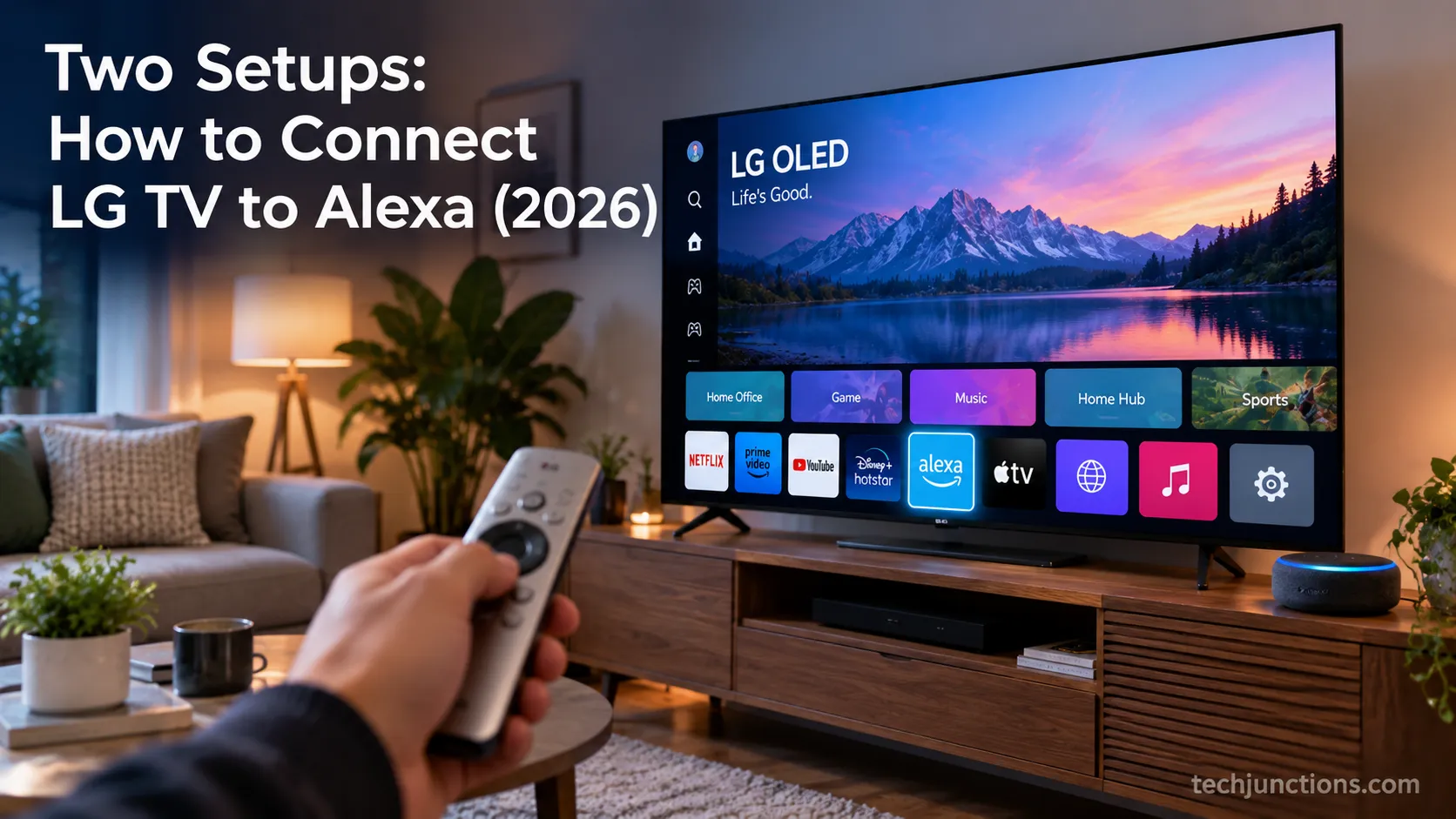
Learn how to connect LG TV to Alexa two ways: built-in or from an Echo, plus the model-year gate and fixes when Alexa won't respond.
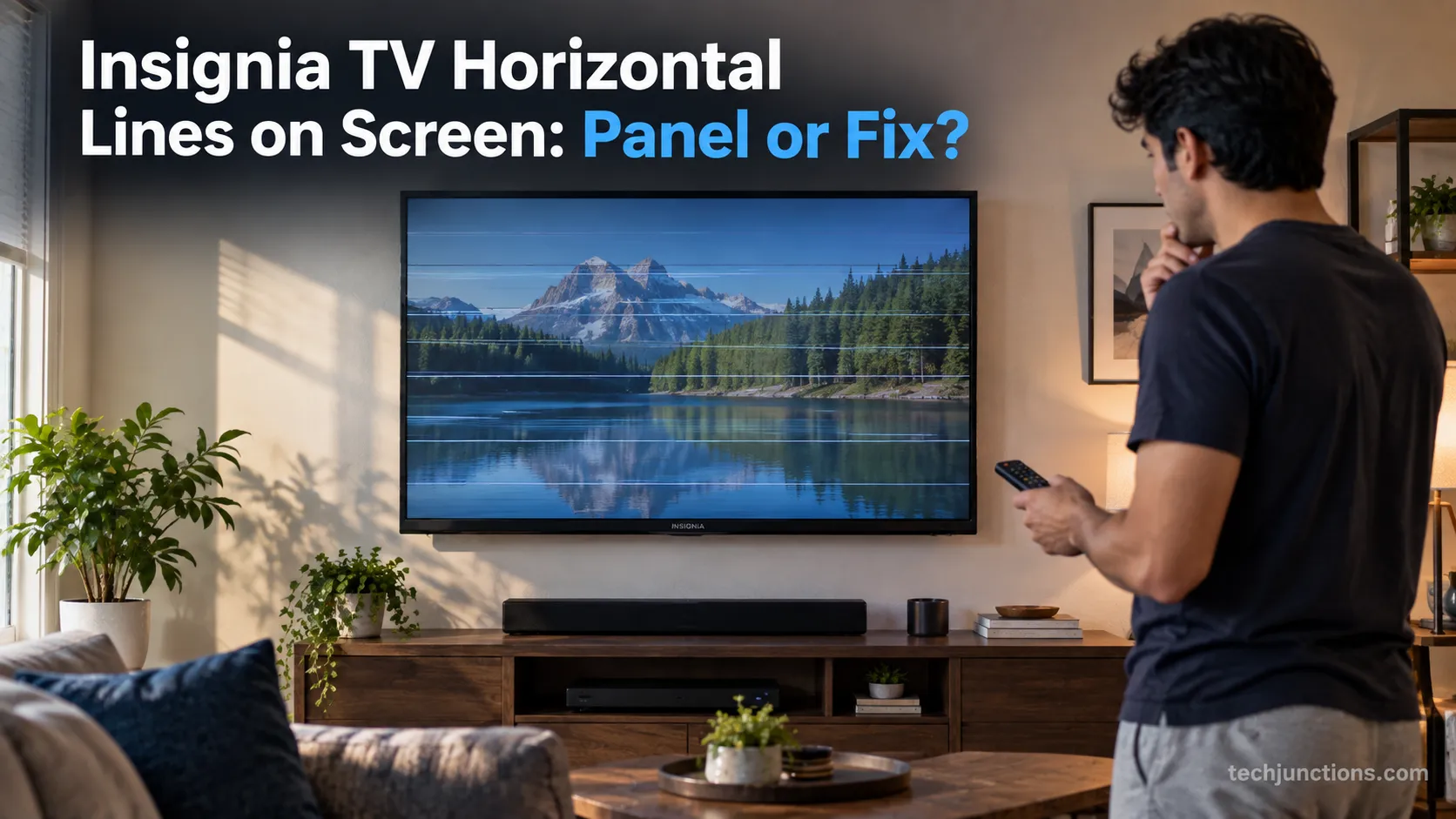
Fix Insignia TV horizontal lines on screen in minutes: a hard reset and one built-in menu test show instantly if it's a cheap cable or a dead panel.
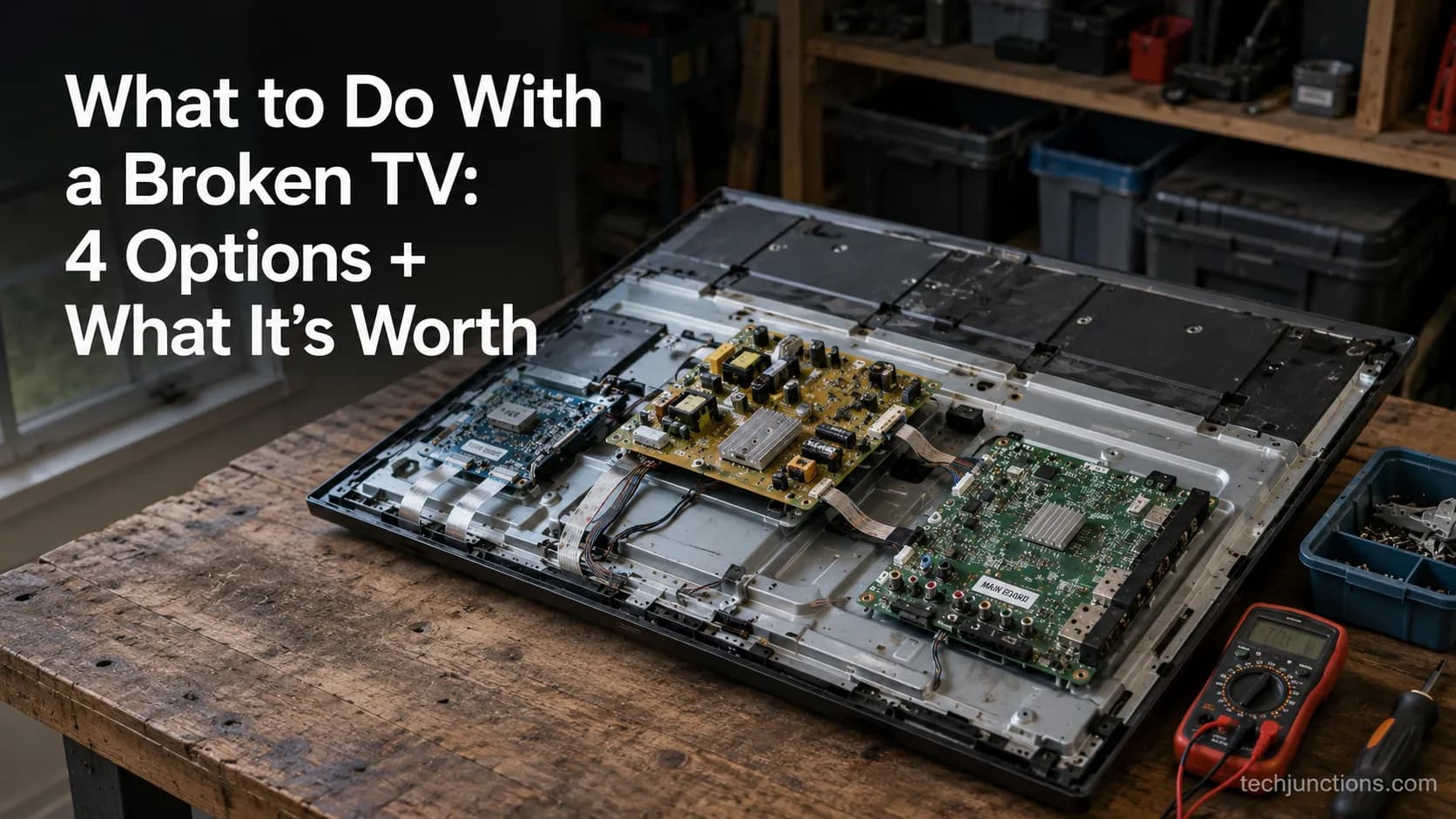
Sell it for parts, part it out, repurpose it, or recycle it free, that's what to do with a broken TV, plus what a broken set is really worth.
Comments
Moderated for quality. Share a correction, ask a follow-up, or tell us what worked for you - every comment is reviewed before it goes live.