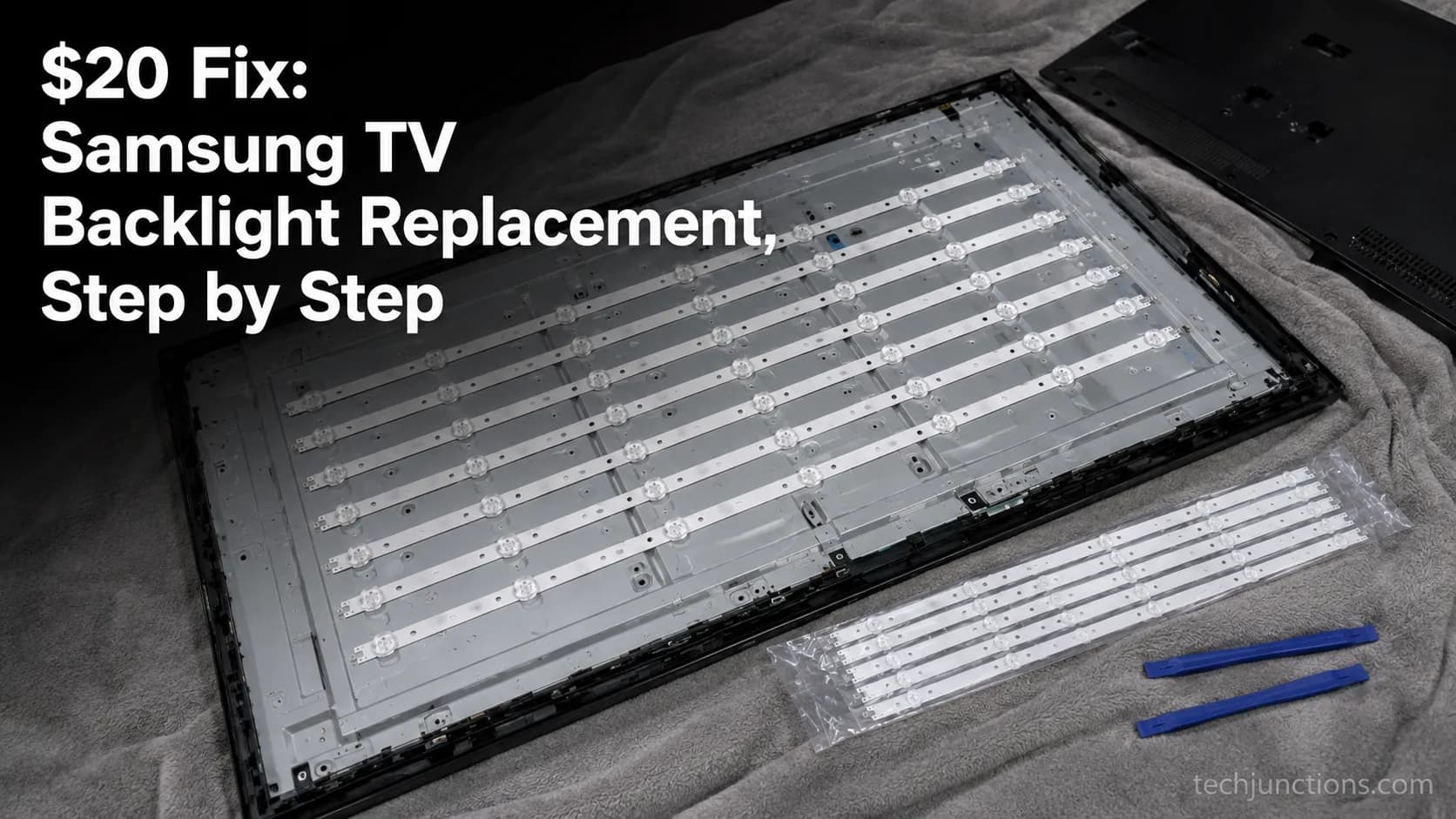
$20 Fix: Samsung TV Backlight Replacement, Step by Step
Confirm your Samsung TV backlight replacement with a flashlight test, match the BN96 LED strips to your panel, and swap them for $16–75 in parts.
Every step-by-step guide on Tech Junctions, newest first. Looking for something specific? Search, or browse by topic below.
419 guides
Confirm your Samsung TV backlight replacement with a flashlight test, match the BN96 LED strips to your panel, and swap them for $16–75 in parts.
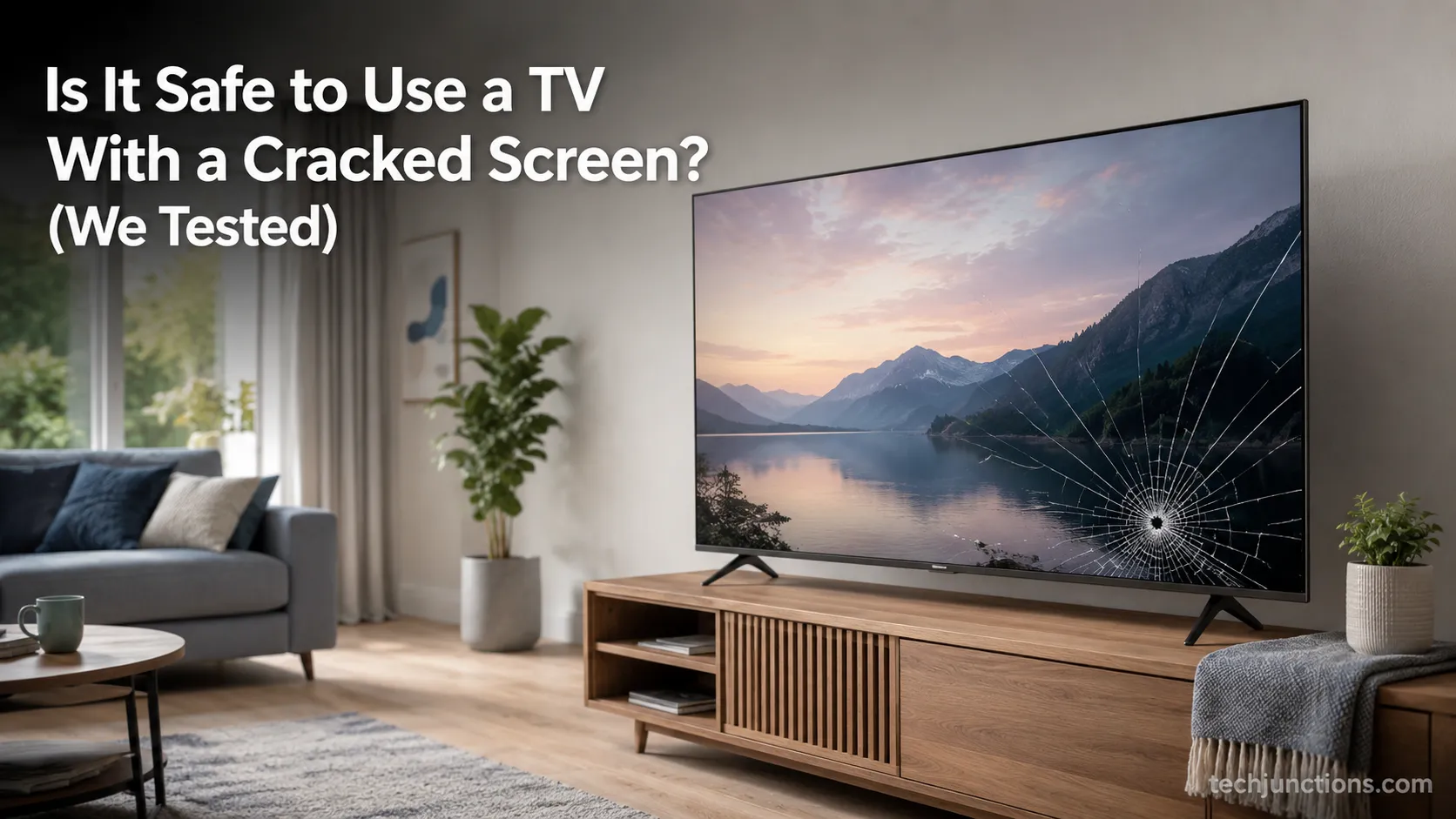
No, but is it safe to use a TV with a cracked screen if it's only a surface scratch? Sometimes. A real crack risks glass, smoke, and a dead panel.
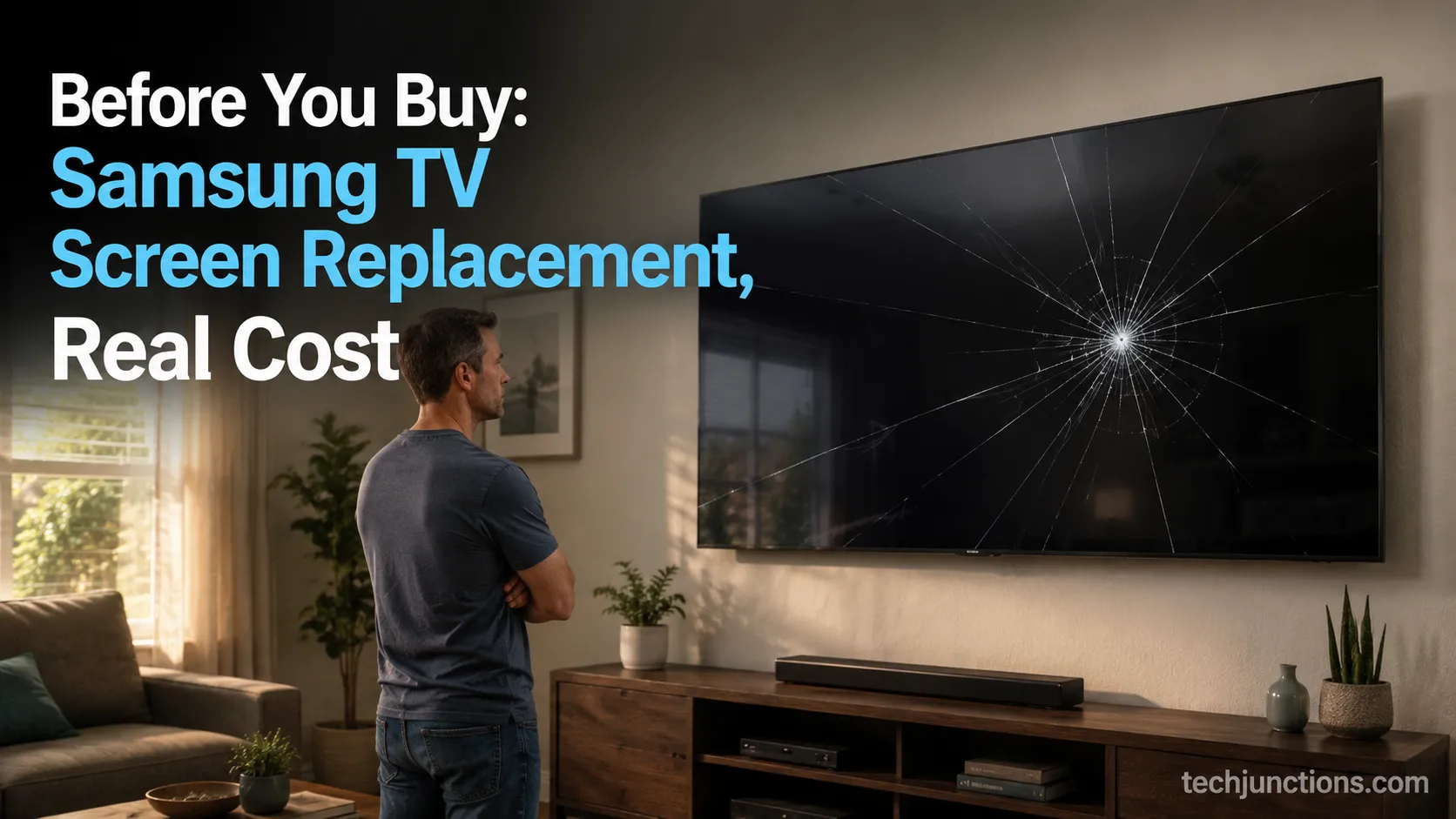
Compare Samsung TV screen replacement cost with a new set: the panel runs $400-$1,360+, so replacing usually wins. Find your BN95-/BN07- part first.
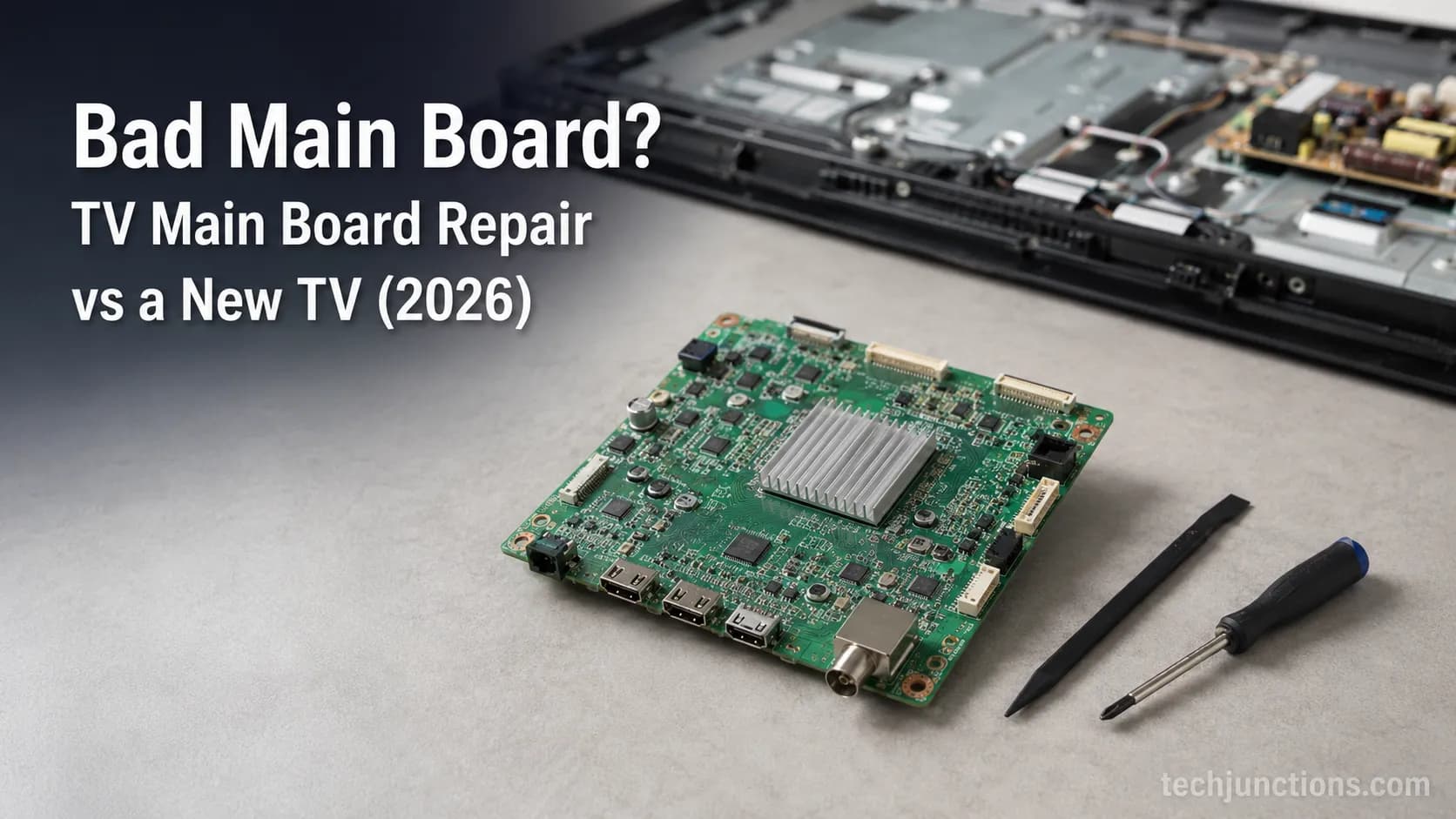
Swap or fix a bad main board? TV main board repair runs $27–$150 for the part vs $100+ at a shop. See the symptoms and when to just replace instead.
Skip the $29.99 myth: Best Buy TV recycle is free in most states (fee only in PA/WI/MI, and refunded). See fees, size limits, haul-away & free options.
Compare where to get TV screen fixed: authorized, Geek Squad, or a local shop, what each costs ($100–350), and when a cracked panel means replace.
Compare LG TV white spot repair cost: the $20–50 DIY backlight-lens fix vs $100–350 pro, and how to tell when the panel's dead.
Cracked OLED TV screen repair usually means a dead panel, but burn-in and board faults are fixable. See the 3-fault triage, real costs, and warranty reality.
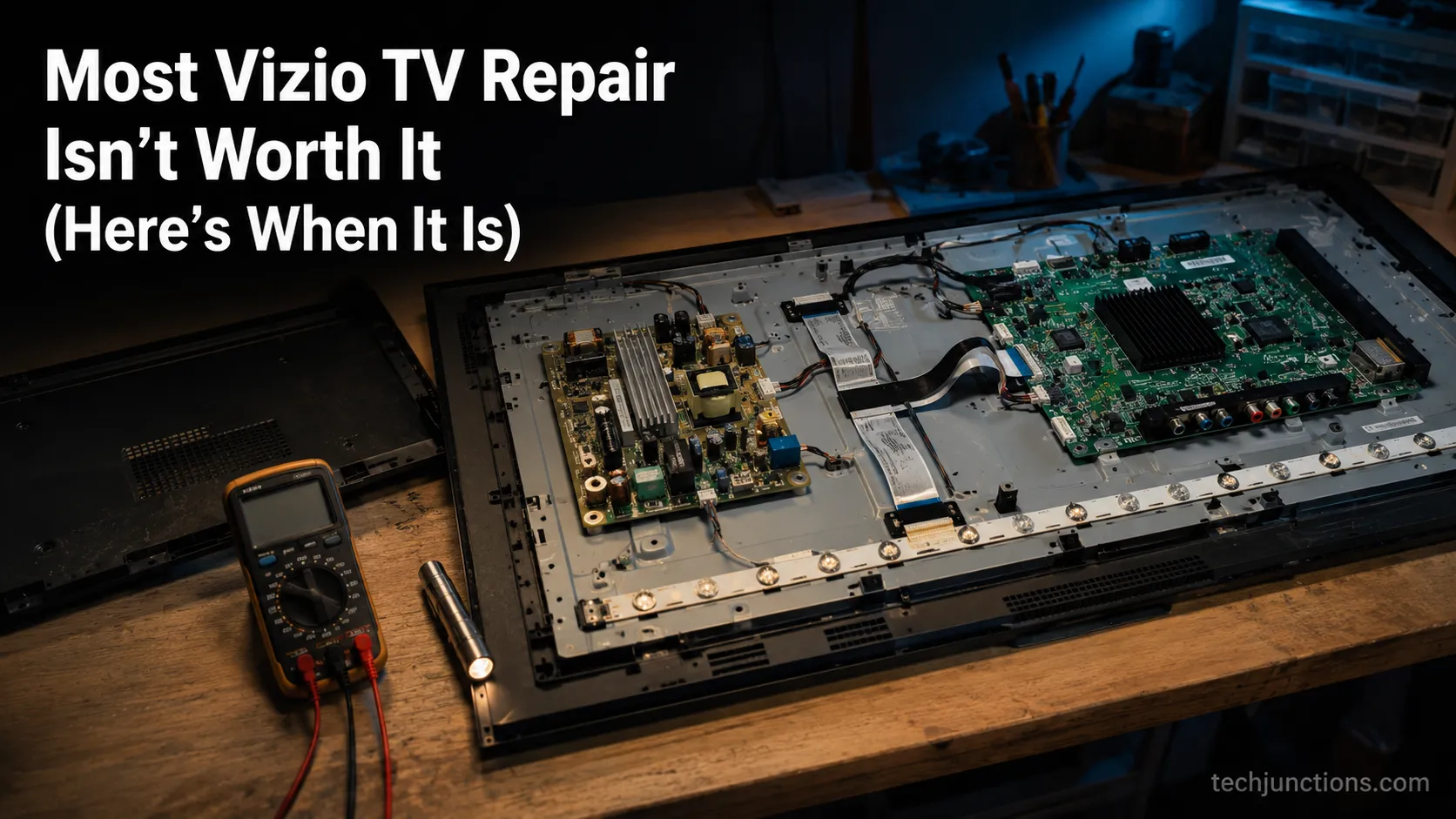
See when Vizio TV repair is worth it: the faults worth fixing ($20-60 boards), what a pro really costs, plus cross-brand math for 8 TV brands.
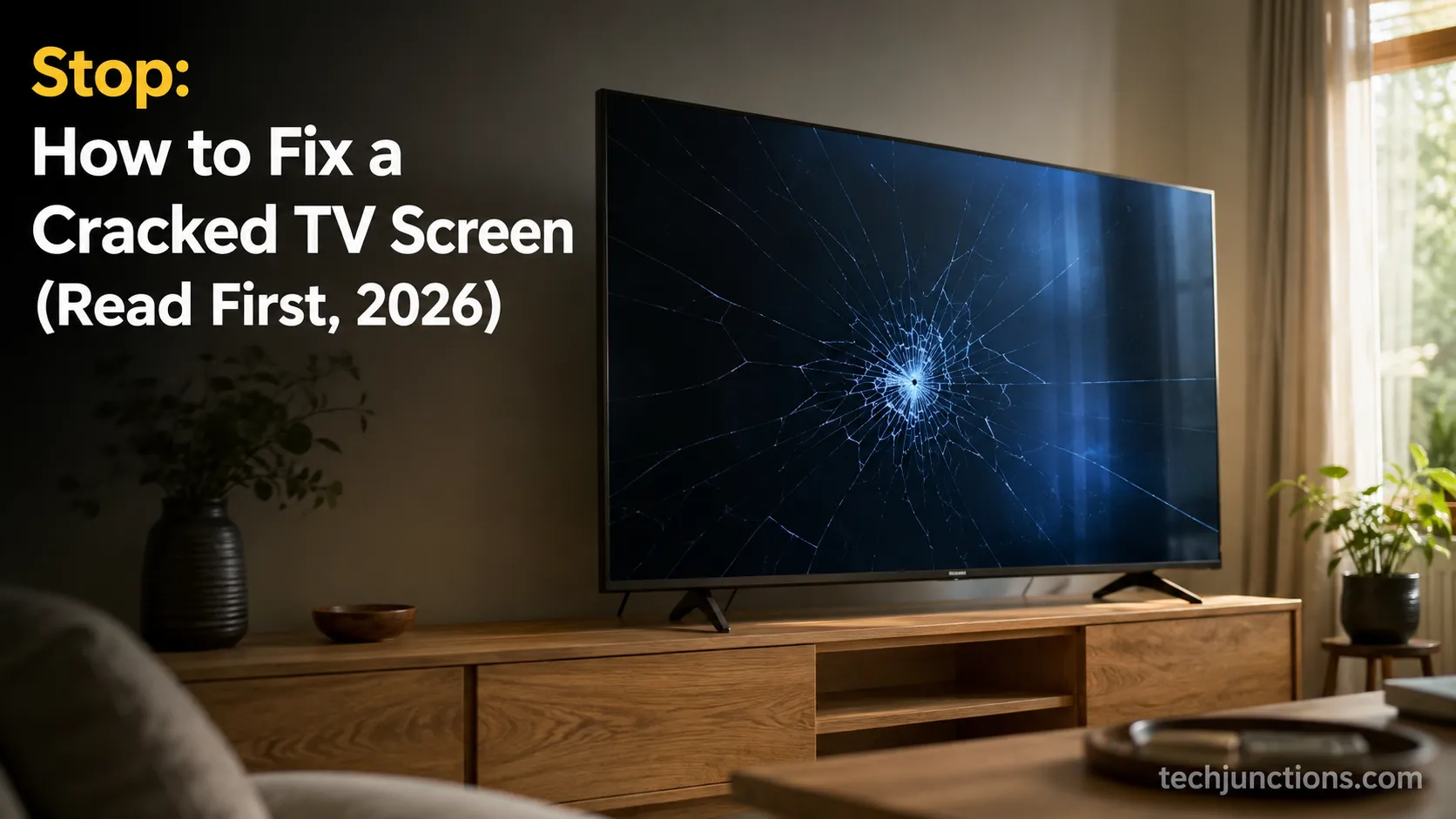
Learn how to fix a cracked TV screen the honest way: which panels can't be saved, the 3 fixes that actually work, and when replacing beats repairing.
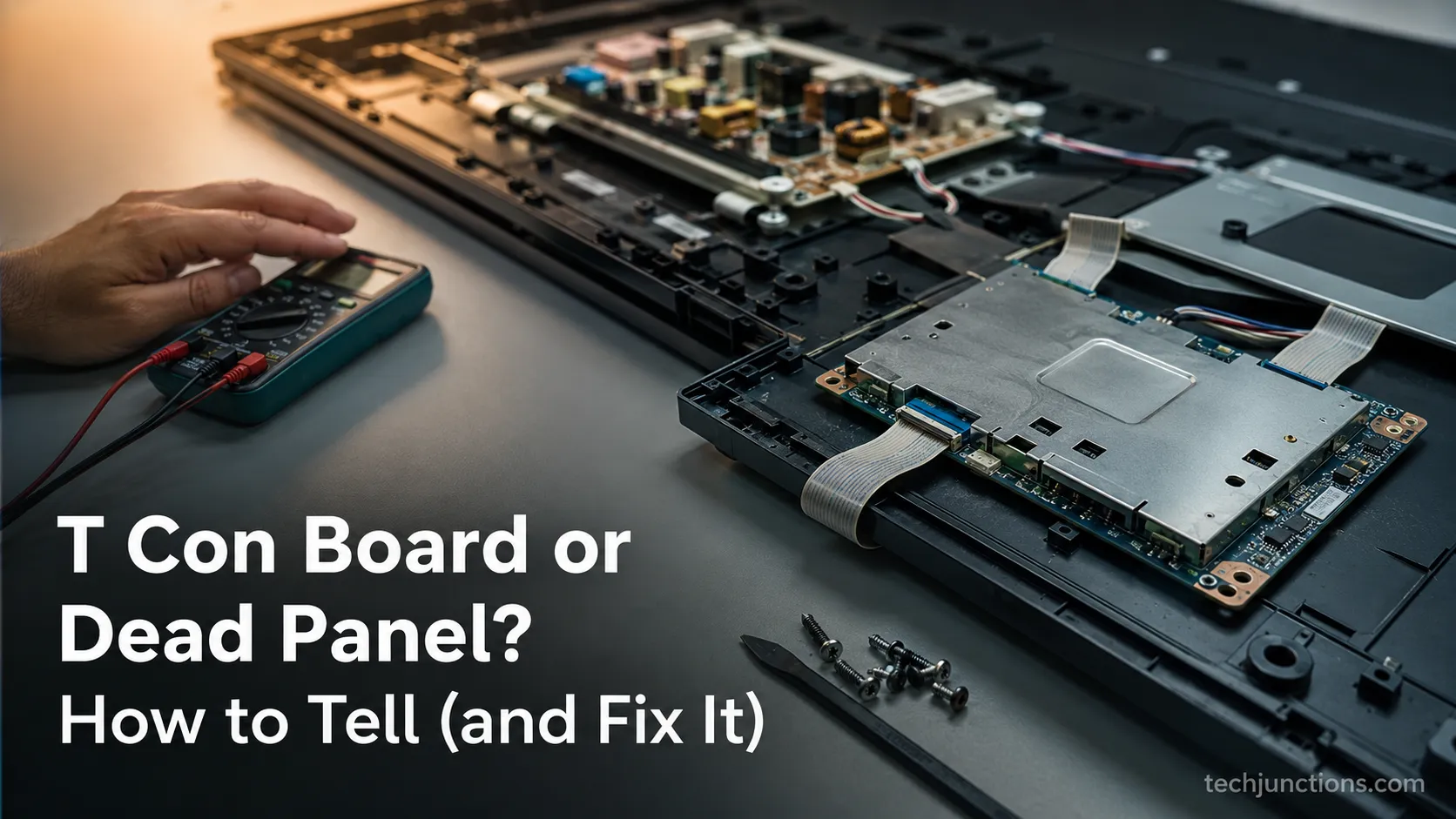
See whether it's your T Con Board or a dead panel: the 6 symptoms, the free ribbon-reseat fix, and how to match the $10–65 part.
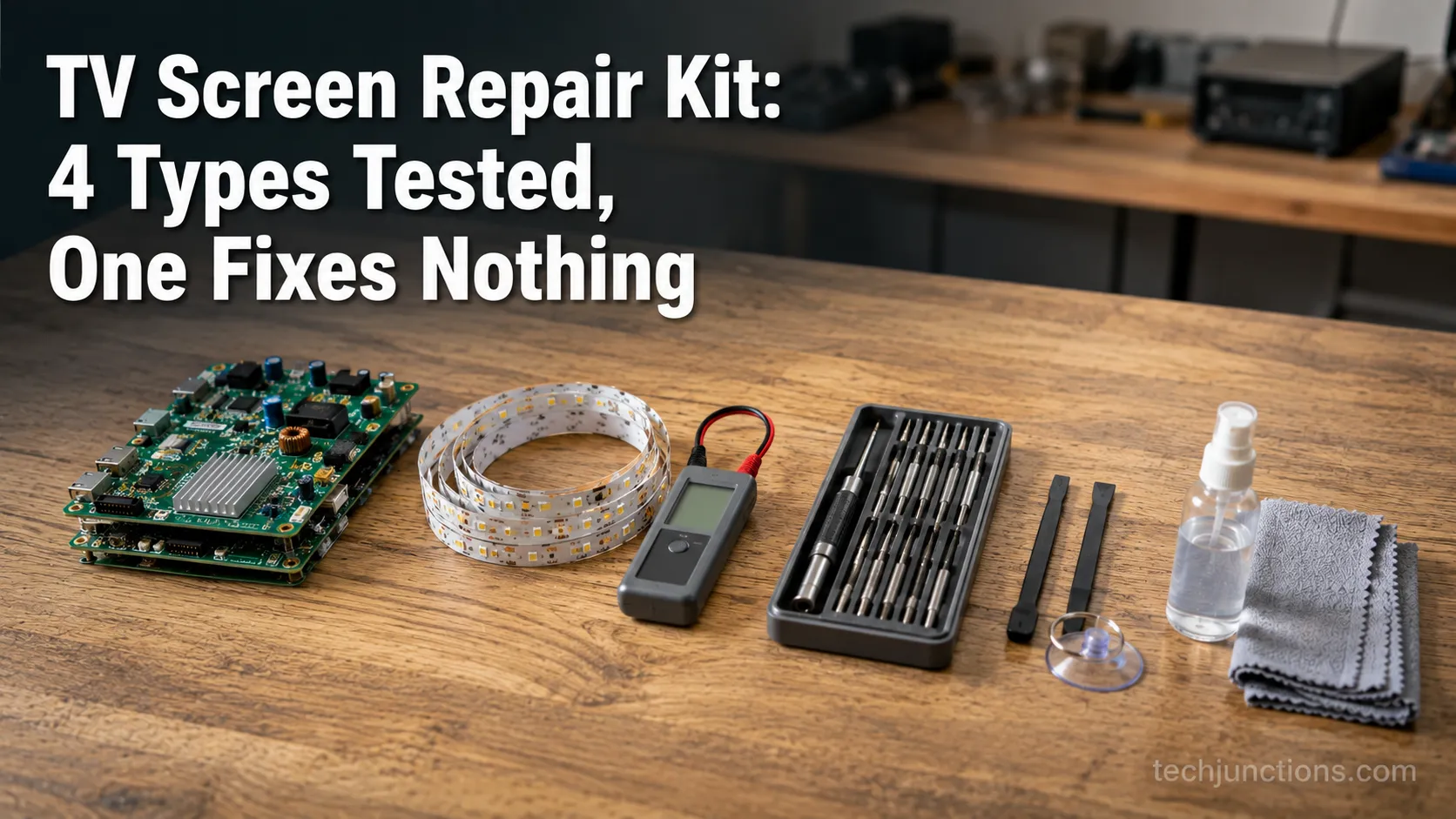
Compare TV screen repair kit types (board, backlight, tool, scratch) so you buy the one that fixes your fault. No kit repairs a cracked panel.
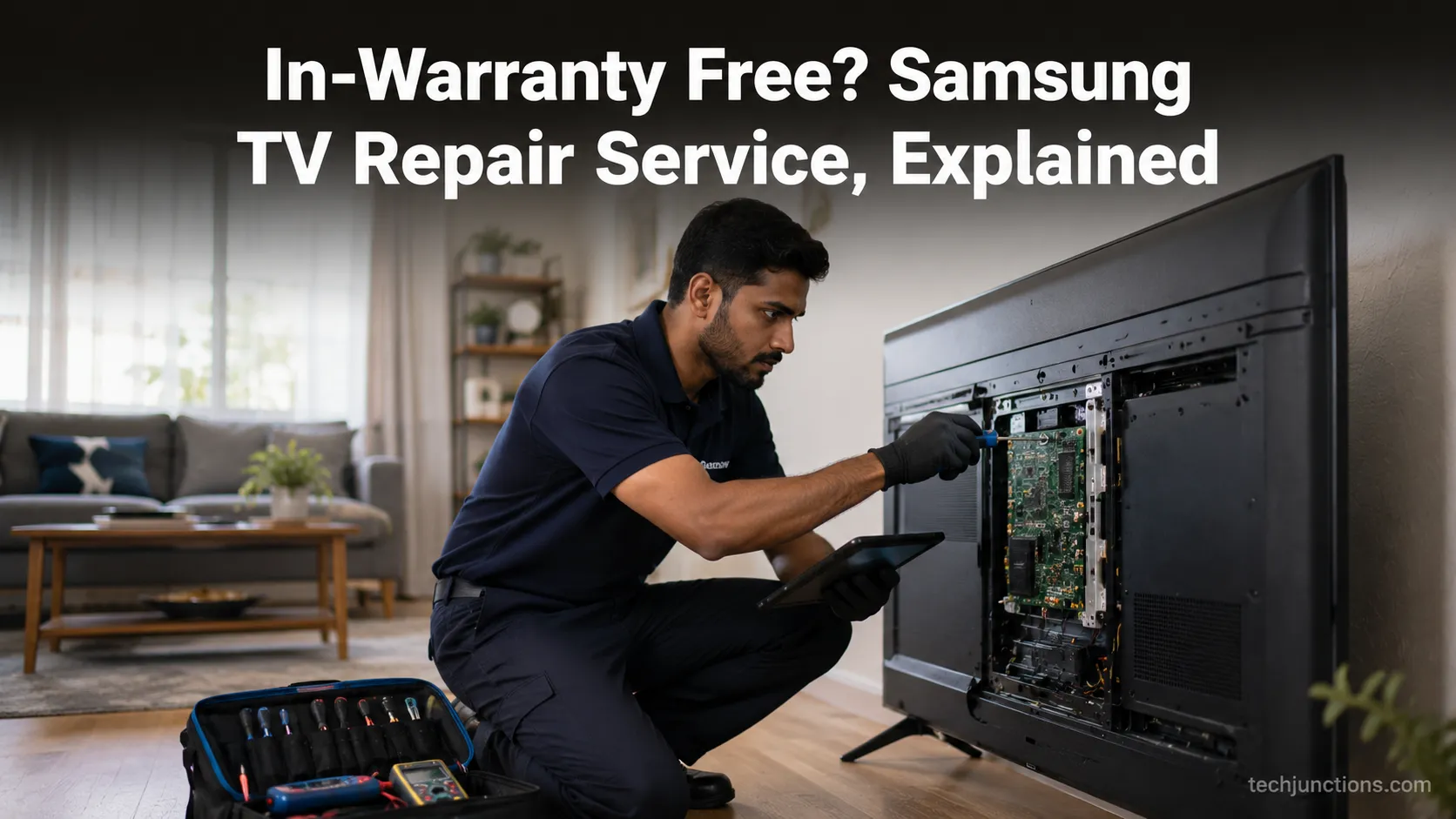
Compare Samsung TV repair service costs, in-warranty vs out, in-home "We Come to You" eligibility and how to book, plus when to just replace.
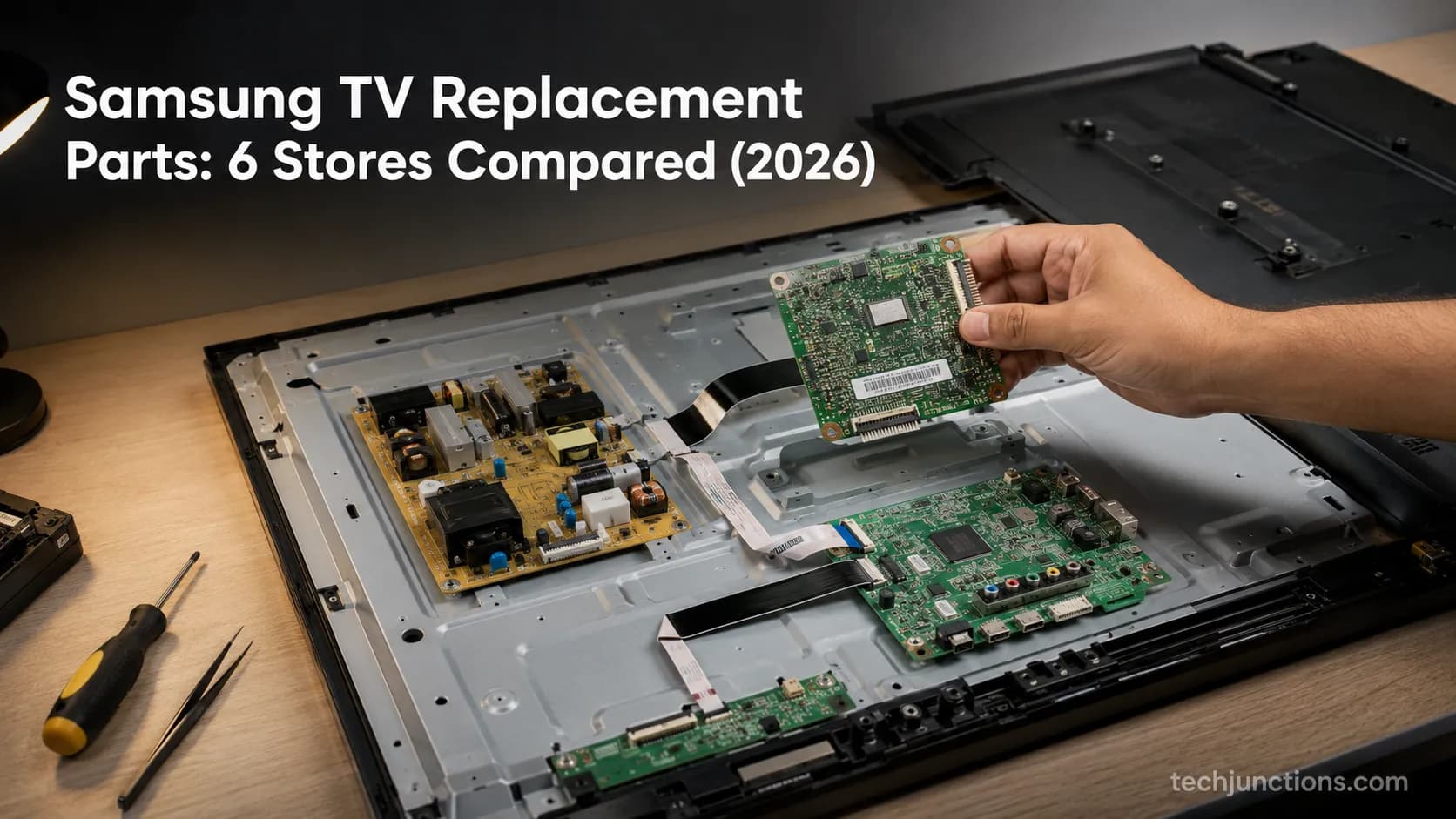
Buy Samsung TV replacement parts without overpaying: OEM vs third-party vs salvage, by brand, plus how to find your exact part number the first time.
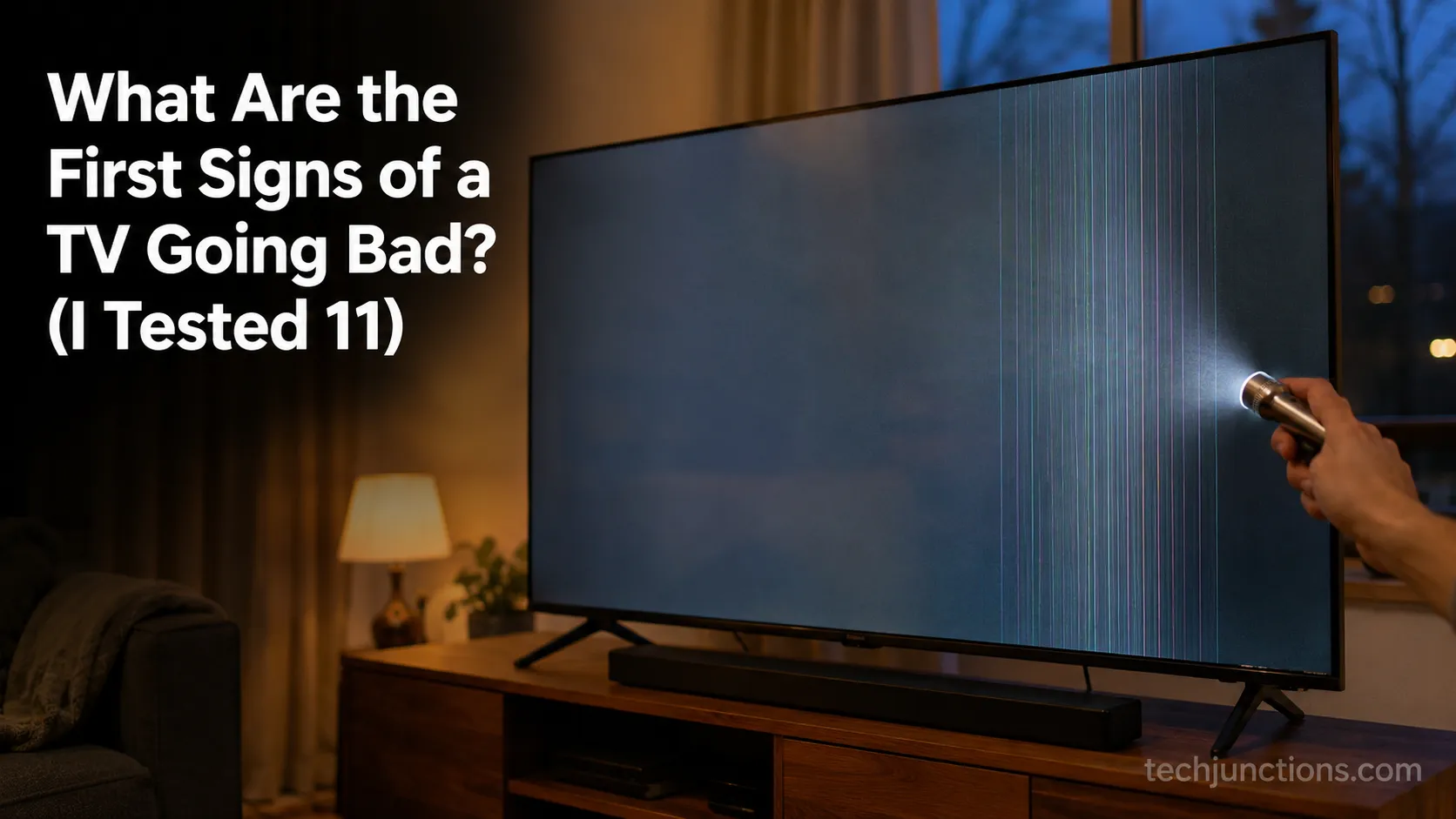
See what are the first signs of a TV going bad: vertical lines, dimming, dead pixels, no power, and whether each is a cheap fix or a dead panel.