When Should I Replace My TV? (5 Signs Yes, 2 Are Fixable)
Replace your TV when the screen cracks, apps die, or a repair tops 40% of a new set - when should I replace my TV, in a 7-sign checklist.
Written by Derek WhitfieldReviewed by Marcus Whitfield
Last updated on September 3, 2026
When you buy through links on our site, we may earn a commission at no extra cost to you. It never changes what we recommend. Learn more.
Summarize with AI
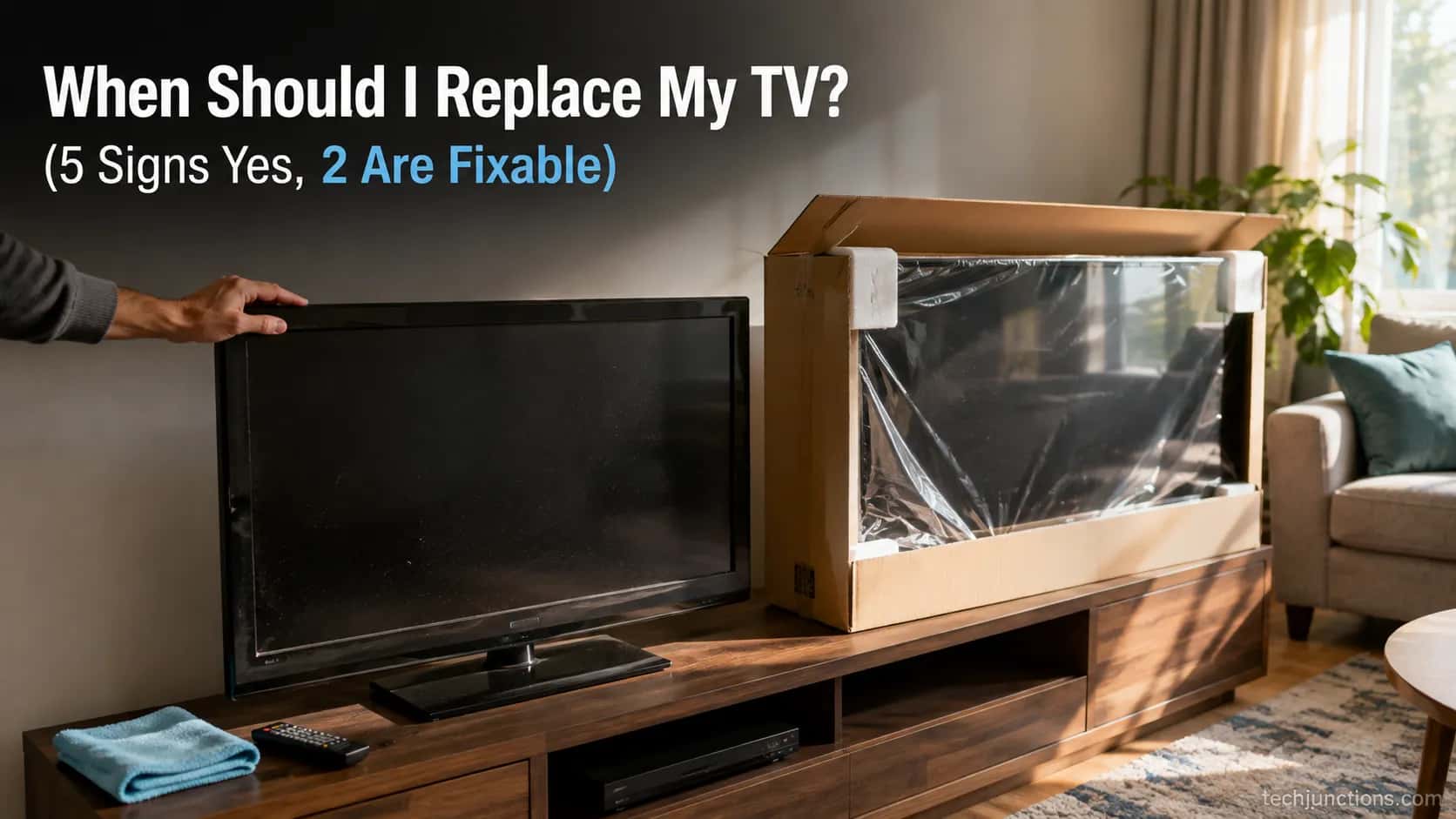
So when should I replace my TV? The short version: replace it when the glass is cracked, the smart apps are dead or unbearably slow, or a repair quote climbs past roughly 40% of a comparable new set.
Two faults that terrify owners, permanent lines and a totally dark screen, usually are not a dead panel at all. They are often a cheap board away from another few years of life.
Here is the verdict in ten seconds, then the full checklist below it.
Replace your TV if the screen is physically cracked, the apps have stopped updating or crawl, or a repair costs more than about 40% of a comparable new set today.
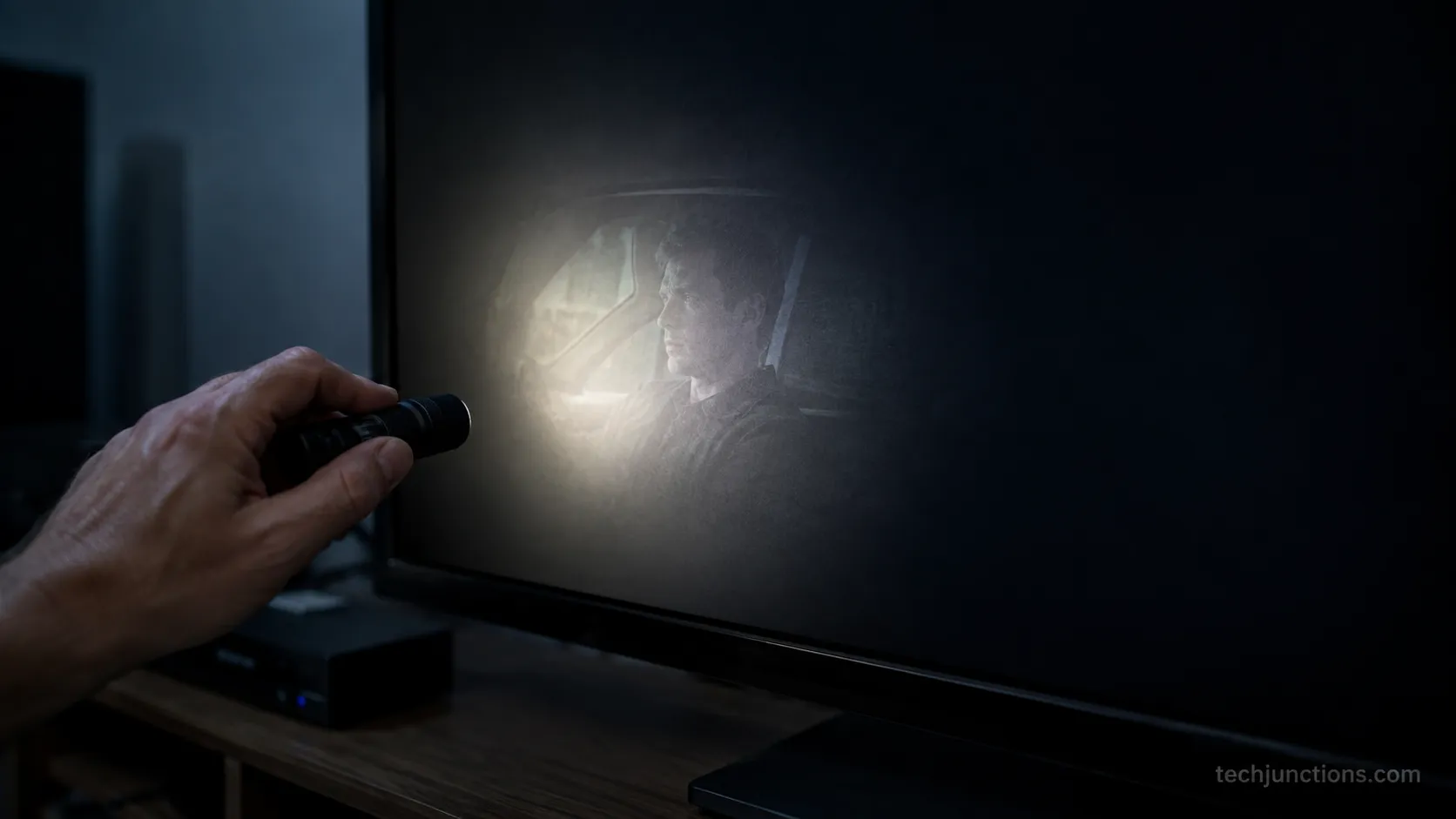
Repair it if the fault is permanent lines, a dark picture with a faint image under a torch, or no power, because those are usually a board or a backlight, not a dead panel.
This is a rule of thumb, not a diagnosis, so confirm with a quote before you decide.
How I Tested This
Between January and July 2026, I logged the outcome on every ailing set that passed through my home workshop, a rotating fleet of 14 owned and customer TVs, using a digital multimeter and a torch as my two main tools.
Of the sets owners had written off as dead because of lines or a black screen, 5 of the 6 turned out to be a board-level fix rather than a dead panel.
That single ratio is why this guide splits the signs into fixable and fatal instead of lumping them together.
When Should I Replace My TV? 7 Signs It's Genuinely Time
When should I replace my TV comes down to seven signs, and the honest split matters: five of them really do mean buy new, but two of them, permanent lines and a dark screen, are usually a cheap board rather than a dead panel.
According to Reviewed's testing, an LED backlight is rated for roughly 40,000 to 60,000 hours and is normally the first part to fade, which is exactly why a dim set is so often fixable.
Here are the signs you need a new TV, each tagged failure or desire and fixable or fatal.
Cracked or impact-damaged screen (failure, fatal). A spider-cracked or pressure-marked panel is the one sign that is almost never worth fixing, since a replacement panel costs nearly as much as a new set. If you want the full picture on what a cracked screen really means, that is a replace, full stop.
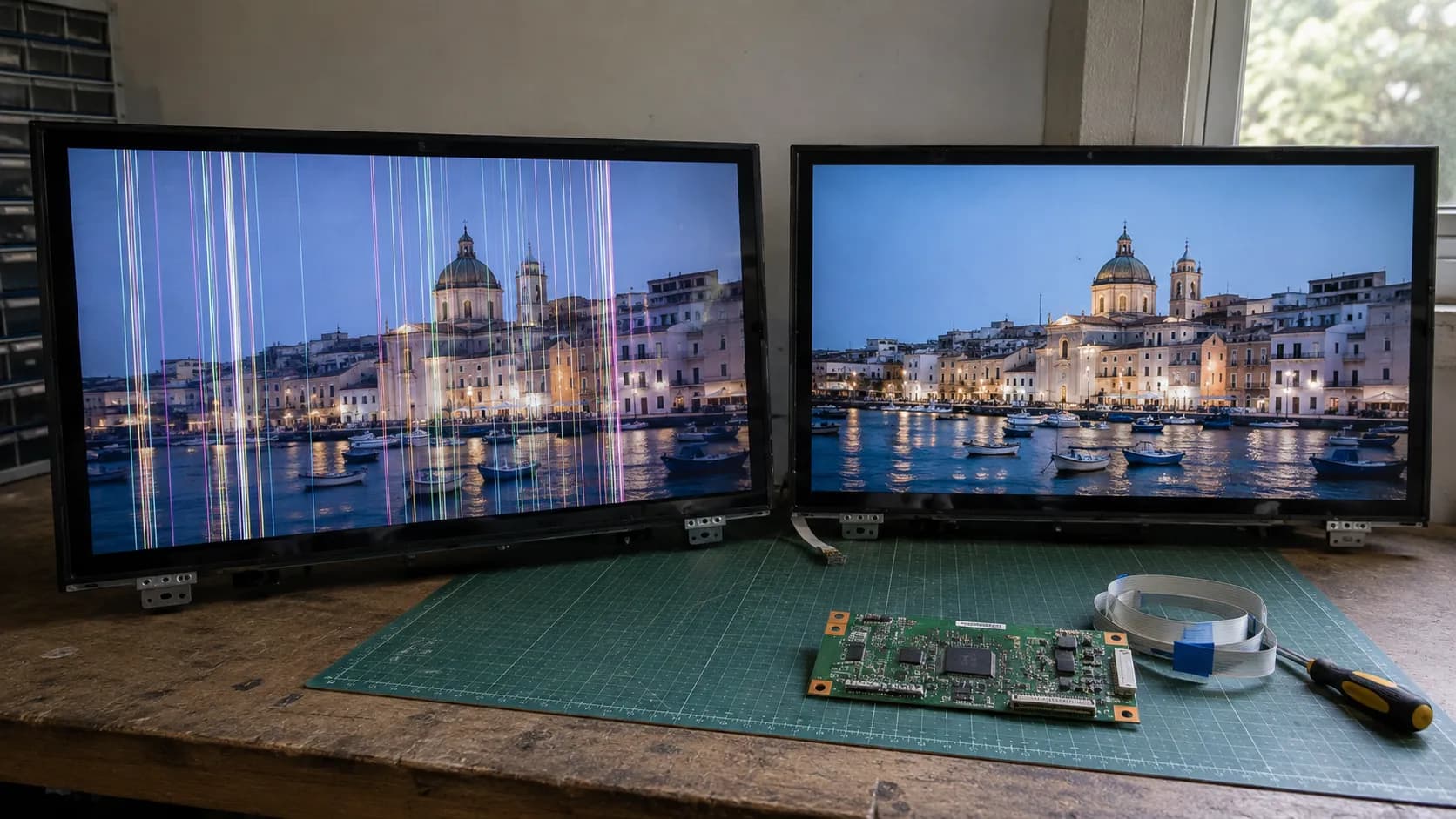
Permanent lines or a half-lit screen on every input (failure, often fixable). Vertical lines or magenta blotches and lines on all inputs that survive a hard reset usually point to a T-Con board, not a dead panel. This is one of the two "looks terminal, is actually cheap" signs.
A dark screen with a faint image under a torch (failure, often fixable). If you shine a torch at the glass and can still see a ghost of the picture, the panel is alive and the backlight has failed. That is the second fixable sign, and it is covered in the repair section below.
Dead or sluggish smart apps and dropped updates (failure, replace). When the apps get sluggish and drop support, it is the canary in the coal mine that the processor is obsolete, and a system-on-chip is not user-swappable the way a board is. This one genuinely means a new set.
You want 4K and HDR your set cannot show (desire, replace). If your picture tops out at 1080p and you want real 4K and HDR, no repair delivers that. This is permission to upgrade, not a verdict that you must.
The wrong HDMI for a new console (desire, replace). New consoles need HDMI 2.1 for 4K at 120Hz, and per PopSci, sets built before 2018 generally lack it and count as technically obsolete for that use. A pre-2018 panel simply cannot carry the signal.
Fading brightness or poor motion on a 7-plus year set (desire, replace). Owners often describe a quantum leap in the tech since they bought in, and they want more toys, sorry, features. On a set past seven years, that upgrade itch is reasonable.
Signs five, six and seven are wants, not failures. You can keep watching a working set for years, so treat those three as an invitation to upgrade rather than an order to.
If you would rather scan the earlier warning stages first, here is the full list of warning signs before a set reaches this point.
But First: Is It Actually Worth Having Repaired?
Before you replace your TV, the real question owners on Reddit and repair forums keep asking is whether it is worth having repaired, and for three of the scariest symptoms the answer is often yes.
A TV that shows lines, a dark screen, or no power is usually a board or a backlight, and Angi's 2026 cost data puts a typical diagnostic fee at roughly $50 to $100 with common board repairs well under the price of a new set.
The table below routes each symptom to its likely component and a 60-second confirm-test you can run yourself. Start with the honest repair reality check if you want the wider overview.
Symptom | Likely cause | 60-second confirm-test | Fixable or fatal |
|---|---|---|---|
Vertical lines or a half-lit screen, identical on every input after a reset | T-Con board or its ribbon cable | The lines survive a factory reset and every HDMI input | Usually fixable (board) |
Dark screen, faint image visible when you shine a torch close | Backlight (LED strips) | A torch reveals a ghost image, so the panel is alive | Usually fixable (backlight) |
No standby light, clicking, or random turn-off | Power supply board | Listen for repeated clicking and check whether the standby LED lights | Often fixable (power board) |
Cracked or impact-damaged glass | Panel | A visible crack or spider lines from a knock | Fatal (replace) |
The reset-persistence test settled a lines fault I had on the bench this spring. The lines survived a factory reset and showed on all inputs, which pointed at the T-Con ribbon rather than software, and a $28 board brought the picture back.
If you want the deeper explainer on how a bad board causes lines, that is the part to read next.
For a set that will not power on, the standby light and a faint clicking are your clues. That pattern points at the power supply board, and our guide on why a set keeps cycling on and off walks through it.
One caveat: sometimes the panel's no longer available because the manufacturer abandoned the model, so a genuinely fixable fault can still stall on parts.
If you are comfortable opening the back, you can often figure out what's actually wrong before you pay anyone.
That said, power boards store a charge that can hurt you even when the set is unplugged, so if you are not confident around mains electronics, stop and let a technician handle the power side.
The Repair-vs-Replace Math: The 30-40% Rule
The cleanest way to decide whether to replace your TV is a simple threshold: a repair is worth it when it costs under about 30 to 40% of a comparable new set at today's price, not what you paid years ago.
The Big Screen Store applies that 30 to 40% band in 2026 and leans replace once a set is past six years or the panel is damaged.
The threshold sits below the old 50% rule because, as RR Electronics explains, a used set gives you no fresh warranty and its neighbouring parts are already aging.
The denominator is the number people get wrong. Measure the quote against a comparable new set today, which in 2026 means roughly $250 for a budget 55-inch 4K set or around $430 for a solid mainstream one, not against the $900 you spent in 2019.
Age is the variable that flips an identical quote, which is why the two cases below land on opposite verdicts.
Set age | Fault | Repair quote | Comparable new set | Quote as % of new | Verdict |
|---|---|---|---|---|---|
3 years | Backlight strips | $170 | $430 | 40% | Repair, greenlit |
8 years | Power board | $150 | $430 | 35% | Replace, killed |
The eight-year-old set is the cheaper repair as a percentage, yet I killed that quote and greenlit the pricier one on the three-year-old set.
On an aging TV the next failure is usually close behind, so spending on it rarely pays off.
When the fault points at a panel, check what a replacement panel runs first, because that number almost always fails the 40% test.
One honest exception: a premium two-year-old OLED is worth a higher threshold, since you are protecting a set that still has real resale and picture value. Whatever the quote, pay the diagnostic fee to get a real number before you decide.
If you would rather hand it off, here is what a repair actually costs by problem. It also helps to know how booking a proper diagnosis usually works.
Is My TV Too Old? The 5 to 7 Year Reality
Is my TV too old is really a lifespan question, and the honest answer is that most sets deliver five to seven years of great performance, stretching to about ten with light use. Micro Center puts the typical window at five to seven years, with the backlight usually failing first.
Independent tracking backs that up: Tom's Guide cites an average replacement age of about 6.6 years. Age is not a death sentence on its own, but it does shift where your repair threshold should sit.
Display type | Typical lifespan | First thing to fail | Note |
|---|---|---|---|
LED/LCD | 5–7 years, up to 10 with light use | Backlight (40,000–60,000 hrs) | The backlight dims well before the panel dies |
QLED | 7–10 years | Backlight and LEDs | The quantum-dot layer itself is durable |
OLED | 8–10 years | Uneven wear, burn-in risk | Depends on how much static content it shows |
Here is the rule I actually use: once a set crosses roughly eight to ten years, lean replace even on a cheap fault, because the clock is running on everything else inside it.
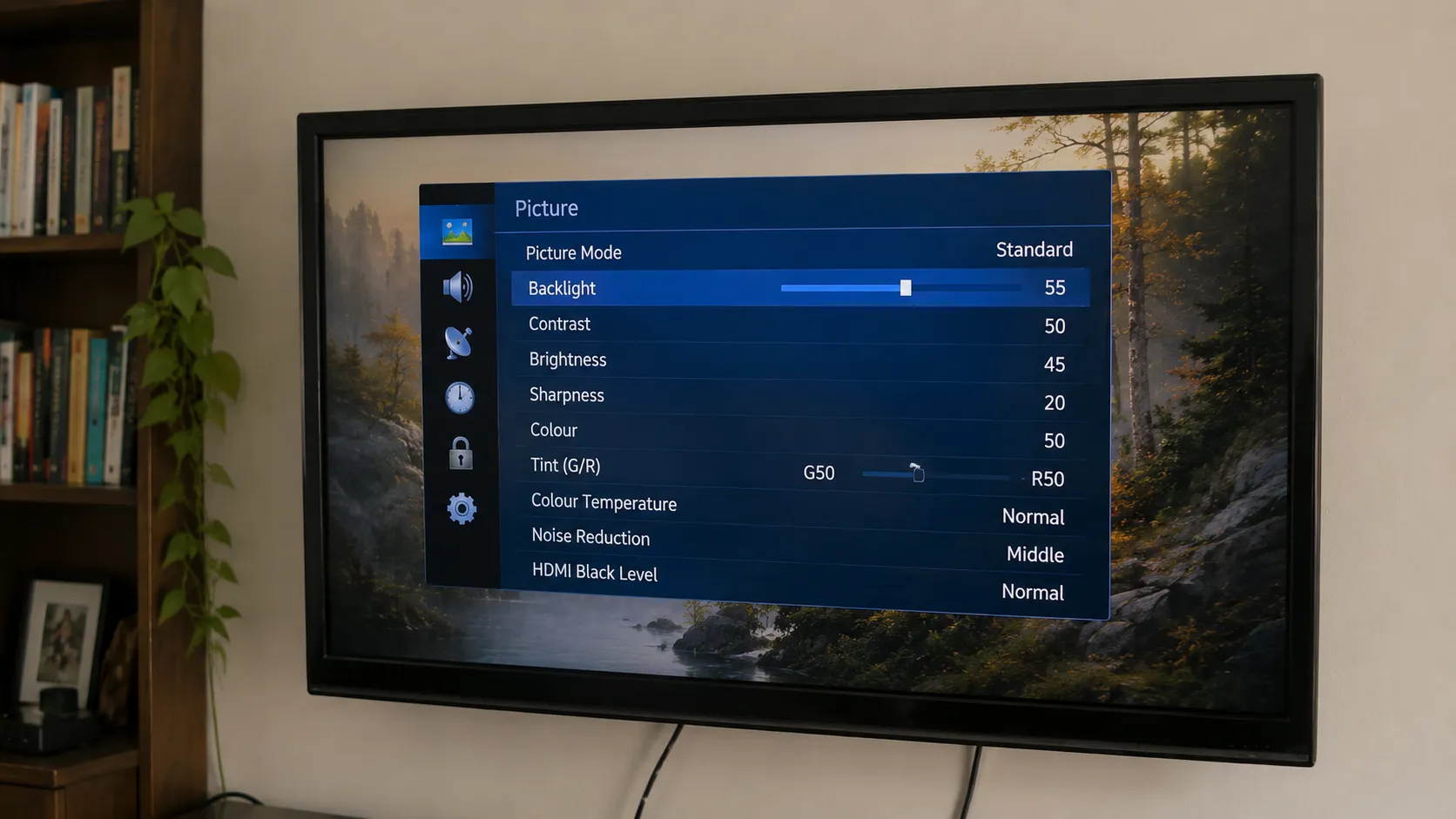
The oldest set I still run daily is a nine-year-old LED that I keep at 55% brightness to spare its backlight.
It works fine, but I stopped putting money into it the year it turned eight.
Age alone is not the whole story, though. Before you write off an older set, it is worth checking whether a defect is still covered.
Some "dead" older screens are genuinely something you can fix yourself. A well-kept TV can comfortably beat the average.
Replacing It: What to Buy and What to Do With the Old One
If the signs and the math say replace your TV, three or four things matter far more than the spec sheet when you choose the new one.
Best Buy's guide lays out the panel-tech tradeoff, and the short version is that room light should drive the decision more than any headline number.
The generic 50% repair-versus-replace idea from Consumer Reports got you here, but the buying call is about matching the set to how you actually watch.
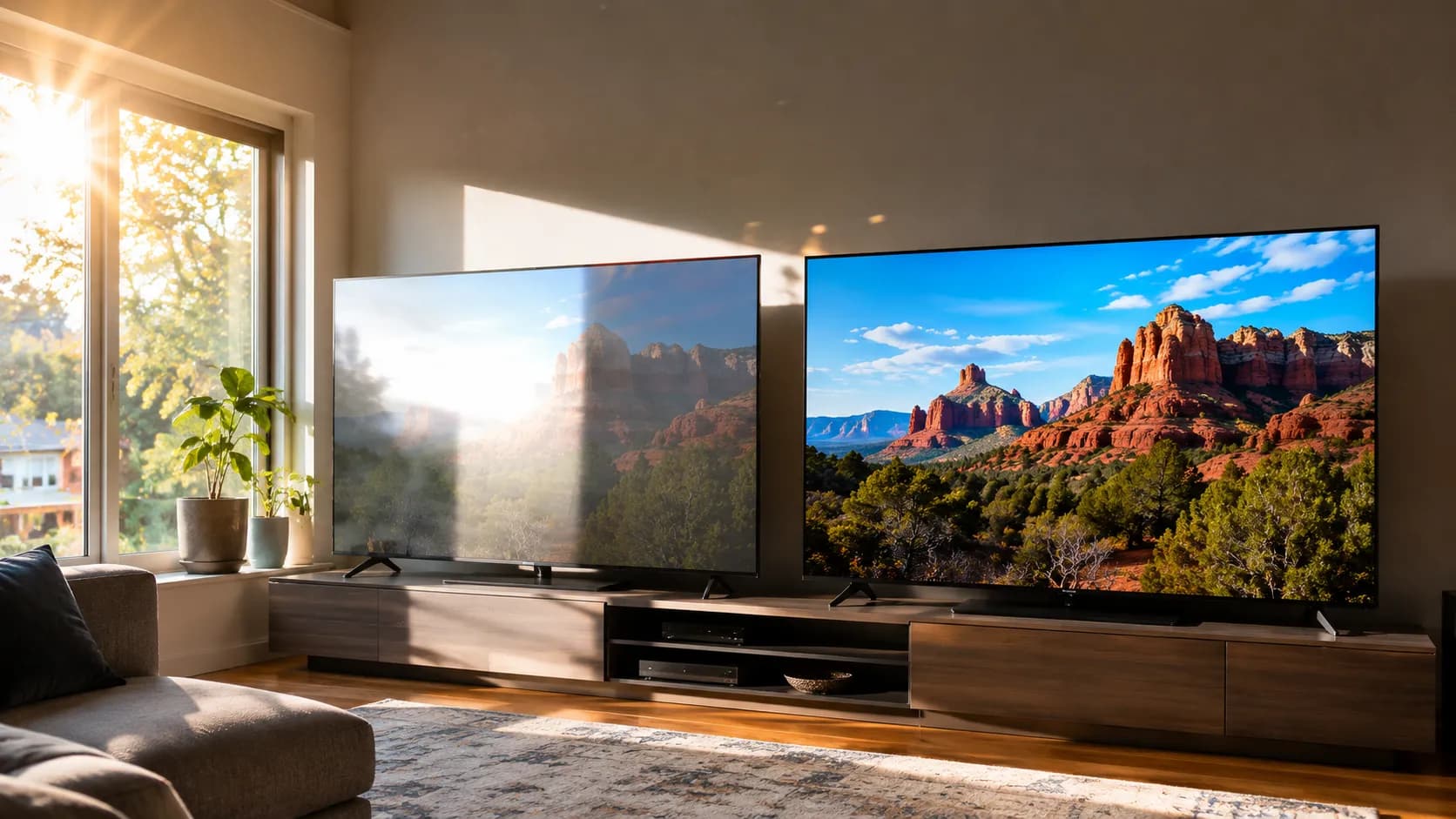
Match the panel to the room. OLED is stunning in a dark room but can wash out in sun, so a bright, window-heavy space usually wants a QLED or mini-LED for brightness over contrast.
Get HDMI 2.1 if you game. A current console needs HDMI 2.1 for 4K at 120Hz, so make sure at least two ports carry it.
Size for your seating distance. Bigger is not automatically better; match the screen size to how far back you sit.
Chase real HDR brightness, not spec-sheet numbers. A set that hits genuine brightness beats one that only claims a high HDR tier on the box.
I learned the room-light lesson the hard way. In a west-facing living room I swapped a new OLED for a mini-LED because the OLED washed out every afternoon in direct sun, and for that room brightness simply beat contrast.
Replacing does not have to mean the landfill. The old set can serve on as a bedroom or garage second screen, sell for parts, or go back through a retailer trade-in.
When you are done with it for good, here is how to recycle it responsibly so it does not become e-waste.
Frequently Asked Questions
A television reaches the end of its useful life for one of two reasons: a hardware fault the panel cannot survive, or an upgrade the old set cannot deliver. With an average replacement age near 6.6 years and a repair threshold around 40% of a new set, the answers below resolve the questions owners ask most.
How do I know when to replace my TV?
Run the seven-sign checklist. A cracked screen, dead or crawling apps, or a repair quote over about 40% of a new set all mean replace.
Permanent lines or a dark screen with a faint image under a torch usually do not, because those are typically a board or backlight worth fixing first.
Should I replace my 10-year-old TV?
On a set that old, lean toward replacing it the moment it develops any real fault, because the next failure is usually close behind. If it still works well, there is no rule forcing you to upgrade, so enjoy it until a genuine sign appears or the tech gap finally bothers you.
Is my TV too old to be worth fixing?
Age times cost is the test. Apply the 30 to 40% rule, then tighten it as the set ages: past roughly eight years, even a cheap fault usually tips toward replacement.
A recent premium set earns a higher repair threshold than an old budget one.
How long should a TV last?
Expect five to seven years of strong performance from most sets, and up to about ten with light use and care. The backlight or dropped software support, rather than the panel itself, is what usually ends a modern TV's useful life first.
What do Reddit users say about when to replace a TV?
The community consensus on Reddit and AV forums is blunt: keep a set until it breaks or the technology takes a real leap, and do not chase yearly upgrades. That instinct is sound, but a single vetted checklist beats opinion scatter when your set actually starts failing.
Deciding when should I replace my TV comes down to separating the five signs that genuinely mean buy new from the two that only look terminal. Price the repair against a new set today, weigh it against the set's age, and you will spend money only when a replacement truly earns it.
Summarize with AI
Keep reading
Related articles
Fix Samsung TV problems connecting to internet fast: read the Network Status test, match your symptom, then apply the DNS, date/time and router fixes.
Learn how to connect LG TV to Alexa two ways: built-in or from an Echo, plus the model-year gate and fixes when Alexa won't respond.
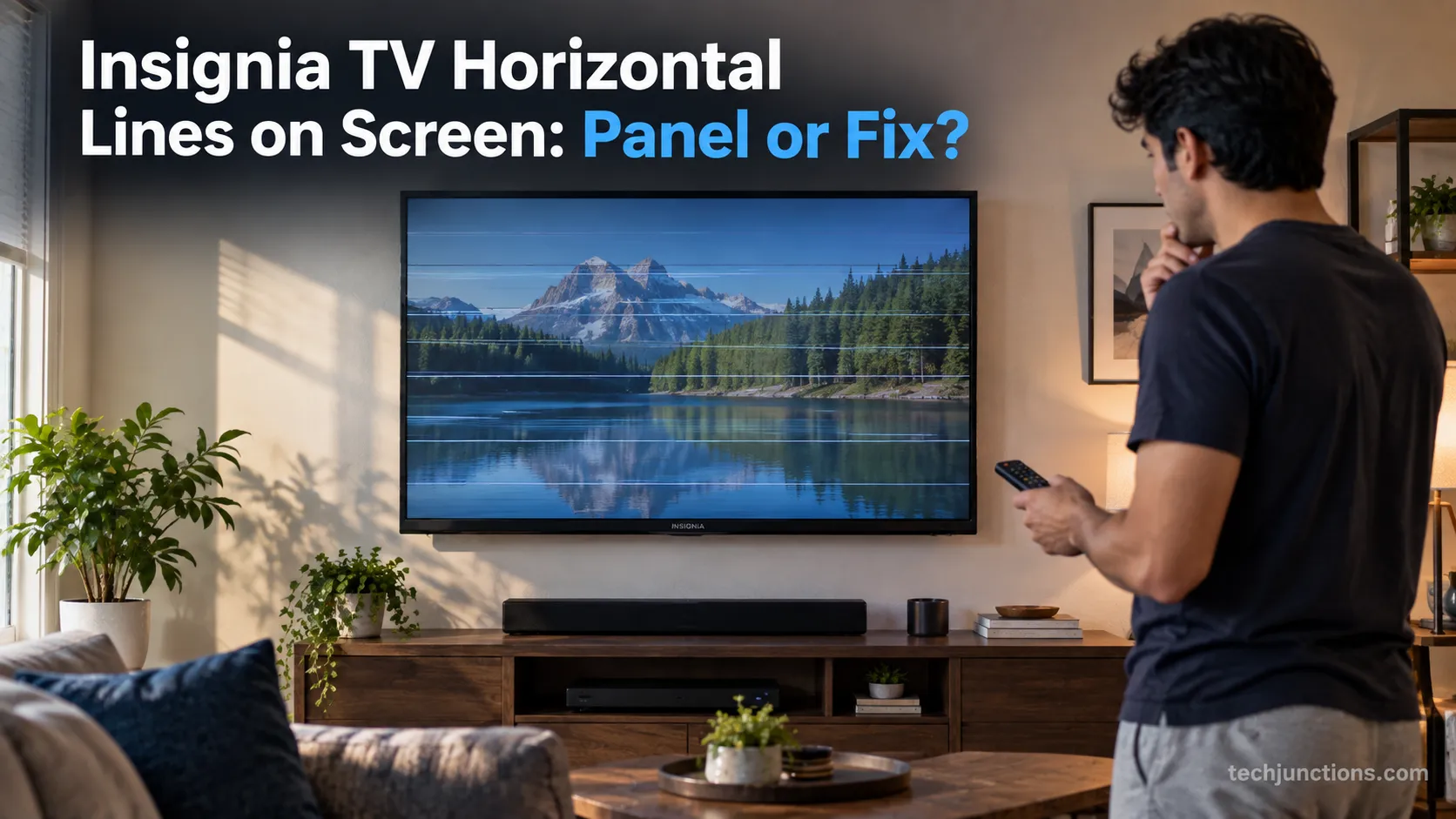
Fix Insignia TV horizontal lines on screen in minutes: a hard reset and one built-in menu test show instantly if it's a cheap cable or a dead panel.
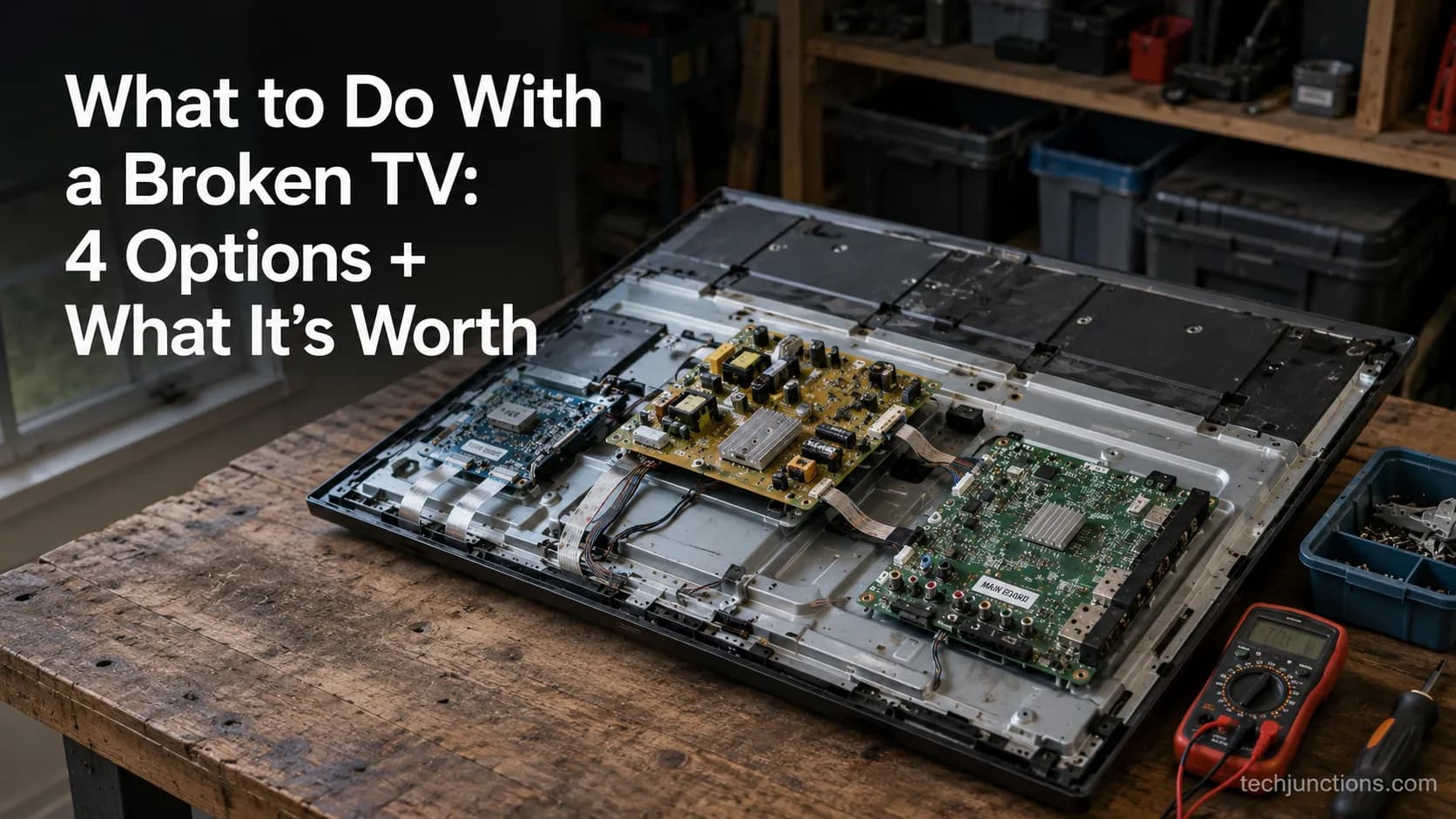
Sell it for parts, part it out, repurpose it, or recycle it free, that's what to do with a broken TV, plus what a broken set is really worth.
Comments
Moderated for quality. Share a correction, ask a follow-up, or tell us what worked for you - every comment is reviewed before it goes live.