
 Troubleshooting & Repair

Founder at Tech Junctions
Aman Singh
Aman Singh is the founder of Tech Junctions. He started it to give TV owners clear, practical help with the TV they already own: fixing problems, setting it up, and getting the picture and sound right. Each one is written for a specific brand and problem, uses the menu names you’ll actually see on screen, and is checked against the maker’s manuals and support pages before it goes live. When a menu changes after a software update, the guide is updated and re-dated.
- Guides
- 70
- Writing here since
- November 2026
- Location
- Mumbai, India
70 guides
Guides by Aman, page 3
- Troubleshooting & Repair
 Setup & Installation
How to Connect Insignia TV to WiFi Without Remote (App Catch)
The phone app needs Wi-Fi first. Here is how to connect Insignia TV to WiFi without remote using Ethernet, a cloned hotspot or a CEC remote.Aman Singh Troubleshooting & Repair
Why Won't My LG TV Connect to WiFi? Fixes for Each Symptom
Why won't my LG TV connect to WiFi? Restart in LG's order, then match the symptom: network missing, password refused or connected with no internet.Aman Singh Setup & Installation
How to Record to USB on Samsung Smart TV (Not US Models)
How to record to USB on Samsung smart TV: US and Canadian models can't. See how other models record from the Guide, and what US owners use instead.Aman Singh Setup & Installation
How to Record to USB on Hisense Smart TV (Which Models Can)
How to record to USB on Hisense smart TV: check for PVR Setup, let the TV format a USB hard drive, then record from the Guide. Roku models only pause.Aman Singh Buying Guides & Brands
Who Makes Samsung TVs? Plants and Panel Makers (2026)
Who makes Samsung TVs? Samsung itself, mostly in Mexico for US buyers, but it buys LCD panels from CSOT, BOE and others. See who makes its OLED panels.Aman Singh Setup & Installation
How to Change Default Channel on Samsung TV by Model Year
How to change default channel on Samsung TV: there is no single setting. Turn off Autorun Samsung TV Plus, set the startup input, reorder channels.Aman Singh Buying Guides & Brands
How to Allow Unknown Sources on Samsung TV: Why You Can't
How to allow unknown sources on Samsung TV: Tizen has no such switch. Use the Apps store, cast from a phone, or turn it on in a Fire TV or Google TV device.Aman Singh Buying Guides & Brands
Who Makes Hisense TVs? Owner, Factories and Brands
Who makes Hisense TVs? Hisense Group of Qingdao, China builds its own. See who owns it, where US sets are made, and why Sharp TVs aren't Hisense anymore.Aman Singh Setup & Installation
How to Program a Universal Remote to a Hisense TV (Codes by Brand)
How to program a universal remote to a Hisense TV: codes for GE, RCA, Philips, One For All and cable remotes, plus no-code auto search steps.Aman Singh Buying Guides & Brands
How to Allow Unknown Sources on Hisense TV: Google TV, Fire TV, VIDAA
How to allow unknown sources on Hisense TV models: give one installer app permission on Google TV or Fire TV, unlock Developer options, and see VIDAA's route.Aman Singh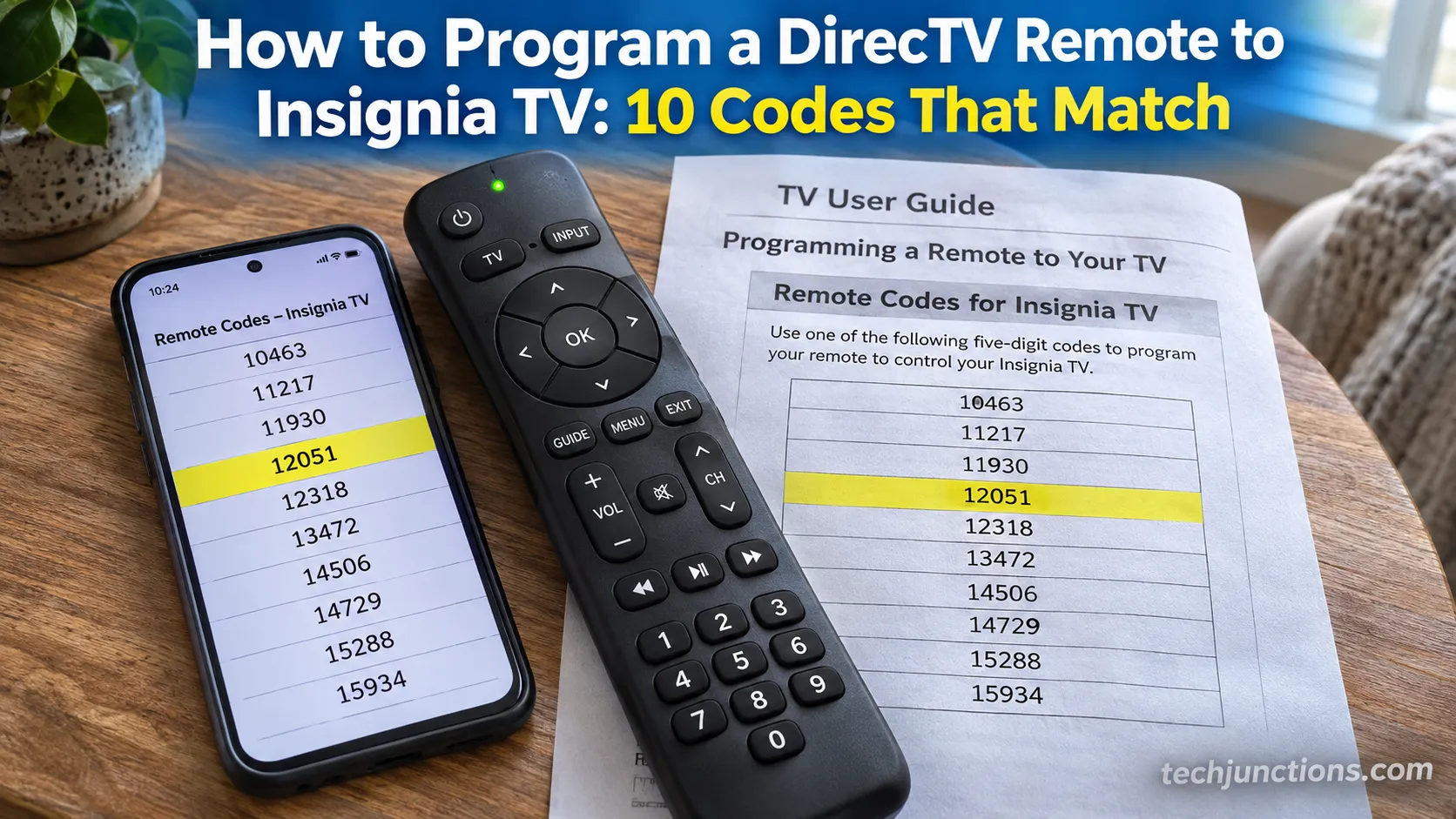 Setup & Installation
How to Program a DirecTV Remote to Insignia TV: 10 Codes That Match
How to program a DirecTV remote to Insignia TV: the 10 codes Insignia and DirecTV both list, RC73 and RC6x steps, the receiver route and Roku TV limits.Aman Singh Troubleshooting & Repair
Samsung TV Troubleshooting: Find the Fix by Symptom
Samsung TV troubleshooting in the right order: the cold boot first, a symptom table for power, picture, sound, Wi-Fi and remote faults, then repair.Aman Singh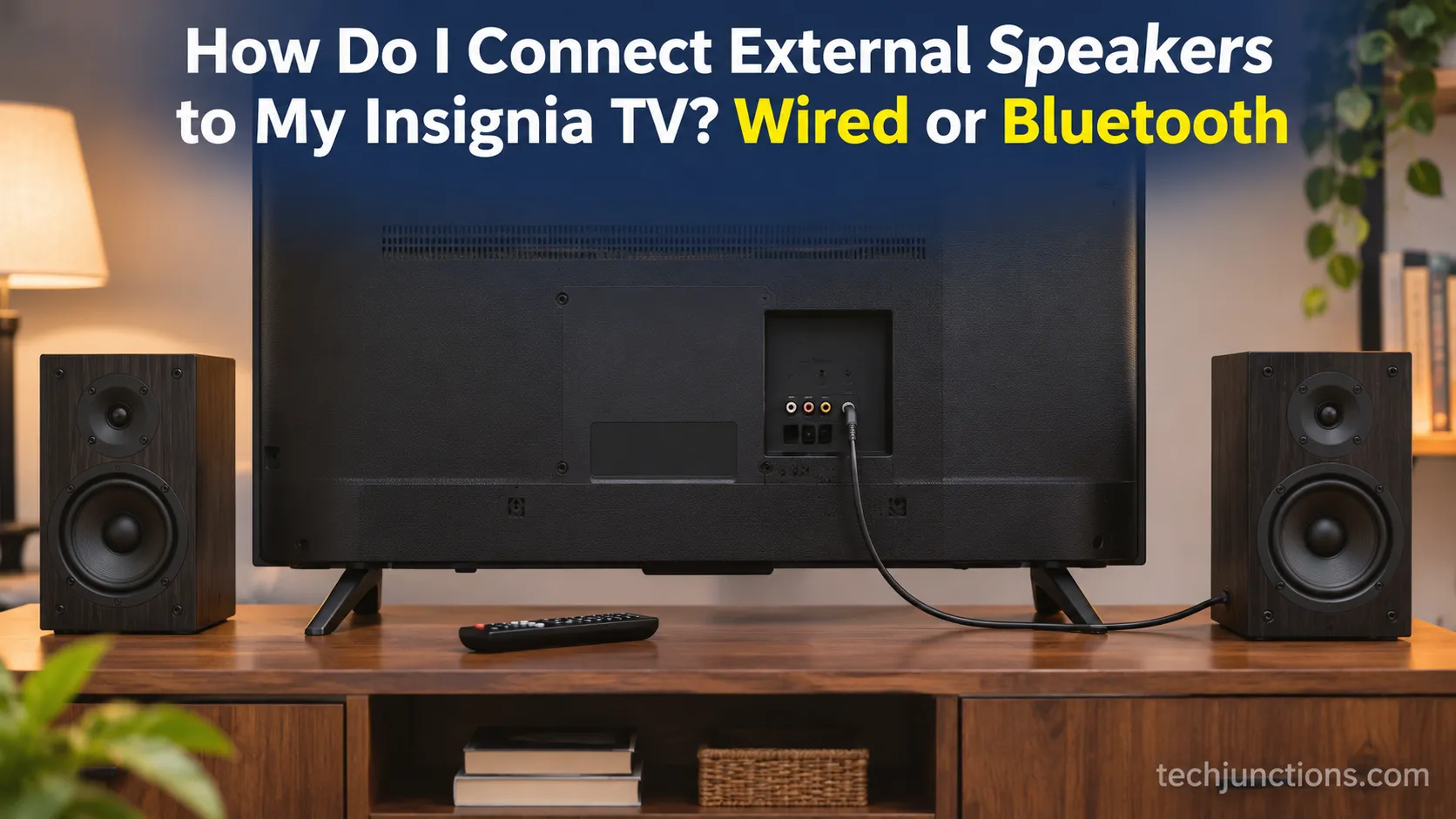 Setup & Installation
How Do I Connect External Speakers to My Insignia TV? Wired or Bluetooth
How do I connect external speakers to my Insignia TV? Wire them to the optical, headphone or HDMI ARC jack, or pair Bluetooth on a Fire TV model.Aman Singh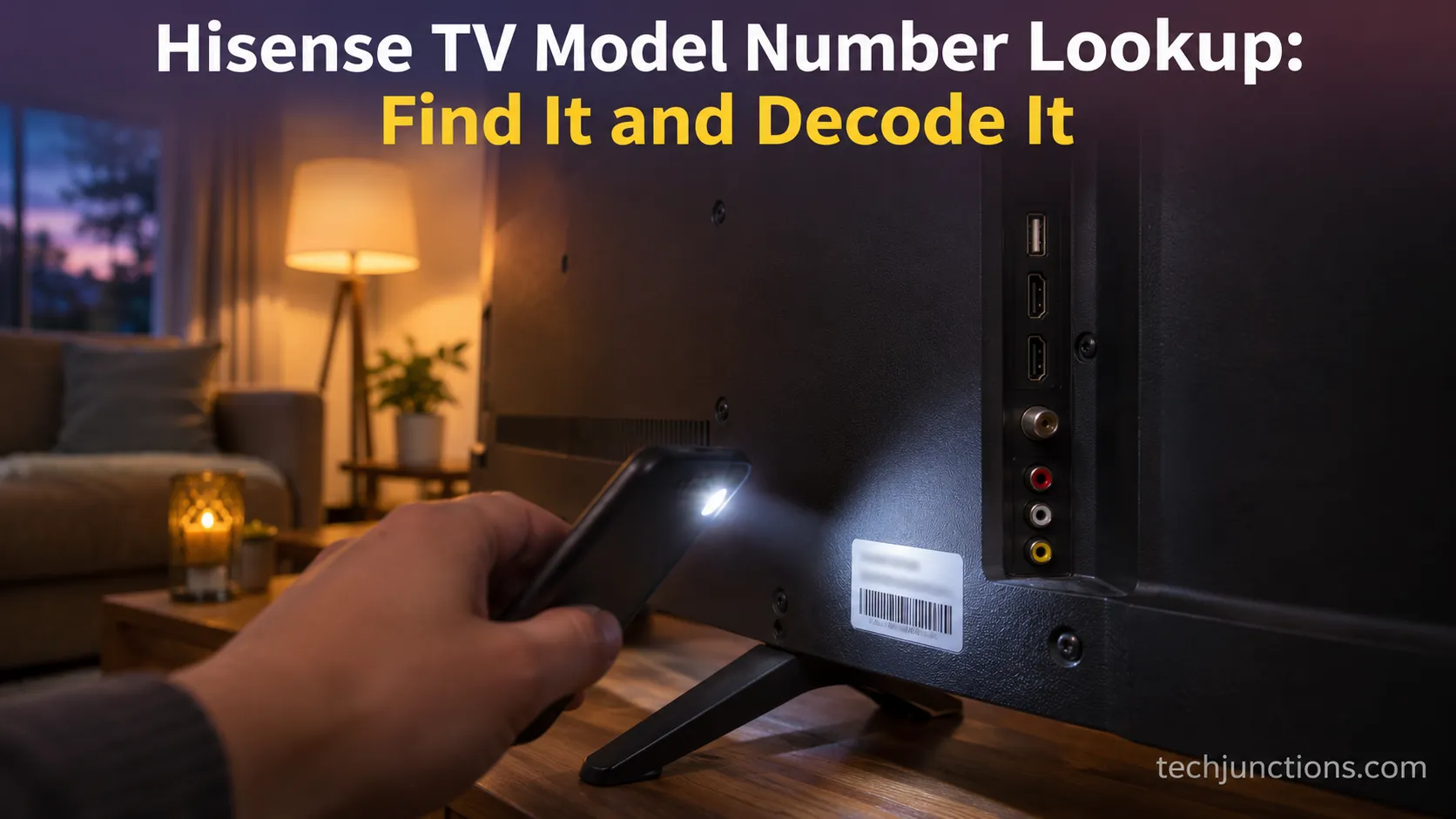 Setup & Installation
Hisense TV Model Number Lookup: Find It and Decode It
Do a Hisense TV model number lookup in a minute: find it on the back label or in Settings, then read the size, series, year letter and serial.Aman Singh

Ask the writer
Want Aman to cover something?
Reader requests decide which guides get written first. Tell us your TV, its model and what you want covered.