
 Setup & Installation

Founder at Tech Junctions
Aman Singh
Aman Singh is the founder of Tech Junctions. He started it to give TV owners clear, practical help with the TV they already own: fixing problems, setting it up, and getting the picture and sound right. Each one is written for a specific brand and problem, uses the menu names you’ll actually see on screen, and is checked against the maker’s manuals and support pages before it goes live. When a menu changes after a software update, the guide is updated and re-dated.
- Guides
- 70
- Writing here since
- November 2026
- Location
- Mumbai, India
70 guides
Guides by Aman
- Setup & Installation
 Troubleshooting & Repair
Hisense TV Green Screen: Find the Cause Before You Reset
Hisense TV green screen? Swap the cable, port and source first to see if the fault follows them. Then the picture reset, updates, and the T-con board or panel.Aman Singh Settings & Features
Hisense TV Game Mode: Turn It On, Then ALLM, VRR and 120Hz
Hisense TV game mode on Google TV (PC/Game), Roku TV, VIDAA and Fire TV, plus the ALLM, HDMI Format and port settings that 120Hz and VRR need.Aman Singh Setup & Installation
Insignia TV Setup: Step-by-Step for Fire TV and Roku Models
Insignia TV setup in the right order: connect devices, power on last, pair the remote, join Wi-Fi, sign in, then scan for cable or antenna channels.Aman Singh Streaming Platforms & Apps
How to Download Spectrum App on Insignia Fire TV (Now Official)
Here is how to download Spectrum app on Insignia Fire TV sets from 2018 on: the Appstore steps, the home Wi-Fi sign-in, the Roku TV path and fixes.Aman Singh Troubleshooting & Repair
Insignia TV Troubleshooting: Power Light, Symptoms and Fixes
Insignia TV troubleshooting in order: restart the set the way its platform asks, read the power light, then jump to the fix for your symptom.Aman Singh Troubleshooting & Repair
Hisense TV Channels Not Working: Rescan, Then the Antenna
Hisense TV channels not working? Many come back after a cable check, the right Tuner Mode and a new scan. If not, fix the antenna before the TV.Aman Singh Setup & Installation
Insignia TV USB Port: What Each Model Plays and How to Fix It
The Insignia TV USB port works differently on Roku TV, Fire TV and basic sets. See which files and drive formats yours reads, how to play them and fixes.Aman Singh Setup & Installation
How to Connect Soundbar to Hisense TV (Settings by Platform)
How to connect soundbar to Hisense TV by HDMI ARC, optical, aux or Bluetooth, with the audio output and CEC menus for VIDAA, Google TV, Roku and Fire TV.Aman Singh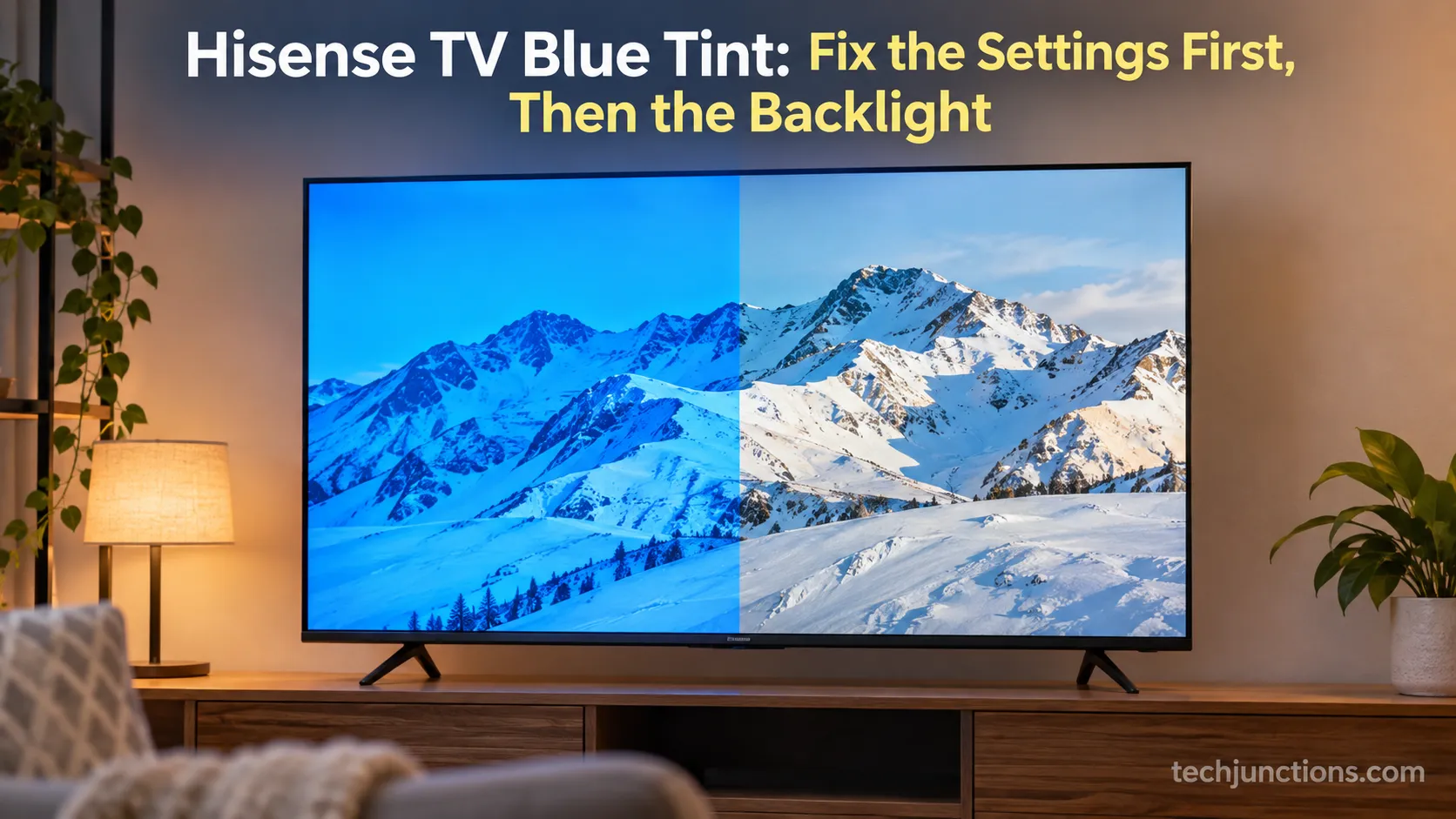 Troubleshooting & Repair
Hisense TV Blue Tint: Fix the Settings First, Then the Backlight
Fix a Hisense TV blue tint: set Color Temperature to Warm on Google TV, VIDAA, Roku or Fire TV, test one input, then check backlight and warranty.Aman Singh Troubleshooting & Repair
Mode Not Supported Samsung TV: The Fix for Each Device
Mode not supported Samsung TV message? The TV is refusing the device's signal. Turn on Input Signal Plus, then set the Device to a resolution it accepts.Aman Singh Troubleshooting & Repair
Hisense TV Audio Out of Sync? Fix It Where the Delay Starts
Hisense TV audio out of sync? Find where the delay starts, then the fix for your Google TV, VIDAA or Roku TV model: Lip Sync, Digital Audio Delay or PCM.Aman Singh Setup & Installation
How to Hook Up Soundbar to Insignia TV: ARC, Optical, Bluetooth
How to hook up a soundbar to an Insignia TV: the ARC port and CEC setting, then optical and Bluetooth steps for Fire TV and Roku models, with fixes.Aman Singh Troubleshooting & Repair
Netflix App Not Working on Hisense TV? Netflix's Own Fix First
Netflix app not working on Hisense TV? Start with the restart and sign-out Netflix gives, then clear or reinstall the app on VIDAA, Google TV, Roku or Fire TV.Aman Singh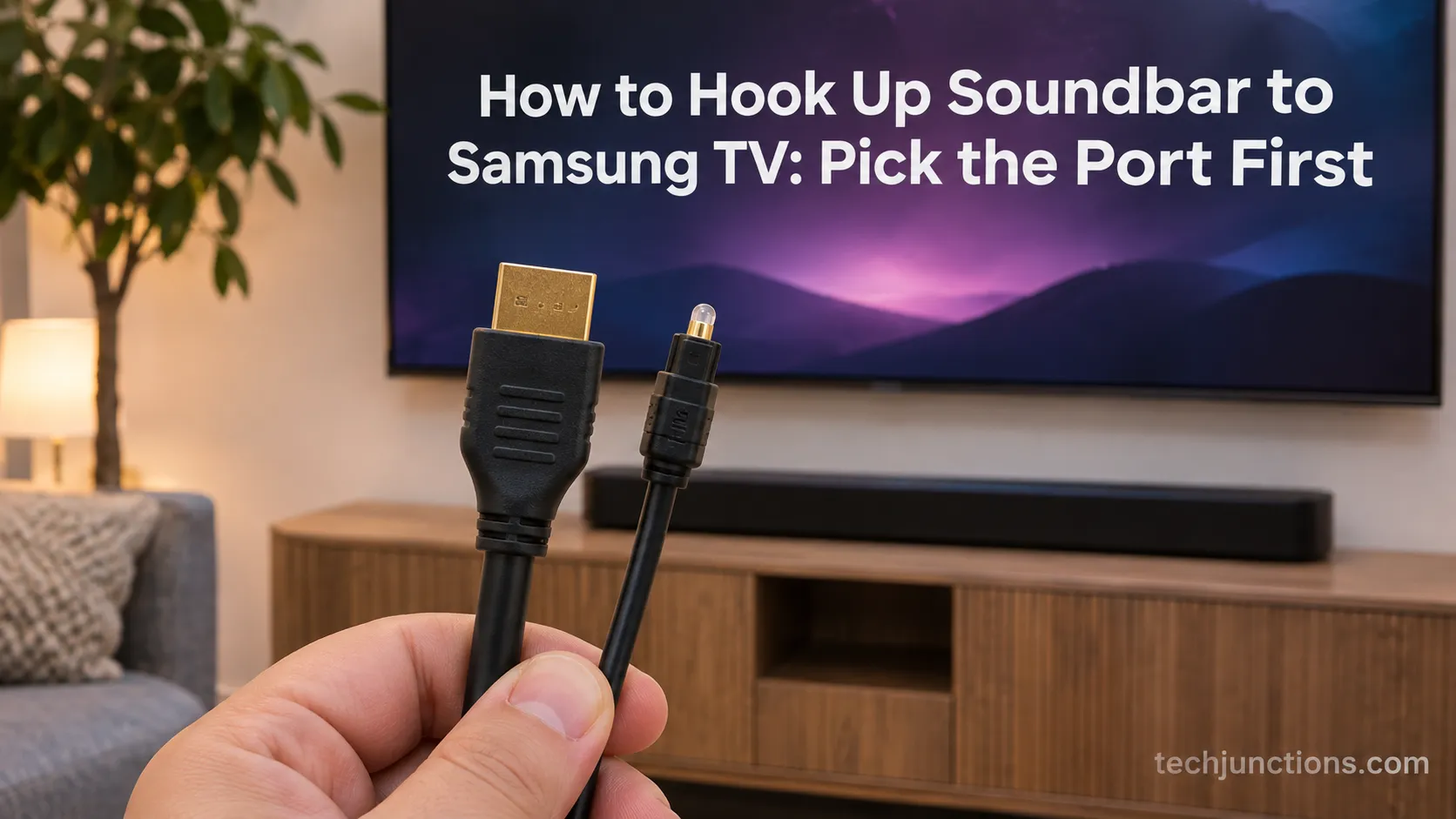 Setup & Installation
How to Hook Up Soundbar to Samsung TV: Pick the Port First
How to hook up soundbar to Samsung TV: match the ports, set Sound Output, turn on eARC, pair by Bluetooth or Wi-Fi, and fix a soundbar with no sound.Aman Singh

Ask the writer
Want Aman to cover something?
Reader requests decide which guides get written first. Tell us your TV, its model and what you want covered.