
 Setup & Installation

Founder at Tech Junctions
Aman Singh
Aman Singh is the founder of Tech Junctions. He started it to give TV owners clear, practical help with the TV they already own: fixing problems, setting it up, and getting the picture and sound right. Each one is written for a specific brand and problem, uses the menu names you’ll actually see on screen, and is checked against the maker’s manuals and support pages before it goes live. When a menu changes after a software update, the guide is updated and re-dated.
- Guides
- 70
- Writing here since
- November 2026
- Location
- Mumbai, India
70 guides
Guides by Aman, page 4
- Setup & Installation
 Streaming Devices
Insignia Fire TV Critically Low on Storage? Cheapest Fix First
Insignia Fire TV critically low on storage? Clear all app caches first, then uninstall unused apps; USB storage and a reset come last. See why it returns.Aman Singh Troubleshooting & Repair
Hisense TV Volume Too Low? Check Output and Auto Volume
Hisense TV volume too low? Fix the audio output, Auto Volume Control, quiet dialogue, a quiet app or input, and soundbar volume on Google TV, VIDAA and Roku.Aman Singh Buying Guides & Brands
Who Makes Insignia TVs? The Factories Behind Best Buy's Brand
Who makes Insignia TVs? Best Buy owns and designs them; contract factories build them. The Hisense rumor checked, the 2026 lines, and whether they're worth it.Aman Singh Setup & Installation
How to Use Samsung TV Remote: Hold Tricks, Lights and the 123 Key
How to use Samsung TV remote shortcuts: the 123 key's three screens, the Volume and Return holds, the Guide trick and what the remote's light means.Aman Singh Setup & Installation
How to Use Hisense TV Remote: Buttons, Shortcuts & Apps
How to use Hisense TV remote keys on VIDAA, Google TV, Roku and Fire TV models: what Input, CC and the colored keys do, plus the free phone apps.Aman Singh Setup & Installation
Hisense TV USB Port: Drive Formats by Platform and Fixes
Your hisense tv usb port reads FAT32 and NTFS drives on Google TV and VIDAA models, exFAT too on Roku TV. Check format, power, then the port.Aman Singh Setup & Installation
How to Use Insignia TV Without Remote: Button and App Guide
Lost the remote? How to use Insignia TV without remote, with the Power/Input button, the Fire TV or Roku app, and what to do about volume.Aman Singh Settings & Features
How to Turn Off Sleep Mode on Insignia TV: Timer vs Power Saver
How to turn off sleep mode on Insignia TV: switch off the sleep timer, see why the Fire TV power saver still cuts in when paused, and what helps.Aman Singh Troubleshooting & Repair
Hisense TV Turns On by Itself? Why It Happens and the Fix
Hisense TV turns on by itself? A console or streaming stick is often waking it over HDMI-CEC. Find the setting, then check routines and the power board.Aman Singh Setup & Installation
How to Turn Off Bluetooth on Samsung TV (There's No Switch)
There's no Bluetooth off switch, so here's how to turn off Bluetooth on Samsung TV sets in practice: unpair devices, stop pop-ups, and skip the service menu.Aman Singh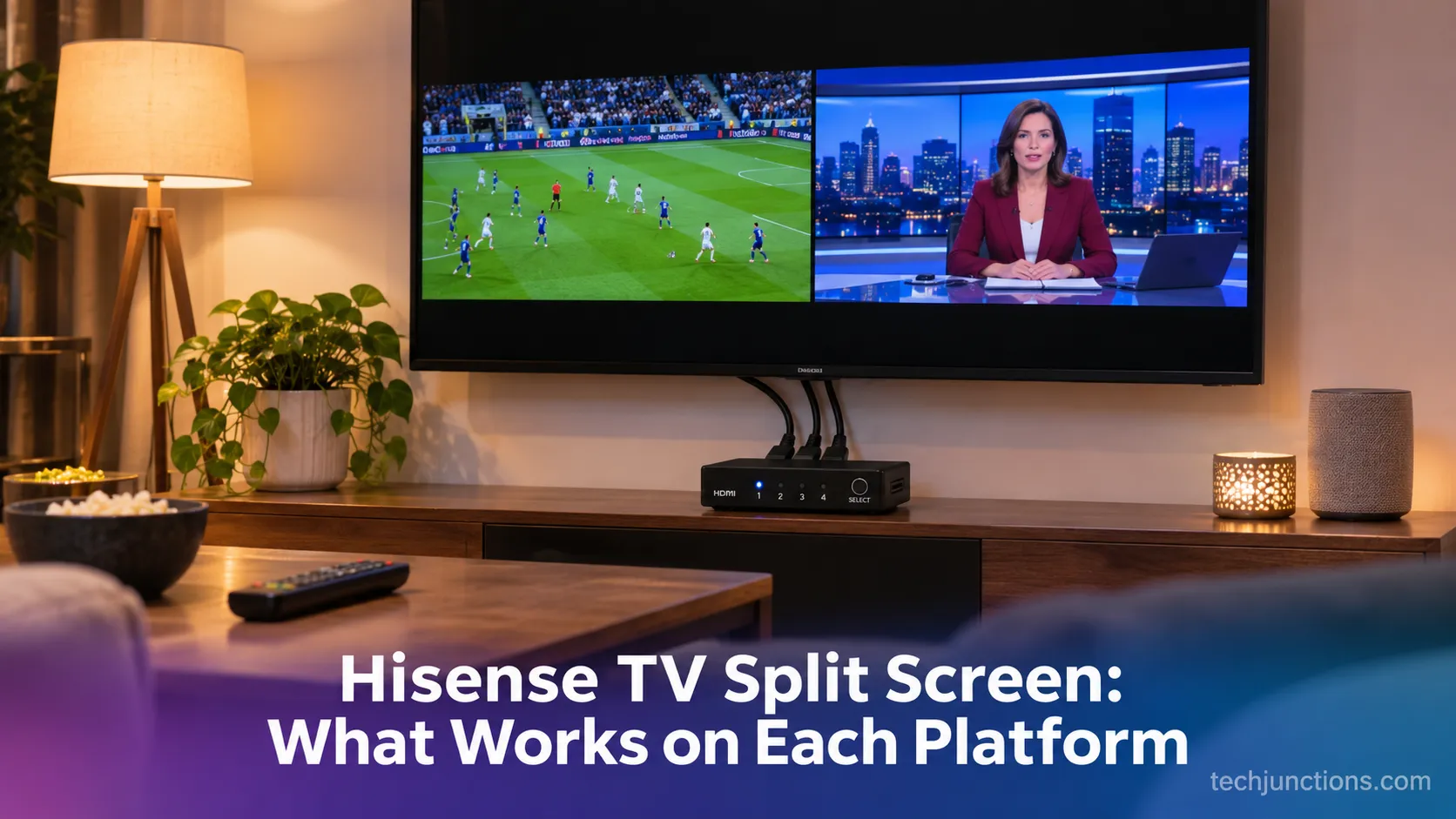 Settings & Features
Hisense TV Split Screen: What Works on Each Platform
Hisense TV split screen, answered by platform: what Google TV, Roku TV and VIDAA models can do, how app multiview works, and the HDMI box for two sources.Aman Singh Setup & Installation
How to Use an Insignia TV Remote (Fire TV, Roku or Basic)
How to use an Insignia TV remote: tell Fire TV, Roku and basic remotes apart, pair a voice remote, learn each button and set up a replacement.Aman Singh Troubleshooting & Repair
Hisense TV No Signal? Find Your Fix by What's Plugged In
Hisense TV no signal? Pick the right input first, then run the checks for your HDMI device, antenna or cable box, and stop the TV starting on an empty input.Aman Singh Setup & Installation
How to Sync Firestick Remote to Samsung TV (and Vice Versa)
How to sync Firestick remote to Samsung TV: pair it with the stick, turn on Anynet+, add the TV in Equipment Control, or let the Samsung remote run the stick.Aman Singh

Ask the writer
Want Aman to cover something?
Reader requests decide which guides get written first. Tell us your TV, its model and what you want covered.